5-34 BA E14 track en* 1.3 * E14t_13_510.fm
5 Operation
Machine damage due to a vehicle tipping over if the weight in the load
diagram is exceeded.
► Do not exceed the weights indicated in the load diagrams.
Safe load indicator
The safe load indicator alerts the operator visually and acoustically if the
load on the boom is too high.
There are two versions:
• Safe load indicator basic (standard)/advanced (option)
The push button for activating and deactivating the safe load indicator is
located on the switch panel.
Functional check of safe load indicator
Always perform a functional check of the safe load indicator before
performing lifting gear applications.
1. Start the vehicle.
2. Perform vehicle travel on open terrain.
3. Secure the danger zone.
4. Stop the vehicle.
5. Switch on the safe load indicator.
6. Raise the boom as far as it will go and hold the control lever in this position.
Position basic advanced
Boom Hose burst valve Hose burst valve
Shovel arm Hose burst valve Hose burst valve
Stabilizer blade Hose burst valve Counterbalance valve
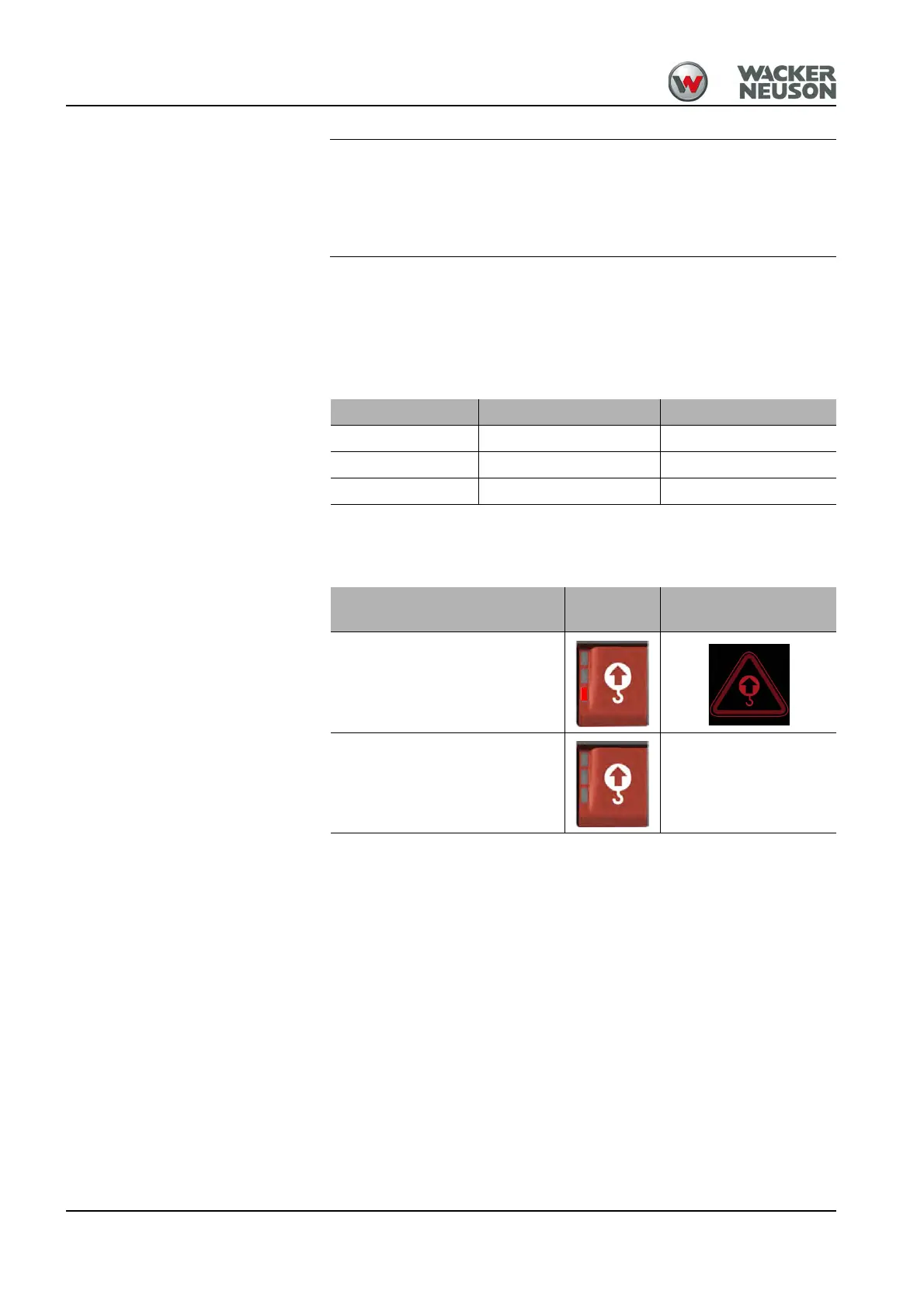
Safe load indicator
Push but-
ton
Indication
On
OFF No symbol











 To Next Page