7-66 BA E14 track en* 1.3 * E14t_13_710.fm
7 Maintenance
Automatic regeneration mode
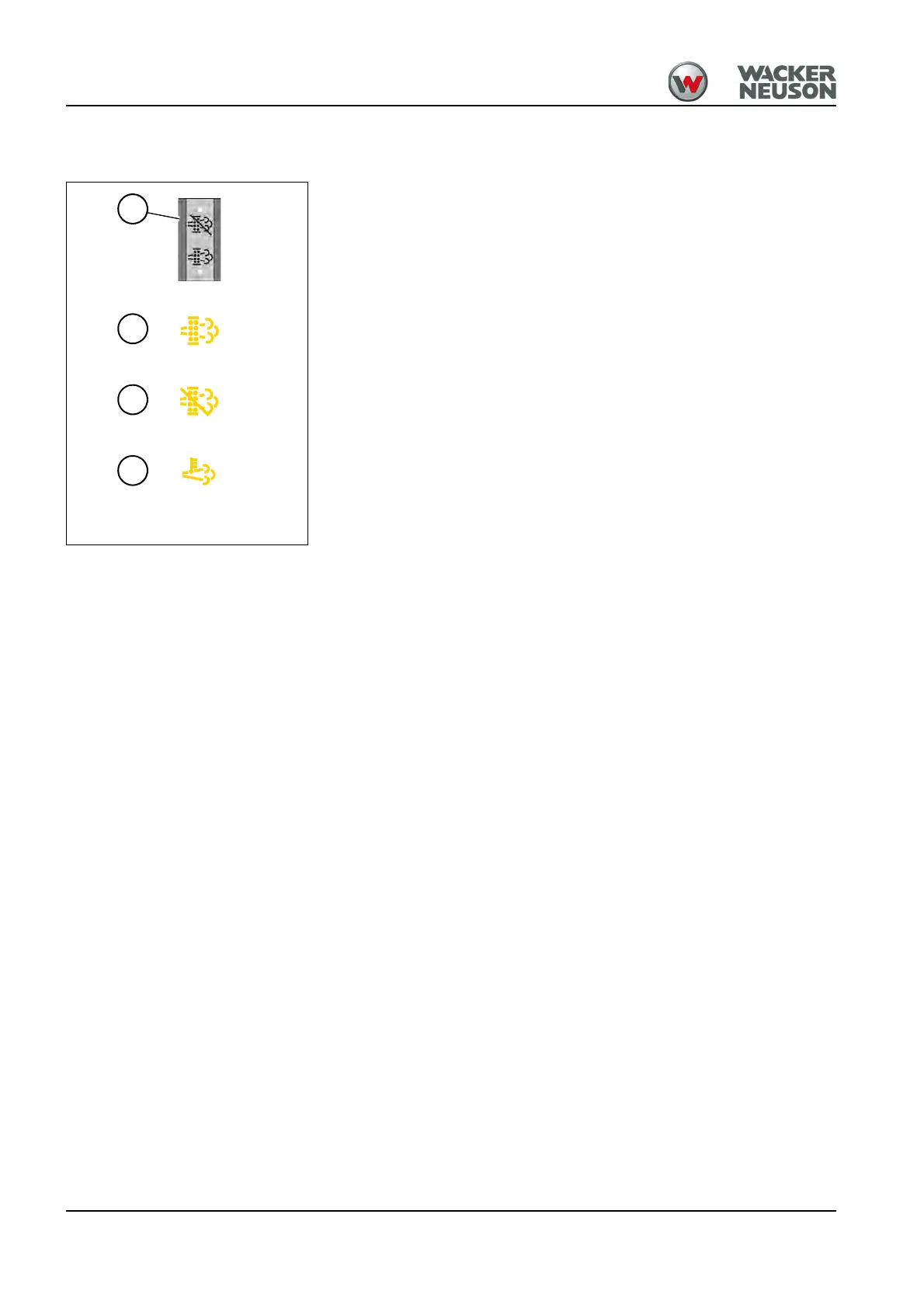
Indicator lights D and F illuminate during regeneration.
Disabling the automatic regeneration mode (ET65/404F-22T only):
Press and hold the push button at least 3 seconds in position 1.
➥ Indicator light E illuminates.
To re-enable the automatic regeneration mode:
Press and hold the push button at least 3 seconds in position 1.
➥ Indicator light E does not illuminate.
To interrupt automatic regeneration:
Press and hold the push button at least 3 seconds in position 1.
➥ Indicator light E illuminates.











 To Next Page