BA E14 track en* 1.3 * E14t_13_400.fm 4-21
Putting into operation 4
Reversing camera (option)
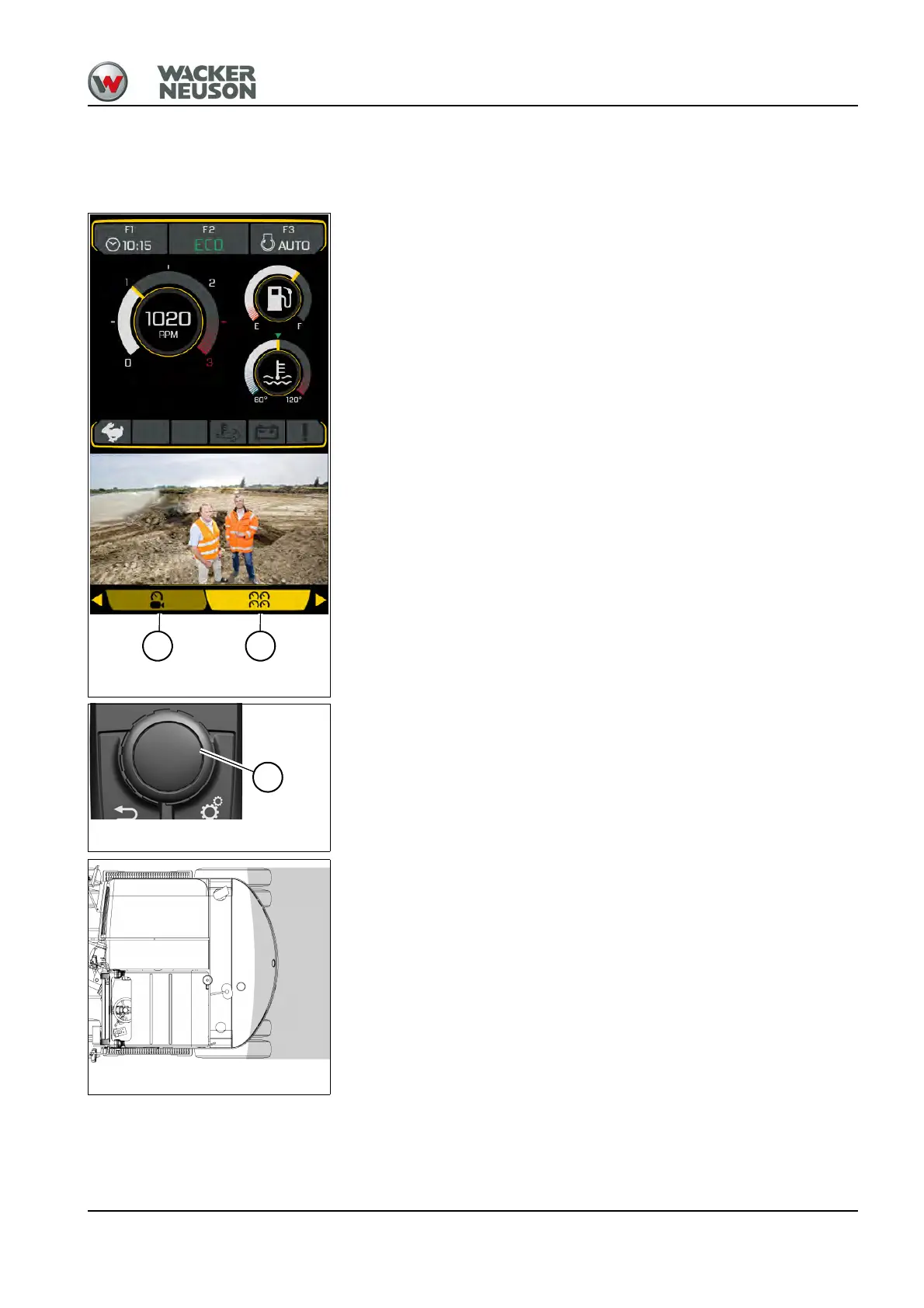
The reversing camera is located on top of the engine cover. It allows the
operator to see the area behind the vehicle.
Toggling between camera view (1) and status display (2):
1. Press control button A.
2. Turn control button A to select menu item camera view or status display.
3. Press control button A.
Adjusting the camera – rear visual range
• Ensure sufficient visibility from the operator seat onto the job site.
• The immediate area at the rear of the vehicle and the outside left and
right sides of the stabilizer blade must be visible.
Fig. 110 (symbolic representation)
1 2











 To Next Page