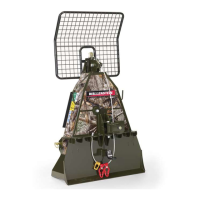
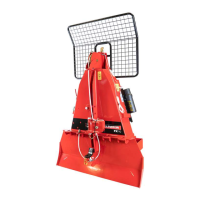
FX85, FX110, FX140
Skidding Winch
Controls
23
5.11.1 Hand-held Transmitter
CAUTION!
• Never leave a transmitter unattended.
• Always switch the transmitter off when not in
use. Store in a safe place.
• Keep a clear view of the work area at all
times.
W054
IMPORTANT! Do not recharge the batteries. Attempting to
recharge the batteries can cause the batteries to rupture or
hazardous liquids to leak, and can damage the machine.
IMPORTANT! Use the On or Off button to start or stop the
hand-held transmitter. Do not use the I/O switch.
Each hand-held transmitter is programmed with a unique
code. The receiver is programmed to respond only to the
transmitter that it is paired with. Therefore, multiple radio-
controlled systems can work in close proximity without causing
interference.
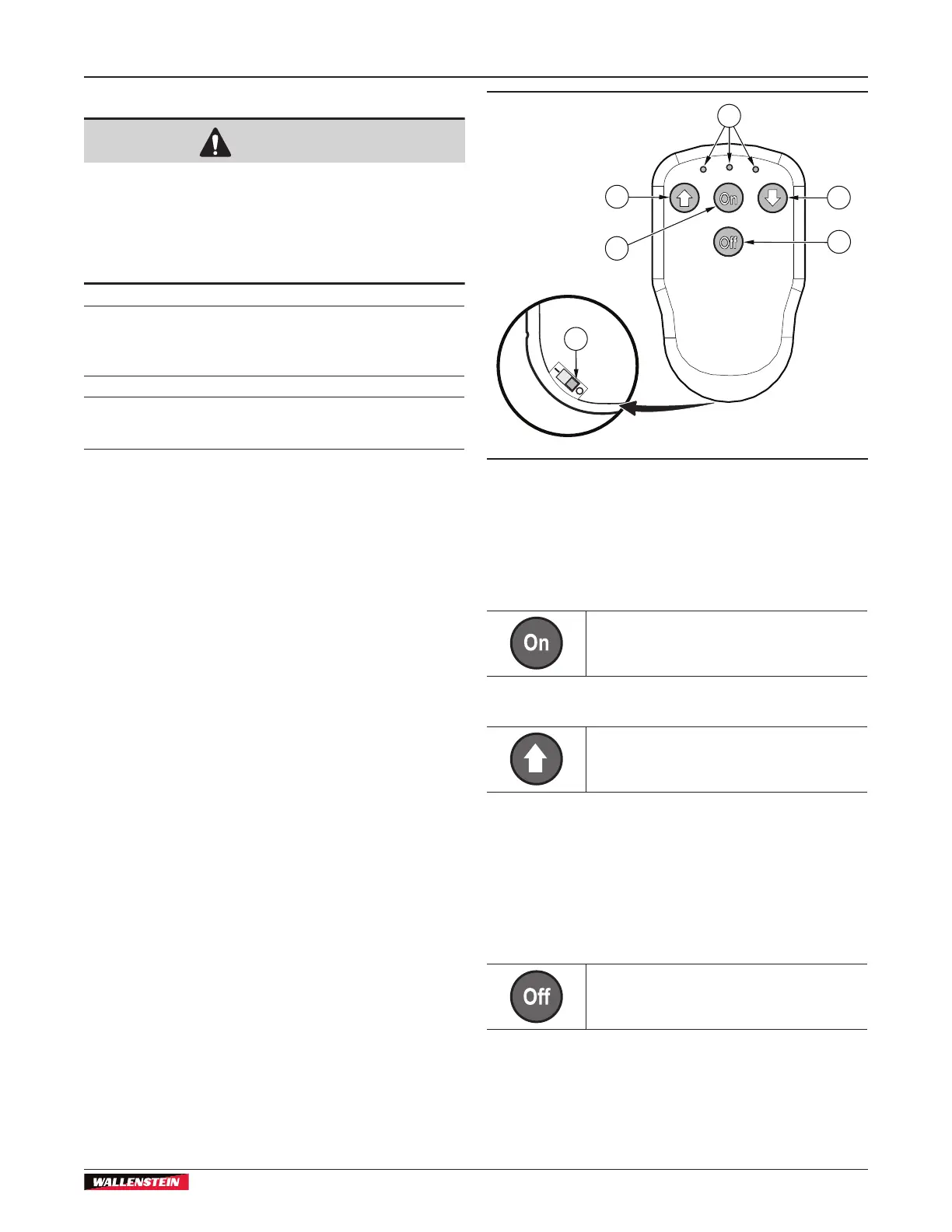
There are three LED indicator lights on the hand-held transmitter.
The green light in the centre flashes to indicate that there is
communication between the hand-held transmitter and the
receiver. The red lights flash to indicate that there is a low
battery or a system error.
The hand-held transmitter has two replaceable 1.5 V, AAA
non-rechargeable alkaline batteries. The battery cover is on the
rear of the hand-held transmitter.
Change the hand-held transmitter batteries:
1. Move the I/O switch to the O position.
2. Remove the rear battery cover.
3. Remove the batteries.
4. Install new batteries.
5. Install the rear battery cover.
6. Move the I/O switch to the I position
02191
2
1
6
3
4
5
Figure 19 – Hand-held Transmitter
1. Up arrow (clutch engage
button)
2. Indicator lights
3. (not used)
4. Off button
5. I/O switch
6. On button
On Button
Push to turn the hand-held transmitter on.
Up Arrow (Clutch Engage) Button
Push and hold to start the machine and
wind the cable or winch rope. The machine
stops when you release the button.
Indicator Lights
The indicator lights communicate the system status. The centre
light illuminates green during normal operation. When 10% of
battery life remains, the light changes to red. The left and right
side lights are red and illuminate to indicate a system error.
Off Button
Push to turn the transmitter off.


 To Next Page