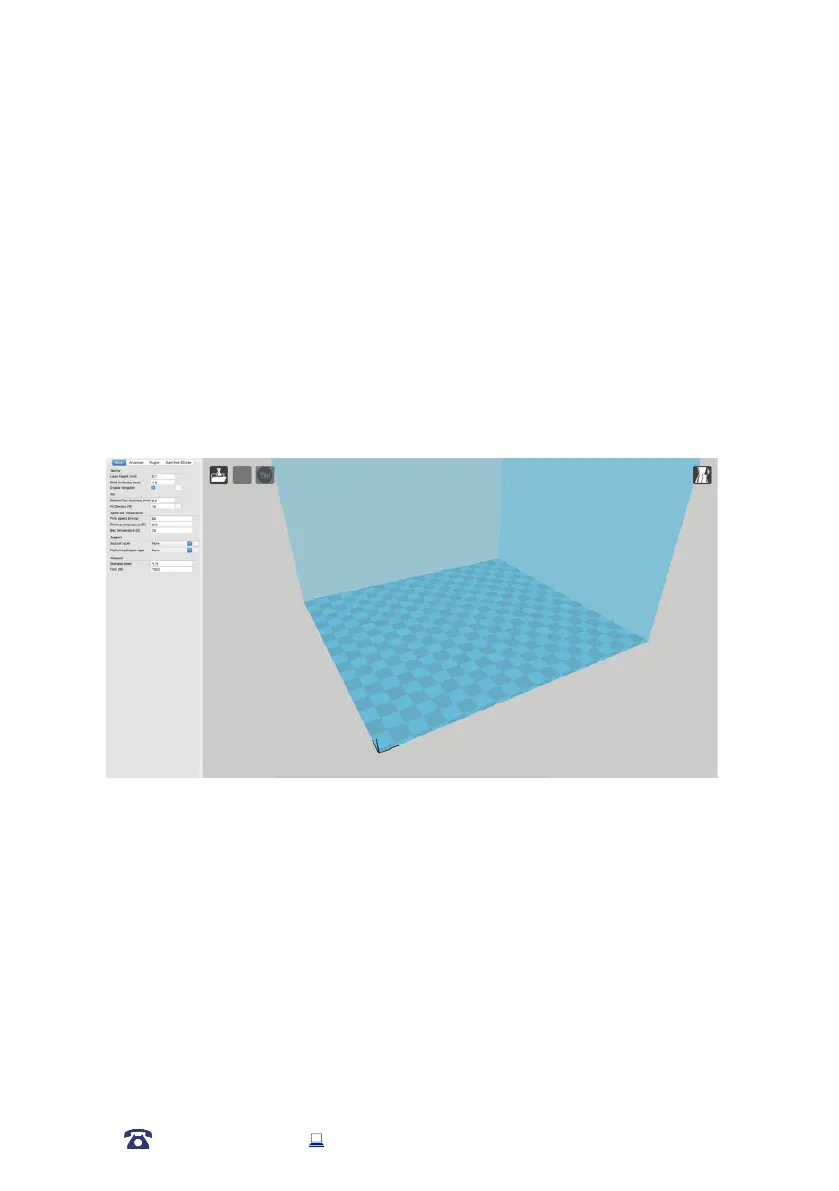
Using Cura
6. Creating a GCODE File using Cura
A GCODE le provides the essential temperature settings and movement information for your
WANHAO 3D Printer. A number of ‘Slicer’ software exists, which convert a 3D model le into
a series of 3D printable layers. Cura is a free Open Source slicer software released on the AGPLv3
license. It’s available on MacOS X and Windows.
6.1 Installing Cura
1. Install the le located on your included MicroSD card or download Cura from
http://www.wanhao3dprinter.com/Down load Software/Duplicator i3
2. Select a destination folder for the install, then press ‘Next’
3.
Select the components to install, then press ‘Install’
4.
Once complete, press ‘Finish’
5. Refer to your computer manual for further instructions on the above steps if required
31
AFTER SALES SUPPORT
86-571-23290996
support@wanhao3dprinter.com
Model : Duplicator 9














 To Next Page