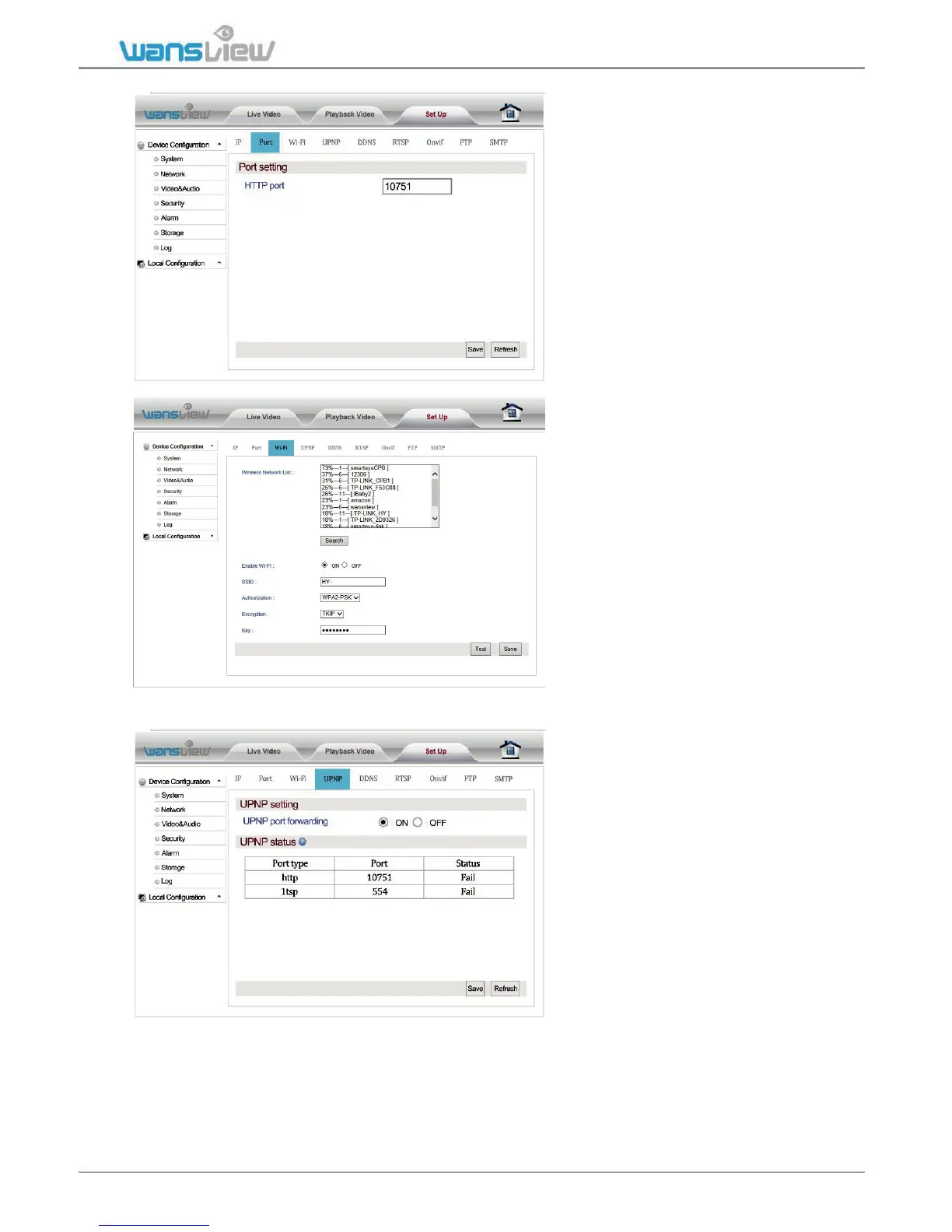
Network > Port setting
At "Port Setting", the user can
change web access port (http
port). Port setting range:
80-65535. Pay attention not to
conflict with other port values.
Network > Wi-Fi setting
At "Wi-Fi Set Up", click "Search"
and start up "Wi-Fi". Choose the
wireless router to be connected.
Input the password to connect to
the router. Click “Save” to
complete Wi-Fi Configuration.
After completing the configuration,
click Test to confirm whether it is
connected to the wireless router.
Network > UPNP setting
If the user wants to view the
camera through the internet, the
router and camera UPNP port
forwarding function need to be
turned on.
Before auto port mapping, please
ensure your router supports UPNP
and has been enabled.



 To Next Page