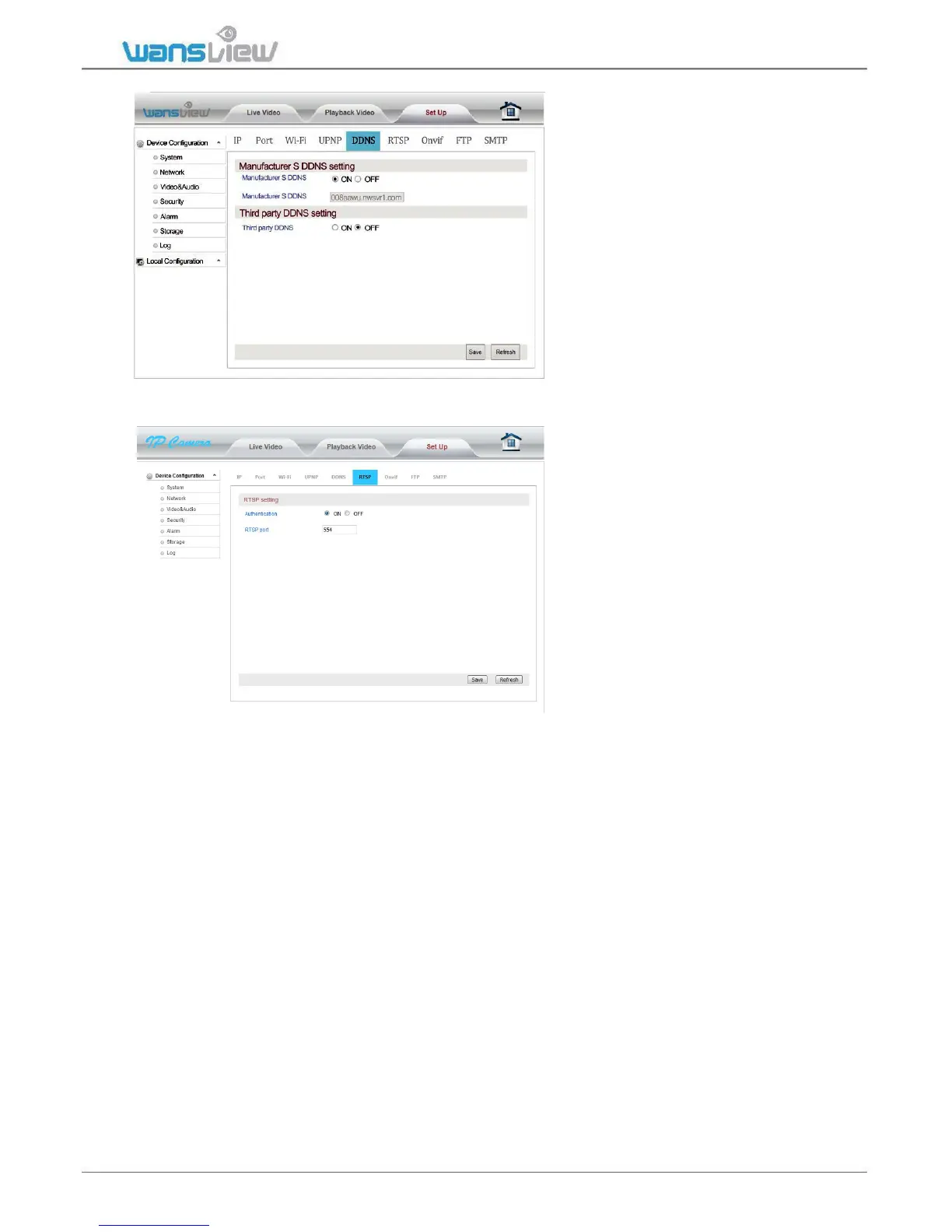
Network > DDNS setting
The user can access the camera via
DDNS domain name provided by
the manufacturer for free or a third
party domain name. Port mapping is
required while using domain name
to access. The third party domain
name supports
3322.org/dyndns.org/No-iP.com.
Network > RTSP setting
The user can set the RTSP port
after entering RTSP Setting bar. In
addition, the RTSP Authentication
function can be closed. Default
value of RTSP port is: 554
Selection range: 554-65535
Some general RTSP streaming
media software can be adopted to
access video on the device, such as
VLC. Access links are as shown
below:
The first bit stream: rtsp://user: password @IP:rtsp port /live/ch0
The second bit stream: rtsp://user: password @IP:rtsp port /live/ ch1
The third bit stream: rtsp://user: password @IP:rtsp port /live/ ch2



 To Next Page