www.wansview.com
23
3.3 Playback Video
3.4 Set Up
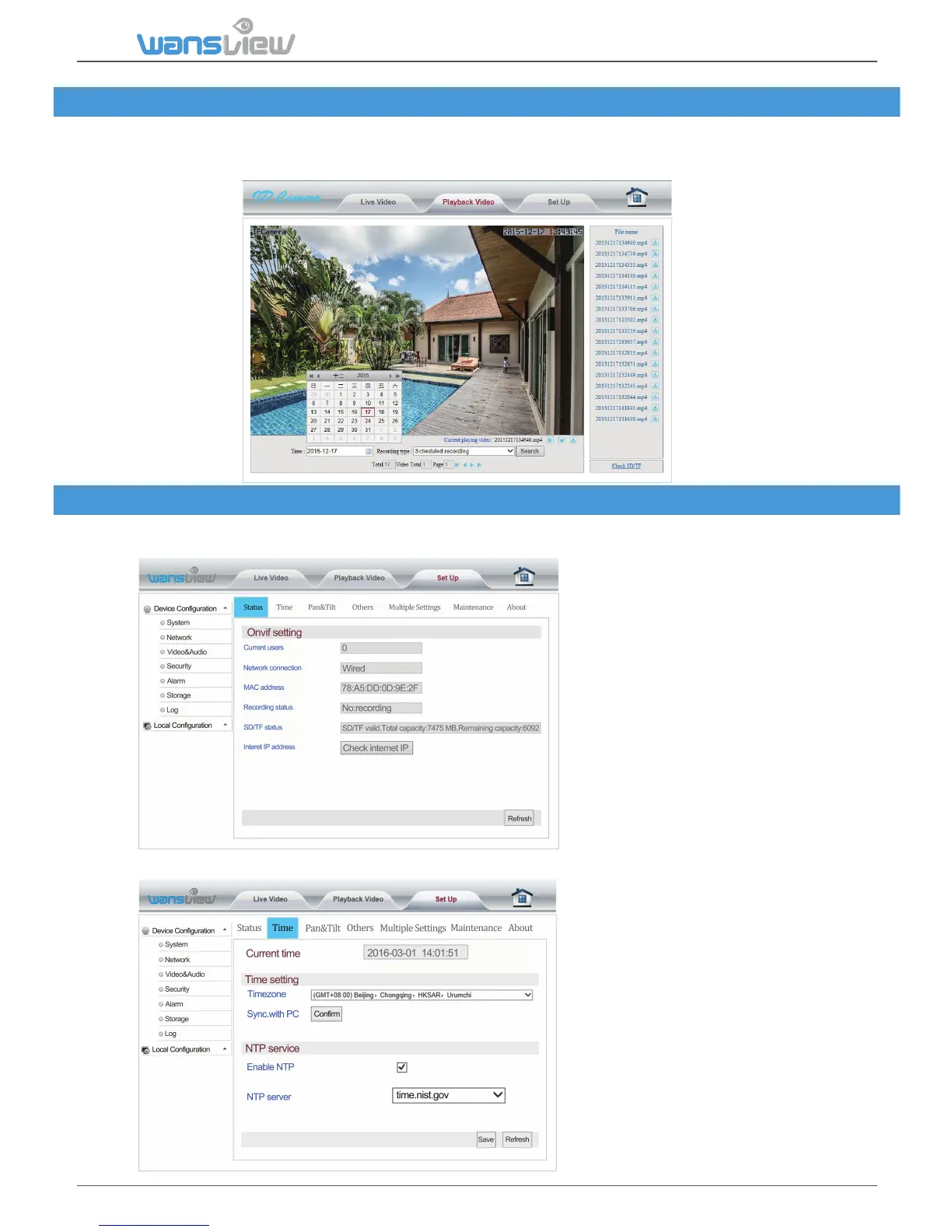
Click "Playback Video" to enter the SD card video file playback page. Click the video date to inquire.
Click "Search" to list the video files of the selected day. Click listed files to play back. Download files
on PC with the download buon.
3.4.1 System
System > Status
System > Time Seng
Data about the current Camera Status
Users can choose to sync me to
the PC or to a NTP server.



 To Next Page