www.wansview.com
34
3.4.6 Storage
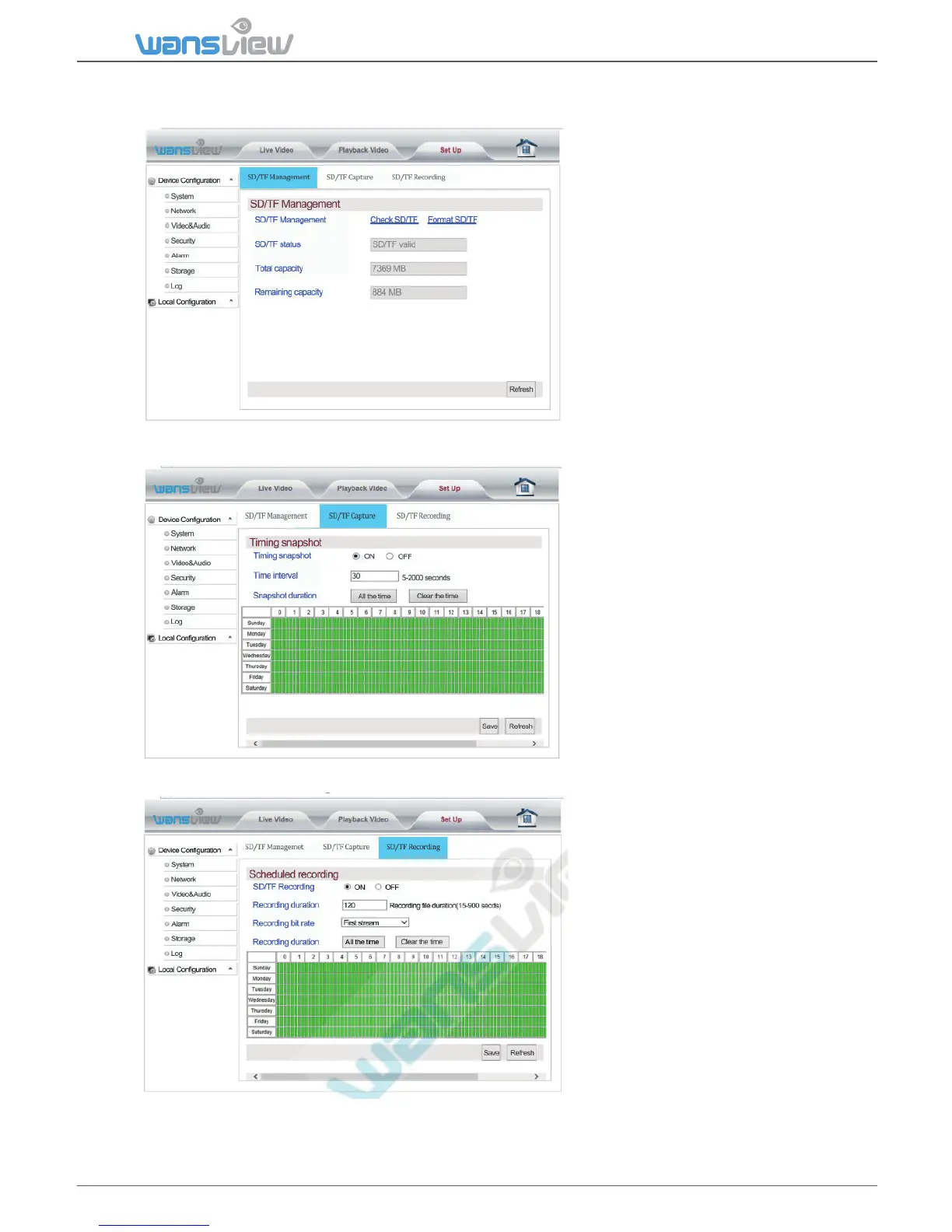
SD Card Management
Storage > SD card Capture (Timed Snapshots)
Storage > SD Card Scheduled Recording
Schedule recording and store
them on SD card. Set the me
span of each recording.
Choose the resoluon/bit rate.
Reminder: The system default is
automac overwring for the SD
card video. If the storage space is
full, the new video will
automacally overwrite the
earliest video file.
If the card is not readable, please
kindly Format the SD card.
Take Timed snapshots and save
them on the SD card



 To Next Page