www.wansview.com
48
6.2 Operaonal Requirements
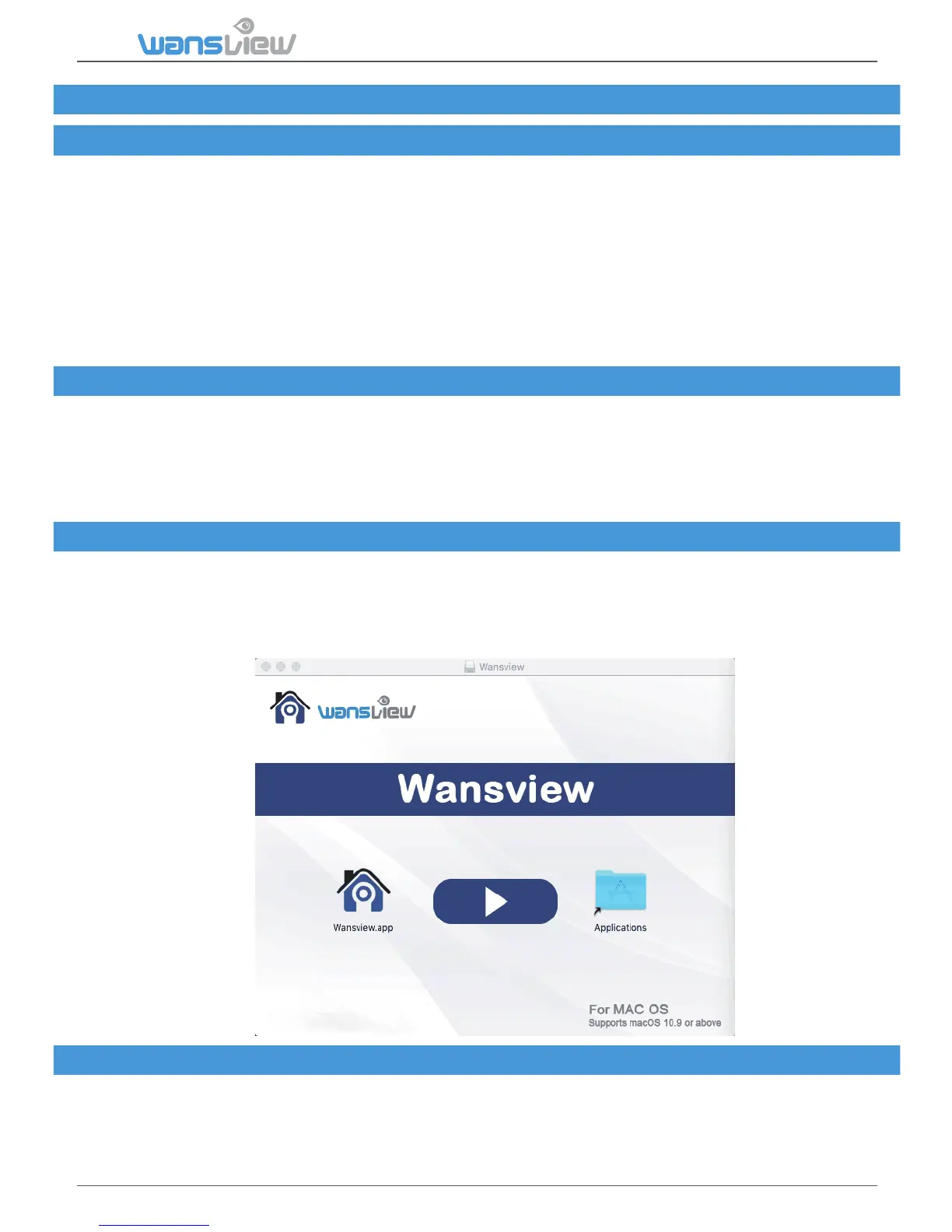
6.3 Wansview Installaon
6.4 Wansview Operaon
6. Mac Soware Access
6.1 About wansview
wansview is an IP centralized monitoring soware provided by the SmartCloud IP Camera
centralized monitoring soware manufacturer. It supports monitoring, intercom, video recording,
alarm detecon and other funcons on IP cameras in a LAN and internet environment.
wansview supports the Mac OS operang system.
Features of wansview:
● Supports SmartP2P smart cloud plaorm camera;
● Supports mulnaonal language switching;
● Supports local video;
● Supports local video playback;
● Supports image sengs;
For stable operaon of wansview, the following minimum system parameters are suggested:
CPU: Dual-core CPU
Internal storage: Over 4G
Hard disk: Over 500G
Operang system: Mac OS*10.9 or above
Screen resoluon: ≥1024*768
Access wansview installaon soware:
You can download the soware from official website of our company
www.wansview.com/service
Double click to open the dmg file. Drag wansviewto copy it to the computer according to the
direcon of the arrow.
Please refer to Chapter 5



 To Next Page