Data Format Enter/Exit Programming Mode
Product Reference Guide
63
Advanced Formatting: User Label Edit
Advanced formatting is available to create user label edit scripts. Contact Technical Support for
more information.
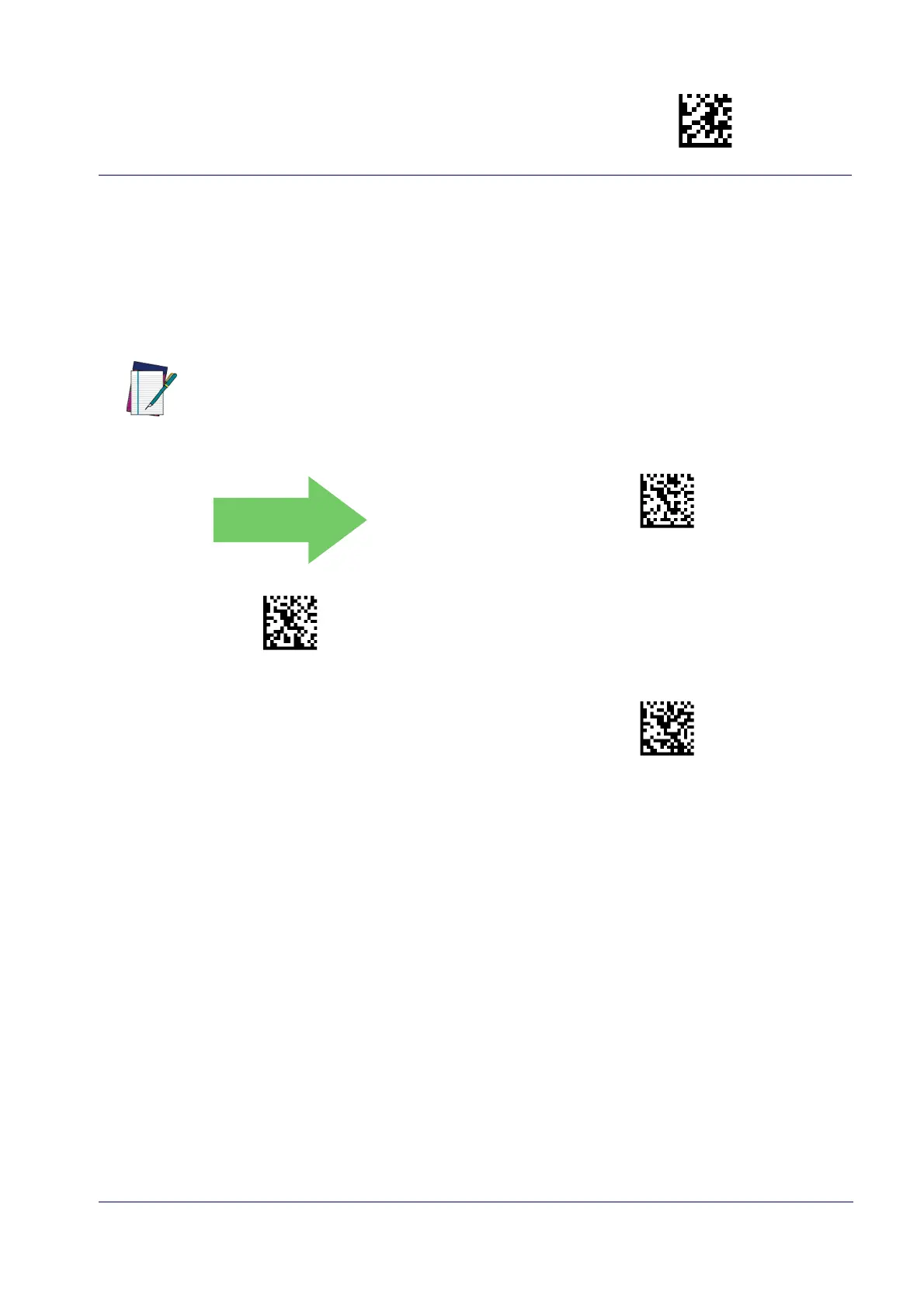
Case Conversion
This feature allows conversion of the case of all alphabetic characters to upper or lower case.
NOTE
DEFAULT
Case Conversion = Disable (no case conversion)
Case Conversion = Convert to upper case
Case Conversion = Convert to lower case
Case conversion affects ONLY scanned bar code data, and does not affect Label ID, Prefix,
Suffix, or other appended data.



 To Next Page