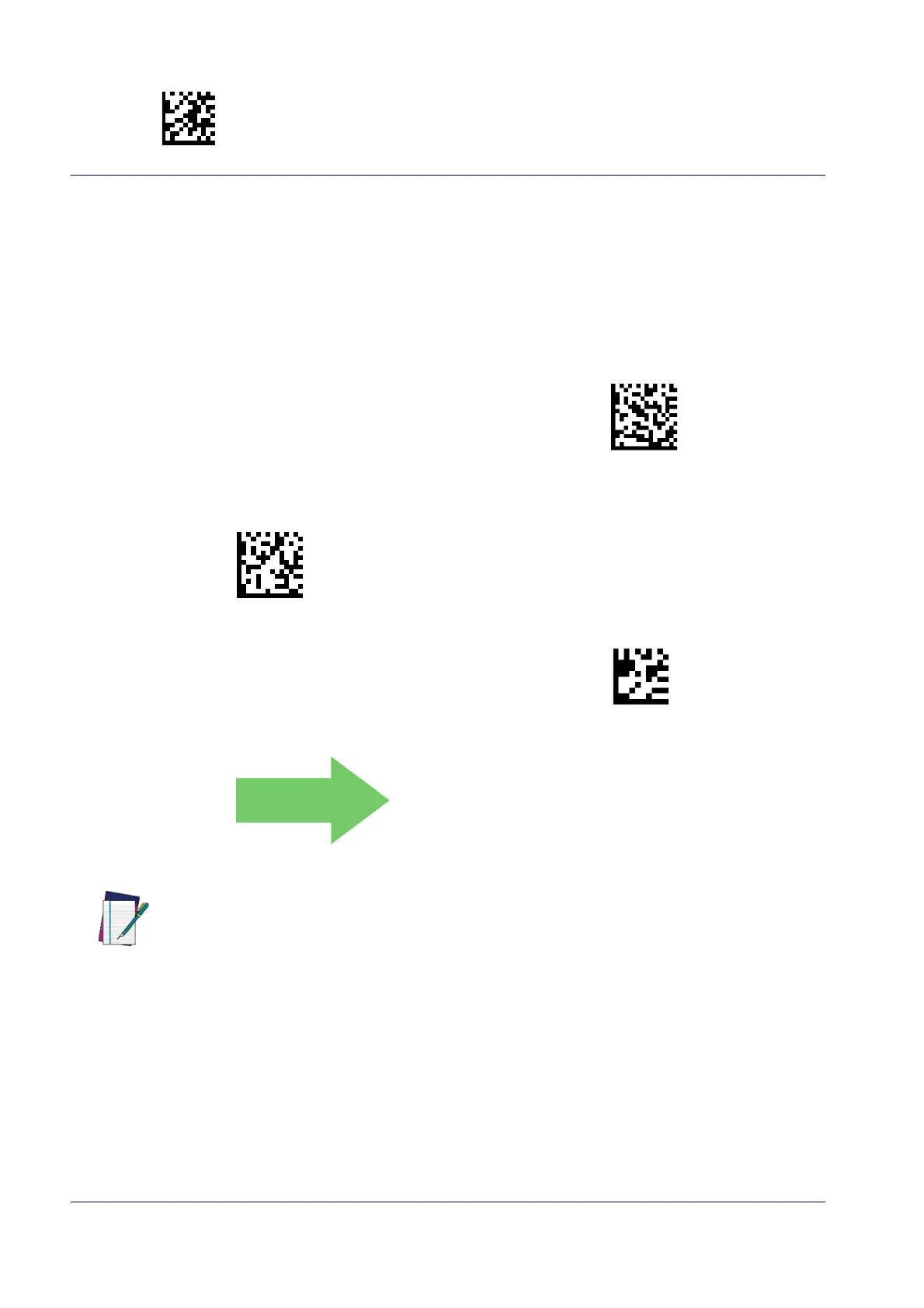
Enter/Exit Programming Mode LED and Beeper Indicators
72 Wasp WWS650
Good Read LED Duration
This feature specifies the amount of time that the Good Read LED remains on following a good
read. The good read LED on time can be set within a range of 100 milliseconds to 25,500 milli-
seconds (0.1 to 25.5 seconds) in
100ms increments. A setting of 00 keeps the LED on until the
next trigger pull.
See page 255 in “References” for detailed instructions and examples for setting this feature.
Good Read LED Duration Setting =
Keep LED on until next trigger pull
Select Good Read LED Duration Setting
To configure this feature, scan the ENTER/EXIT PRO-
GRAMMING MODE bar code above, then the bar code at
left followe
d by the digits from the Alphanumeric char-
acters in
Appendix D, Keypad
representing your
desired character(s). End by scanning the ENTER/E
XIT
bar code again.
Make a mistake? Scan the CANCEL bar code to abort and
not save
the entry string. You can then start again at the
beginning.
CANCEL
DEFAULT
003 = Good Read LED
stays on for 300 ms.
NOTE
Indicators are dimmed during sleep.


 To Next Page