3-12 Preparing the System
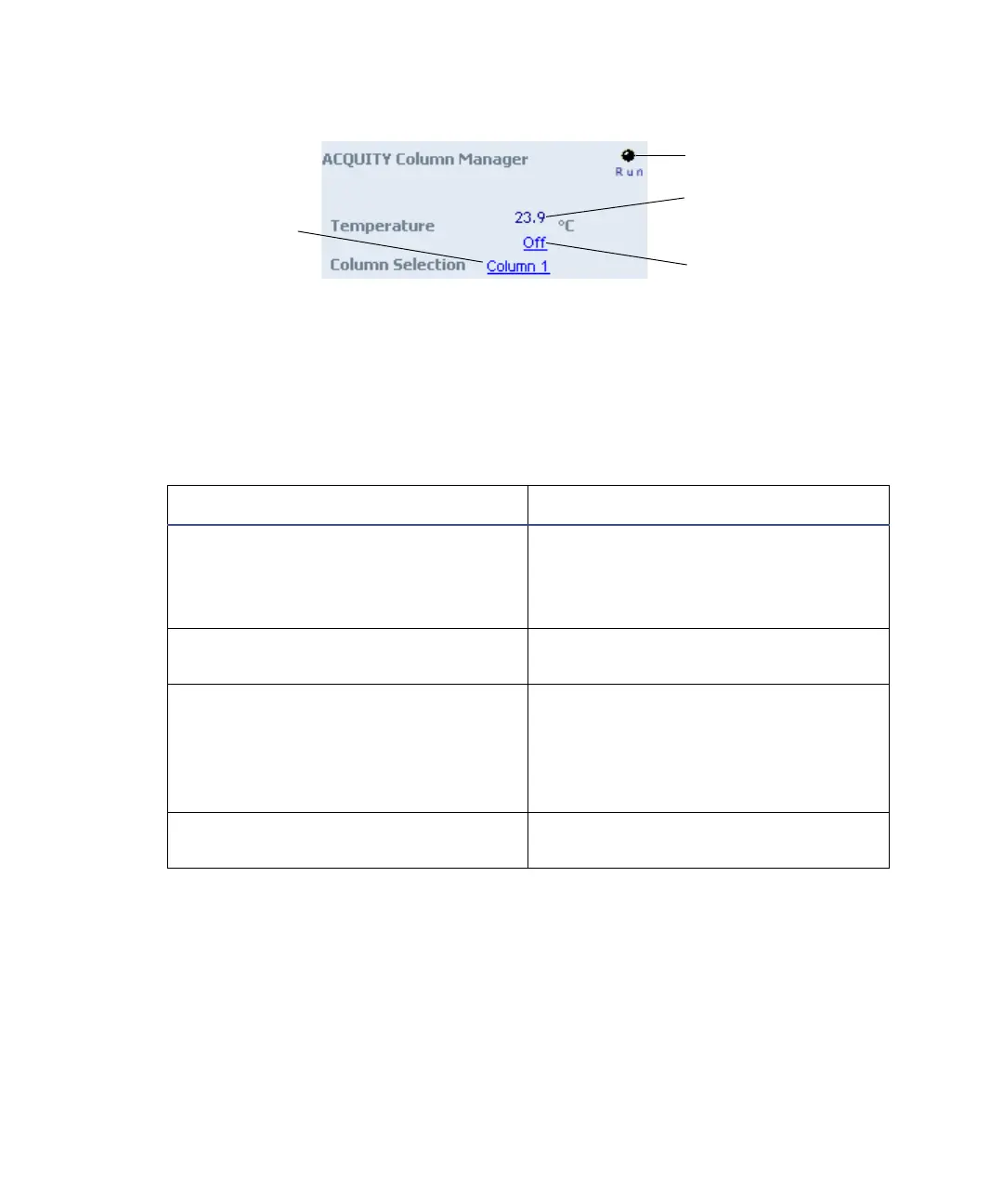
Column manager control panel:
The column manager control panel displays the current column temperature
and set point. You can edit the set point when the system is idle by clicking on
the underlined value. You cannot edit temperature set point and column
selection while the system is running samples.
The following table lists the items in the column manager control panel.
You can access additional functions by right-clicking anywhere in the column
manager control panel.
Column manager control panel items:
Control panel item Description
Run LED Displays the actual run LED on the
front panel of the column manager
unless communications with the
column manager are lost.
Current temperature Displays the current column
compartment temperature.
Temperature set point Displays the current column
temperature set point to 0.1 °C
resolution. When active temperature
control is disabled, this field
displays “Off”.
Column Displays the column that is
currently in use.
Run LED
Current temperature
Temperature set point
Column currently
in use












 To Next Page