ACQUITY control panels 3-11
The following table describes the controls and indicators in the TUV detector’s
control panel.
You can access additional functions described in the table, below, by
right-clicking anywhere in the detector control panel.
Column manager control panel
Where Empower software controls the system, the column manager’s control
panel appears at the bottom of the Run Samples window. If MassLynx
software controls the system, the column manager's control panel appears on
the Additional Status tab of the Inlet Editor window.
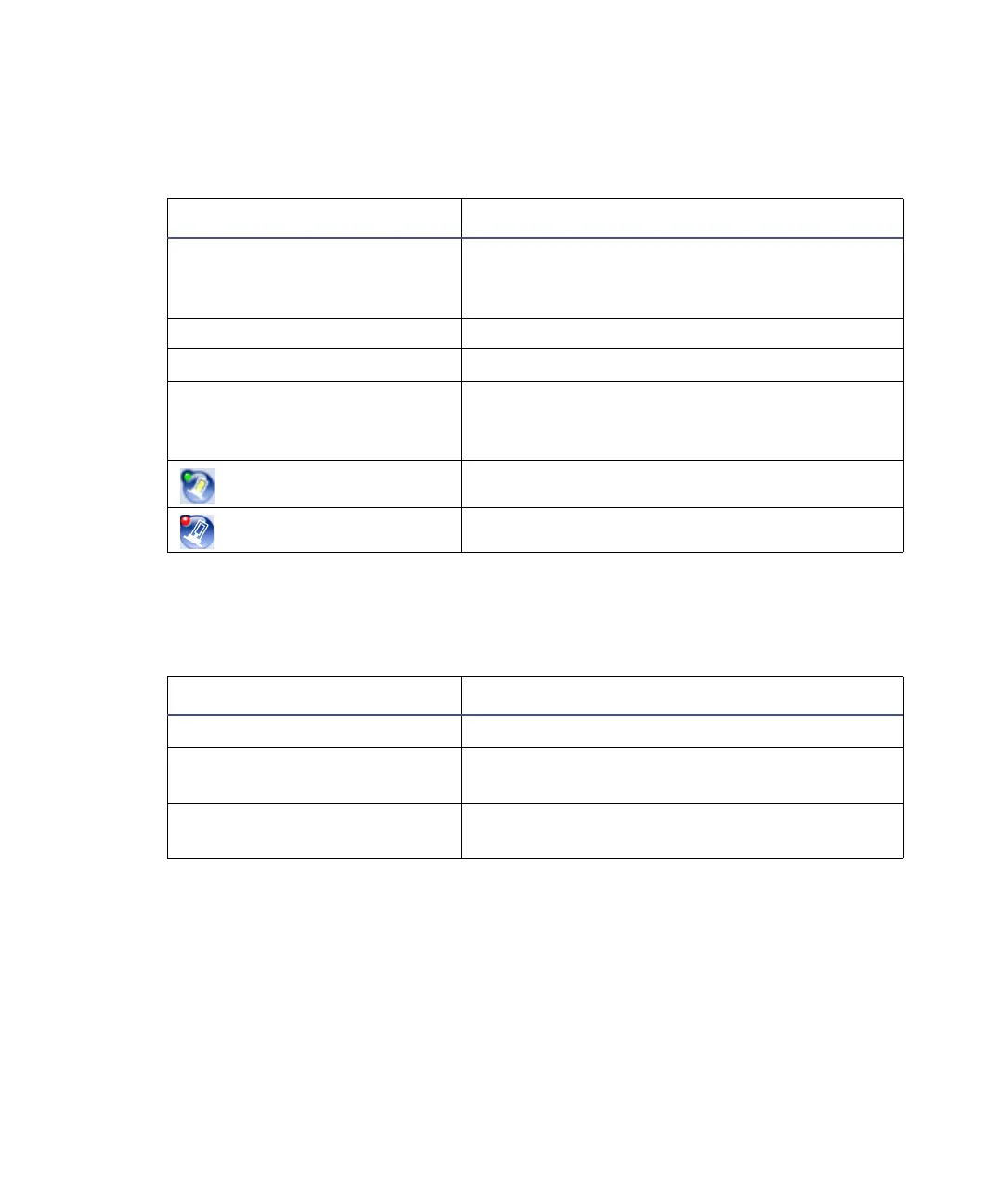
TUV detector control panel items:
Control panel item Description
Lamp On/Off LED Displays the actual lamp on/off LED on the
front panel of the detector unless
communications with the detector are lost.
Status Displays the status of the current operation.
AU Displays the absorbance units.
nm Displays the value of wavelength A, in nm. If
the detector is in dual wavelength mode, the
value of wavelength B also appears.
(Lamp On)
Ignites the detector lamp.
(Lamp Off)
Extinguishes the detector lamp.
Additional functions in the detector control panel:
Control panel function Description
Autozero Resets the absorbance value to 0
Reset TUV Resets the detector, when present, after an
error condition
Help Displays the ACQUITY UPLC Console
online Help












 To Next Page