99V2.0/02.11
Devicesettings(SET)
ENGLISH
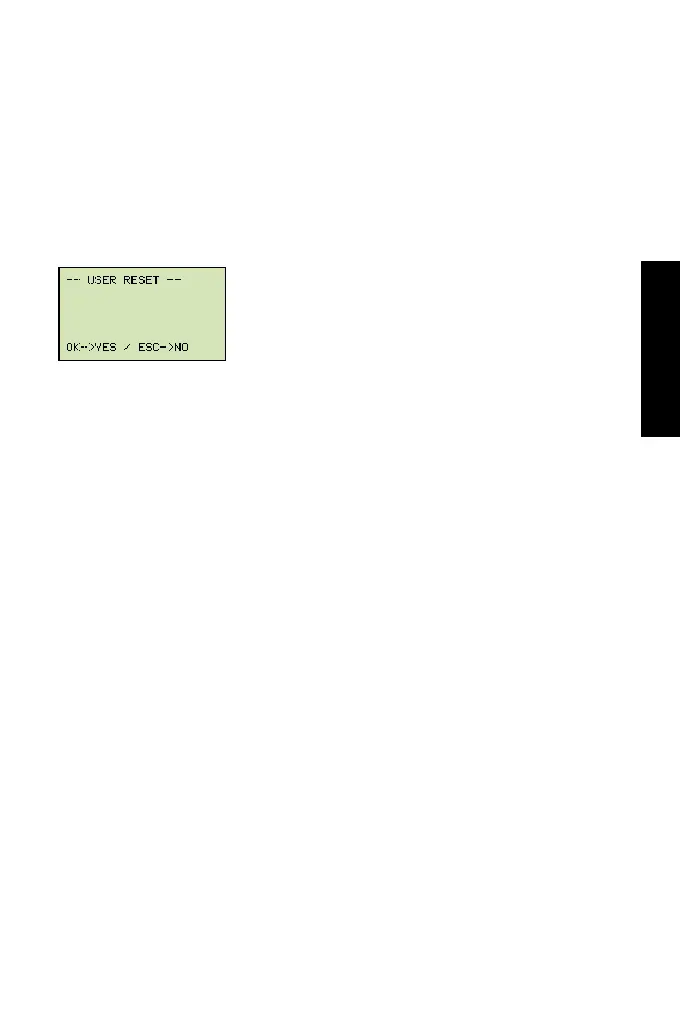
6.8 Factorysetting(USERRESET)
Proceed as follows to restore the measuring instrument to its factory-set
default settings:
1 Turn off the measuring instrument.
2 Press and hold down the MEM-SET key.
3 Press the ON/OFF key.
4 Press OK to conrm USER RESET


 To Next Page