9 10
GB
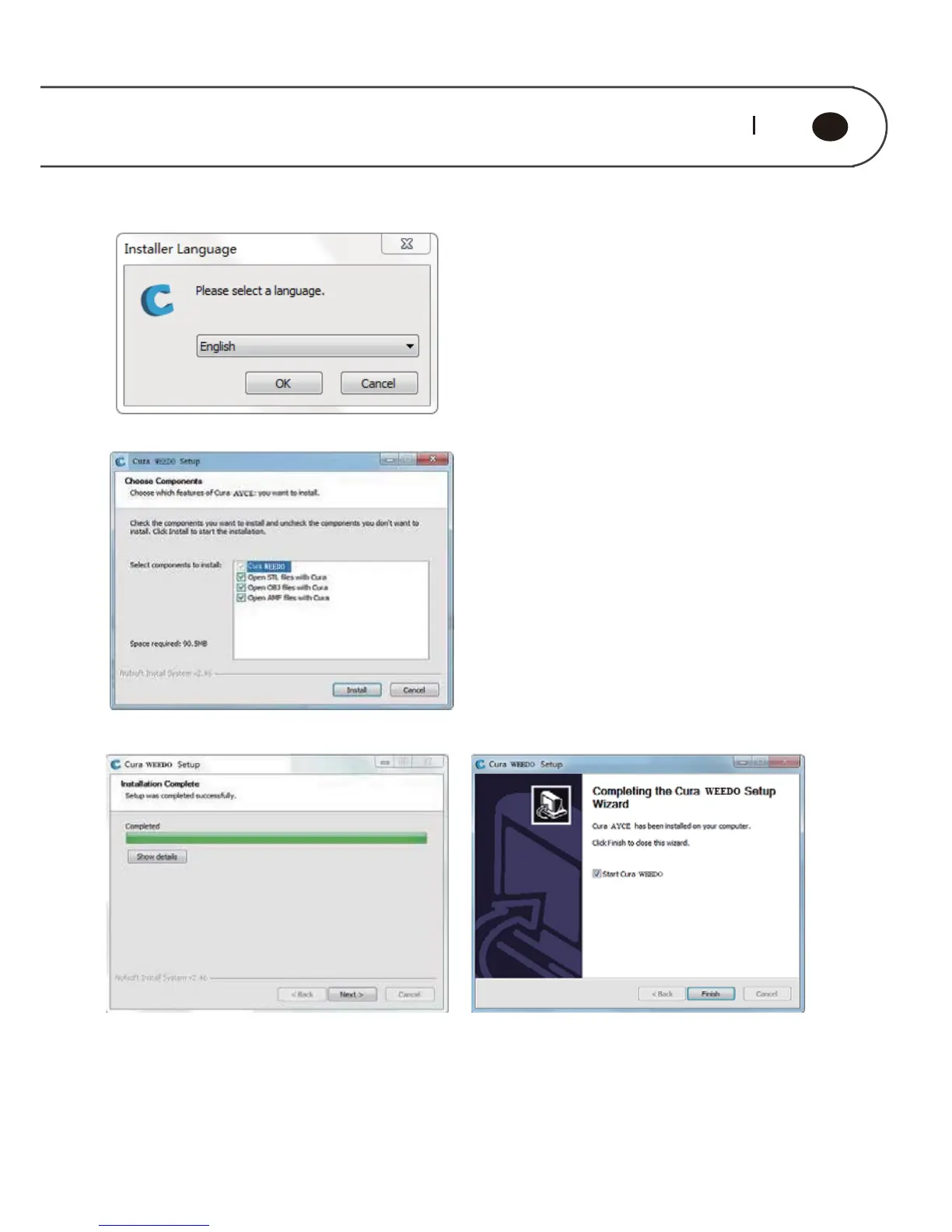
Note: Cura installation path is the root directory of Disc C
When it is first time to use Cura software, go to the guide interface, click “Next”, go
into the computer model selection interface, select WEEDO F152, click “Next”, go to
the ready interface, click “Finish”, the installation is completed.



 To Next Page