13 14
GB
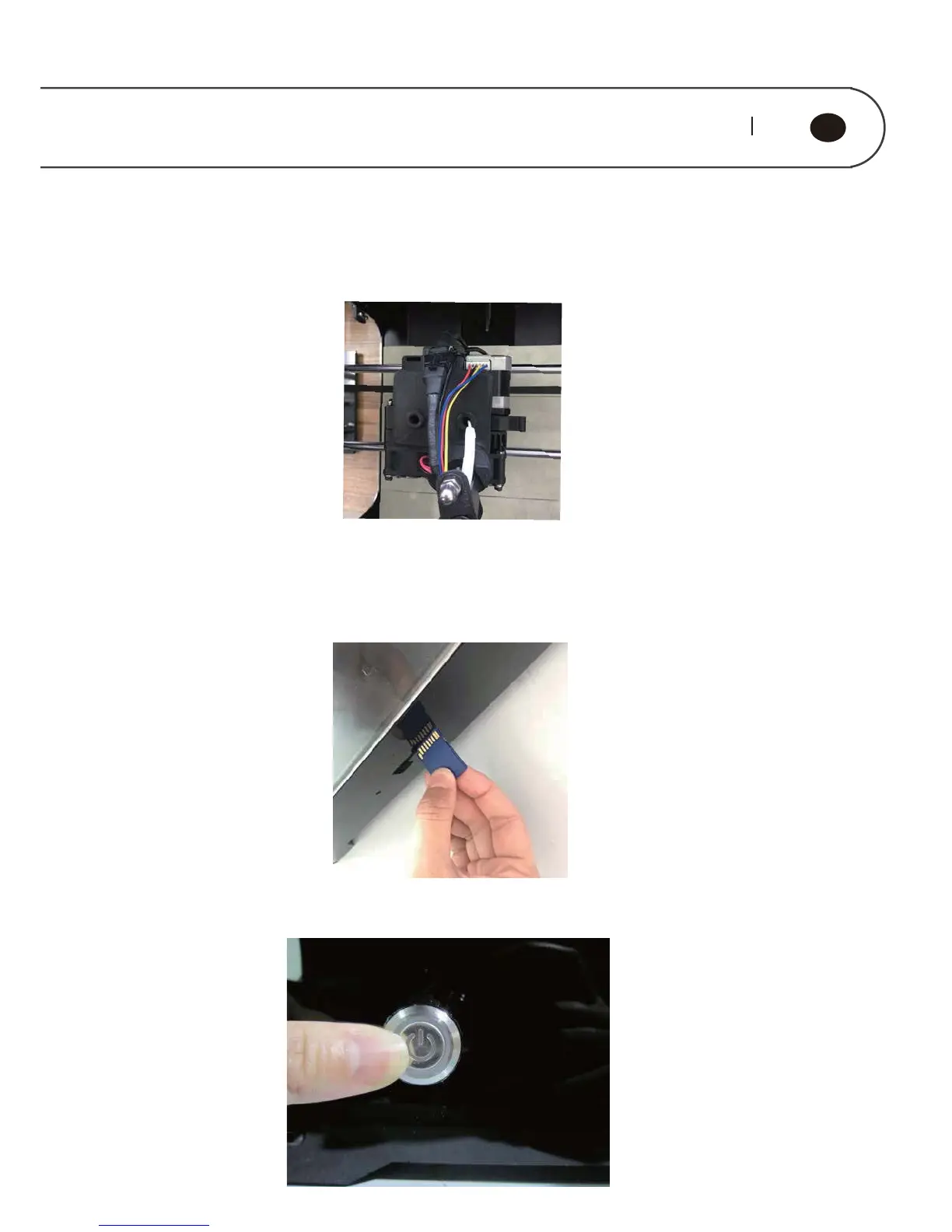
Stuff the excess material filament back to the feeding pipe, and then place the
feeding pipe on the feeding hole.
4.3. Printing Preparation
Take out the SD card (5) presented in accompany with printer, and plug it to the card
slot.
Press down the power button at the rear panel, and start up the printer power
supply.



 To Next Page