31 32
GB
6. Operation Panel Setting
There is SD card slot at the right side of 3D printer, which can directly print the
model file in the SD card.The filament-replacement, debugging and other operation
can be controlled on the touch panel.
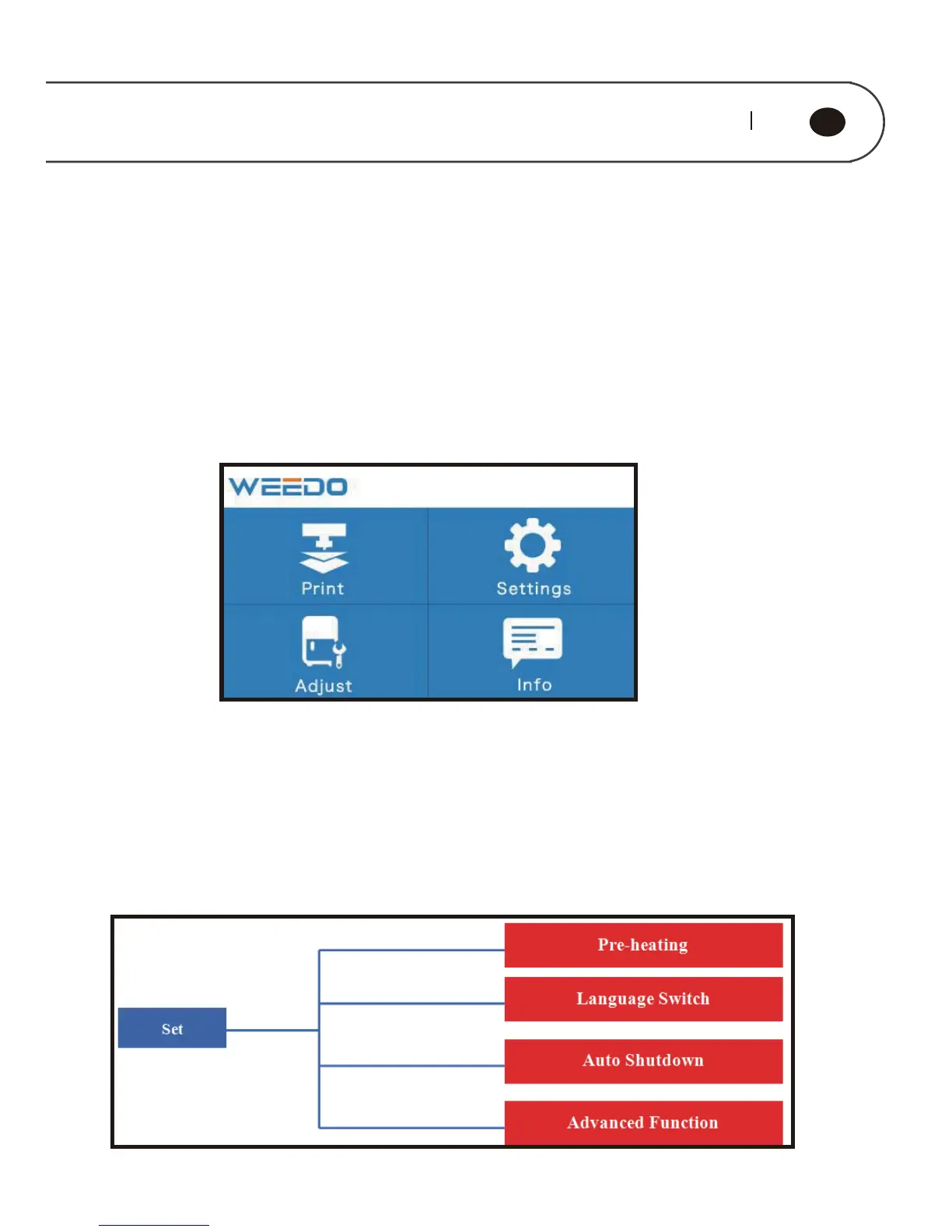
The menu tree of touch screen panel is shown in the figure below, the menu is
divided into three layers, and menu structure may be adjusted for firmware
upgrades.The left-side is the start menu, right side is submenu.Click to enter the
submenu,click the return key on the top left corner to return to the previous menu.
6.1. Operation Panel Introduction



 To Next Page