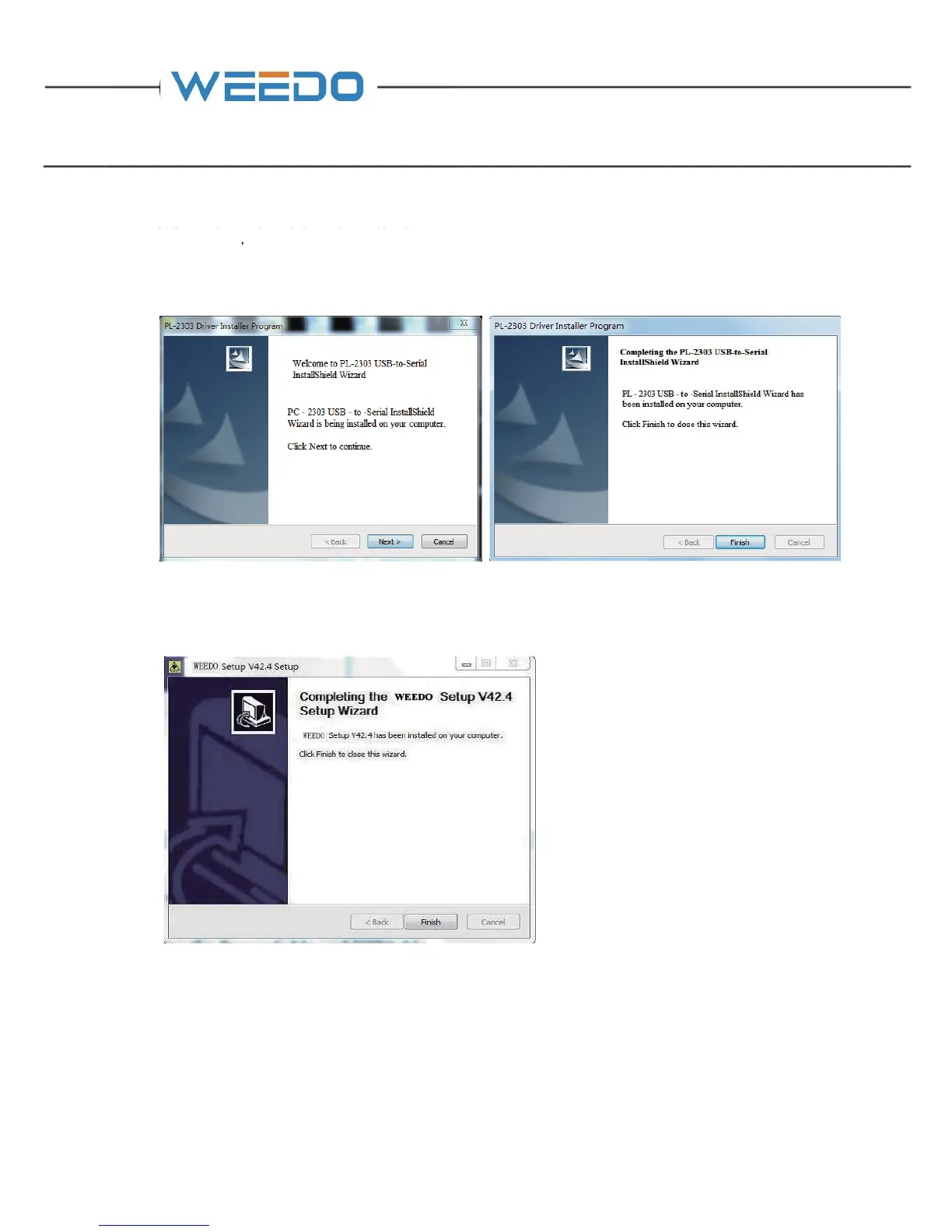
When the print driver installation screen pops up, click "Next" to continue. After the
printer driver installation is complete, click "Finish" to exit.
After the software installation is complete, click "Finish" to exit.
3.3. The Installation of Cura Special Use Version
Run the software installation package from CD (14), Cura-14.07-WEEDO, in the
installation wizard window, click “install”→“Next”→“Finish”. In the window of
selection installation path window, please use the program default route.



 To Next Page