3.INSTALLATION OF PRINTING SOFTWARE
3.1. Install Python
Python is an object-oriented、literal-style computer programming language.
ReplicatorG slicing software (skeinforge) is written in Python language. And so
Python must be installed before installing ReplicatorG software,Otherwise,
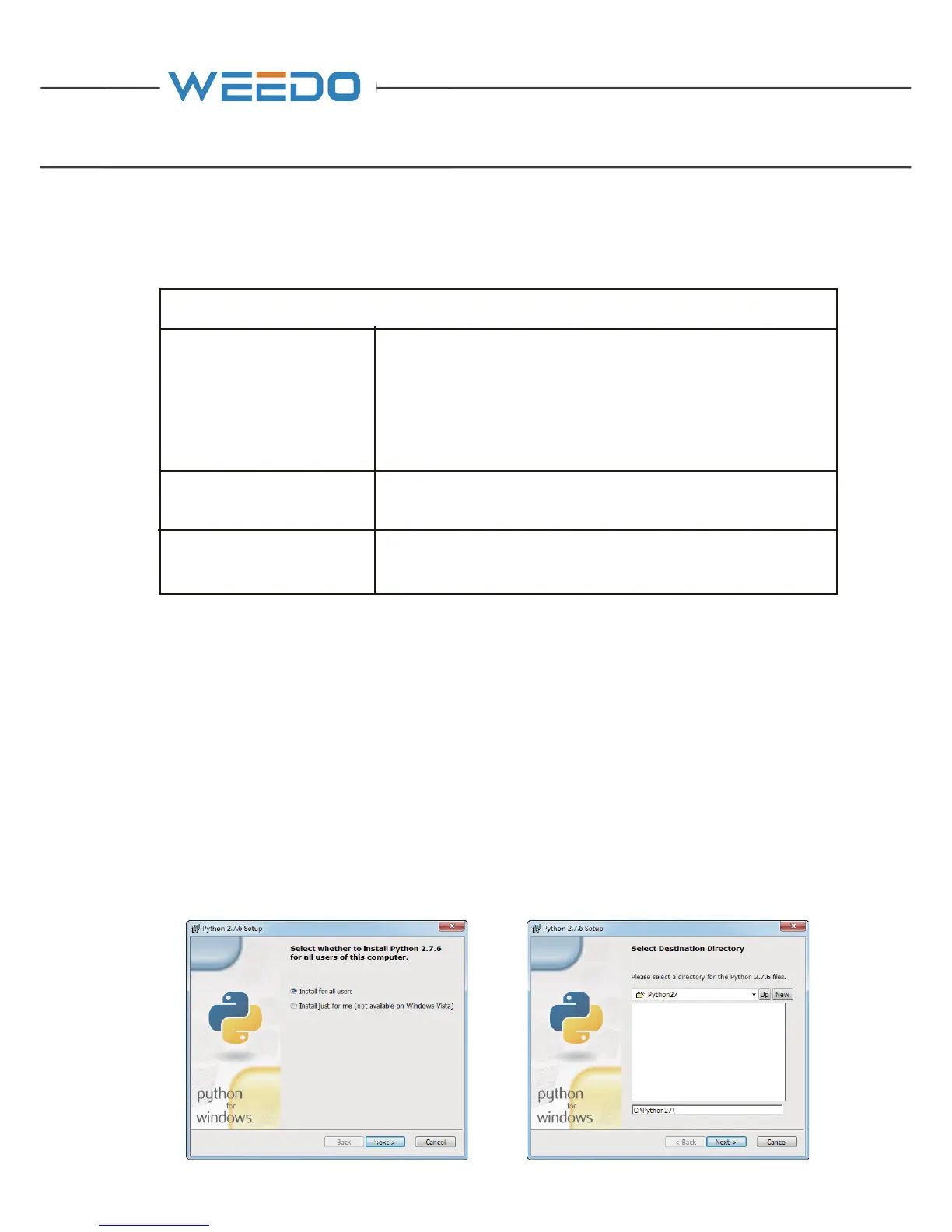
ReplicatorG software can not start .Open the CD (14) or go to official website to
download the installation package(www.ayce.ch). Runing the python-2.7.6.exe,
execute the installer and follow the directions to install the software. Please choose
the defaultpath as the Destination Directory, otherwise the following ReplicatorG
software could not find the library path.
Software Type Software usage
Weedo _V44EN.exe
(ReplicatorG)
Thisprogramisusedtotransfer"gcode"and"x3g"file
to"stl"file.Whenthe3Dprinterconnectedtocomputer
by a digital wire, youcanuseReplicaterGtocontrolthe
printingfromcomputer.
Python _ 2.7.6.msi
Python is a must program for ReplicatorG, and it makes
ReplicatorG can achieve model data format conversion.
Cura _WeedoV1.2.5.exe
Cura is an open source software. It can be used to slice
3D Model.



 To Next Page