37 38
GB
6.3 The print settings for dual-extruder printer
6.3.1. Machine settings
The Cura Software is suitable for the print parameter settings of single and dual-
extruder printer. Contrast to the single extruder printer, the parameter settings
for the second printing extruder is added to the print settings for dual-extruder
printer. When you set the parameters of the dual-extruder printing model, please
read the parameter settings related to Cura software in Chapter 5.
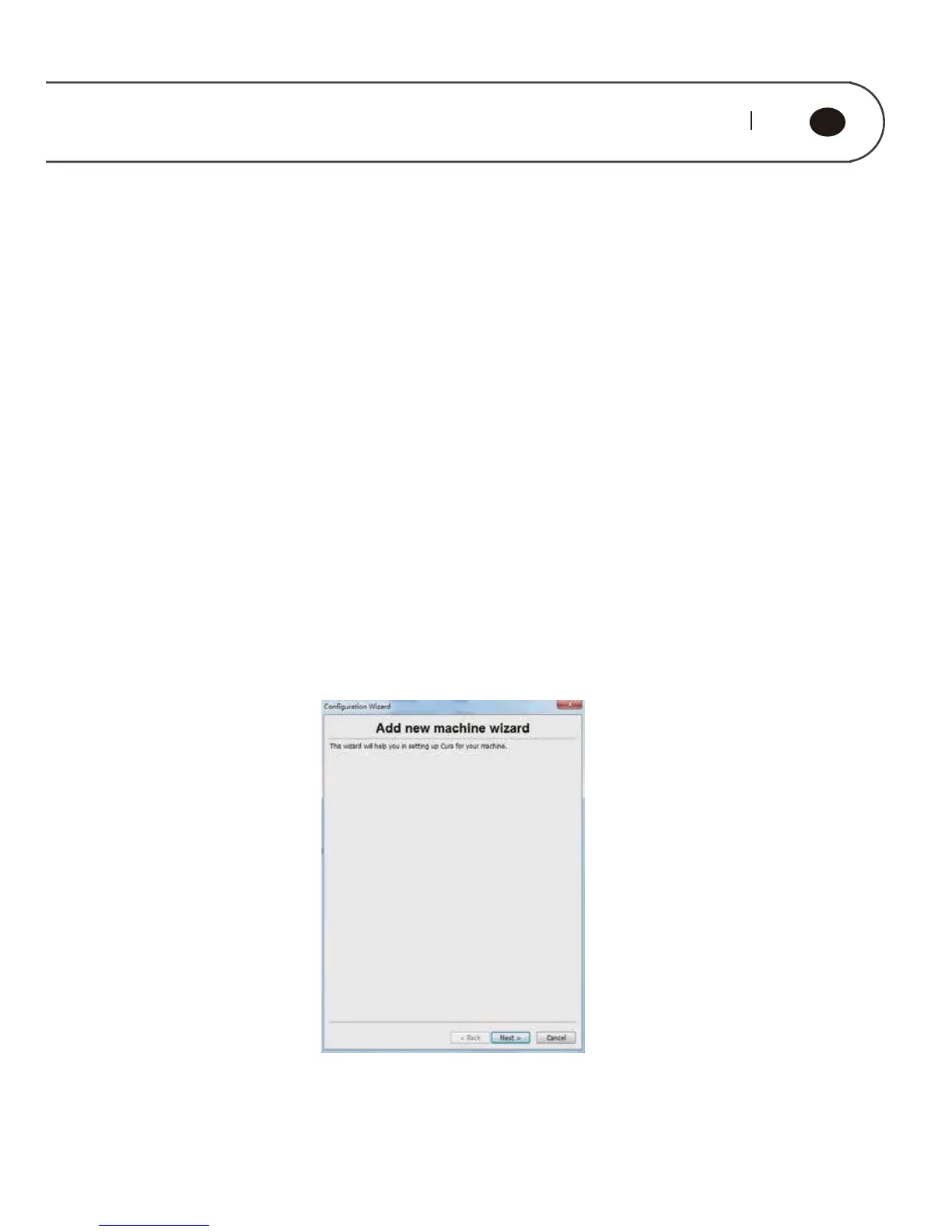
Start the Cura software, click on "Machine" → "Machine Setting" from the menu
bar to enter the machine settings interface, as is shown below; click on the " Add
New machine" to enter the wizard interface; click on the "Next" to enter the
machine selection interface, as is shown below; select the machine that matches
your model, click on "Next", and the machine settings interface will pop up; click
"OK" to complete machine adding.



 To Next Page