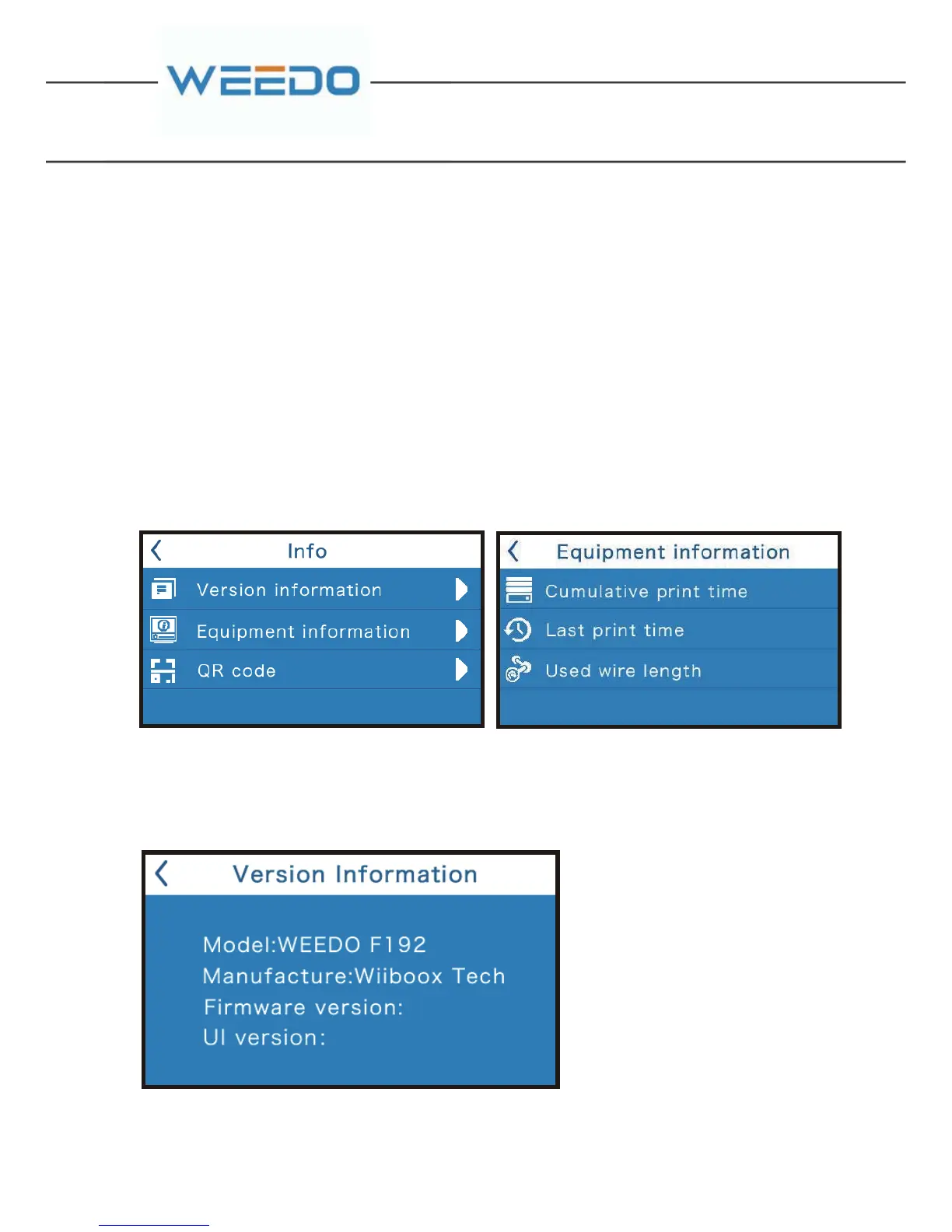
It shows the equipment version,model etc. information.
Press “Restore factory”, the printer will Restore the factory default Settings. After
pressing “Restore factory”,you had better turn off the printer and restart.
6.2.4. INFORMATION
Equipment information
Press"equipment information" to enter running time statistics interface.It shows
the cumulative printing time, The last print time-consuming and filament length,
etc.
RSTORE FACTORY
Version information



 To Next Page