35 36
GB
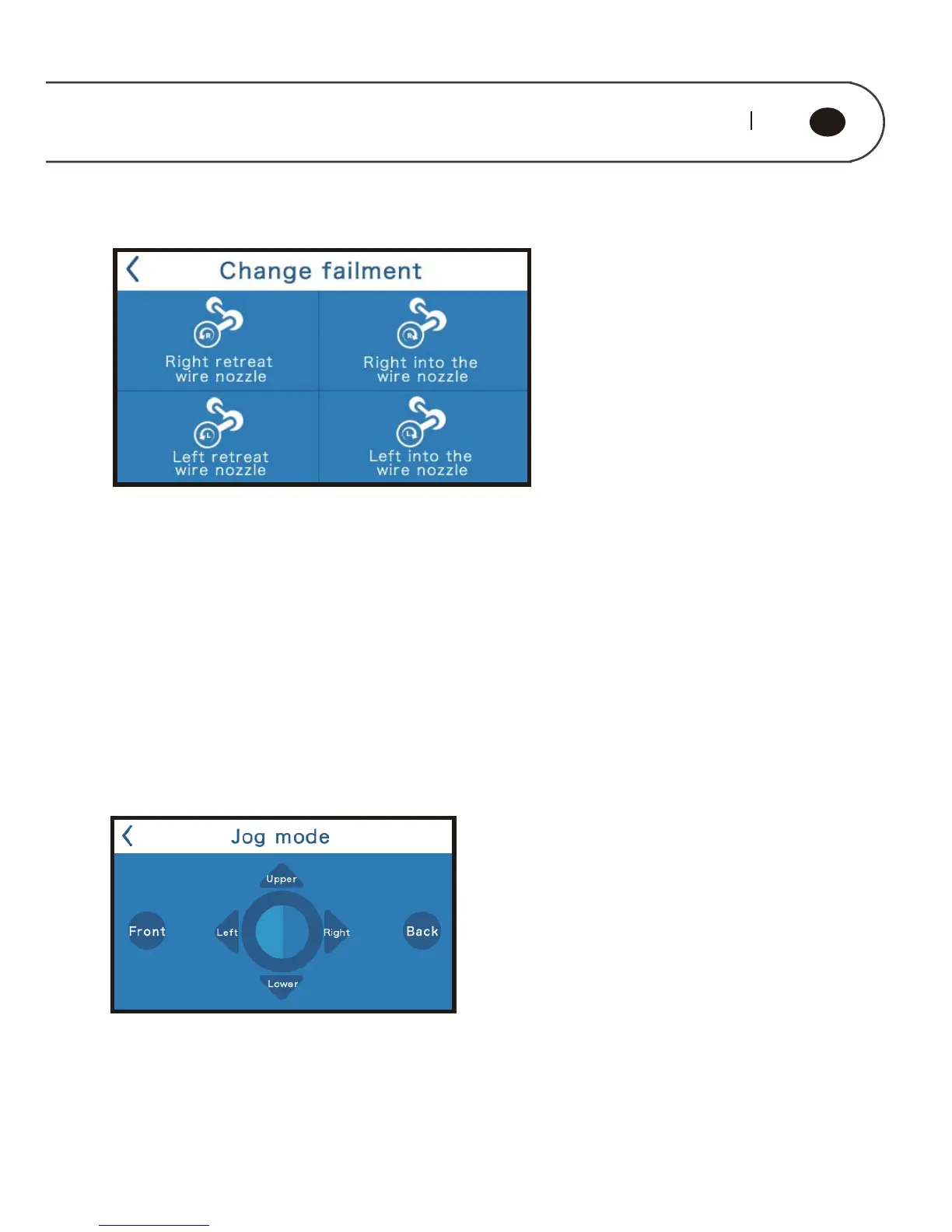
Press “Change filament” to enter the submenu and enter the manual filament
replacement interface.
Press “Right retreat wire nozzle” to enter to the filament return program. Nozzle is
heated to preset temperature, and then start nozzle motor to return filament back.
Press “Right into wire nozzle” to enter to the filament enter program. Nozzle is
heated to preset temperature, and then start nozzle motor to enter the filament.
Press “Monitor”, it will show the real-time status of the printer.
Press “Jog mode” to the submenu and enter printer jog debugging interface.
Touch screen display X, Y, Z axes three direction key, click each key can control the
axis motor move according to the indicated direction.
Change filament
Monitor
JOG MODE



 To Next Page