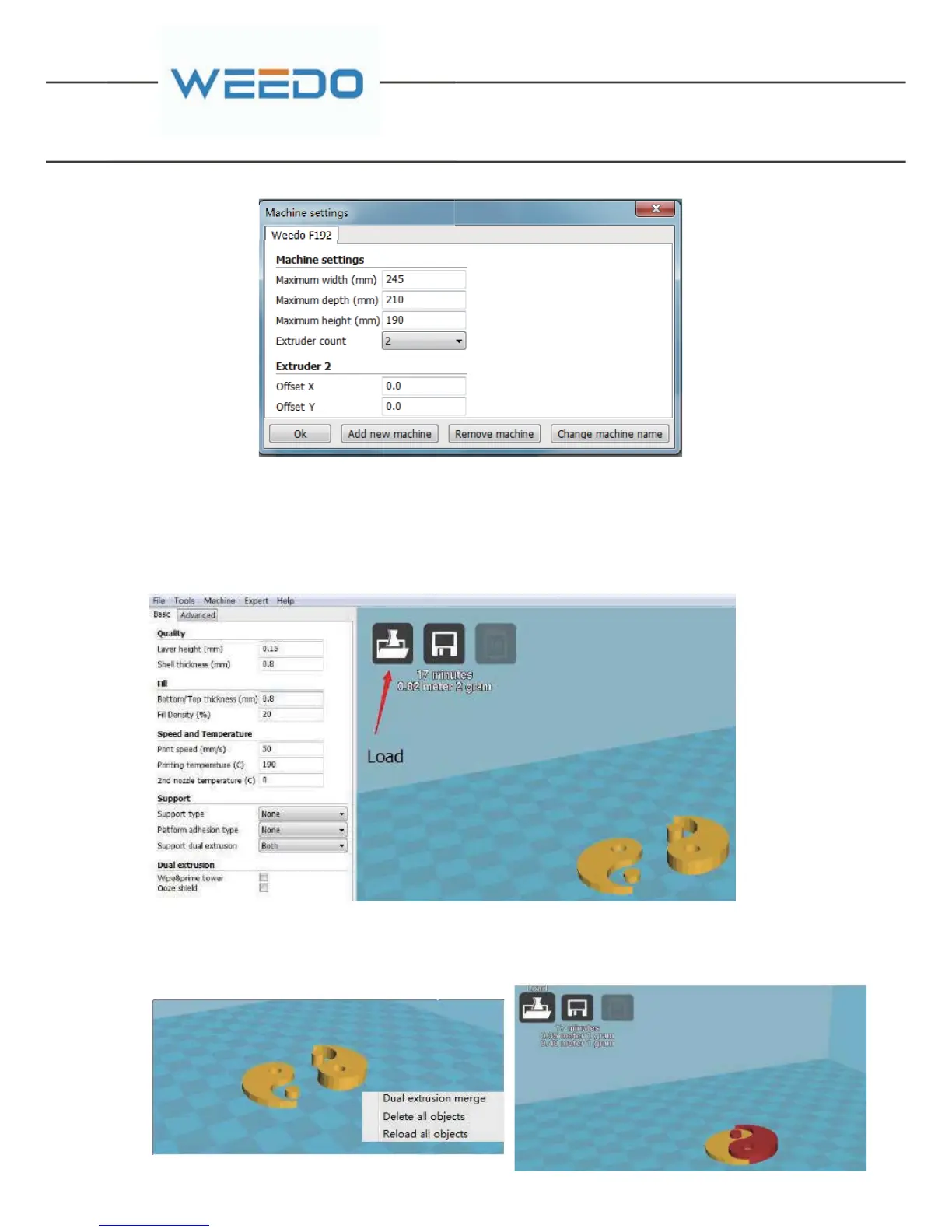
6.3.2. Two-color print settings
Prepare for two-color printing model and load the model. The model can be
directly dragged into the Cura Software (or use the Load button to load )
After right-click the printing platform and select "Dual extrusion merge" from
the window that pops up, then the model merger is complete.



 To Next Page