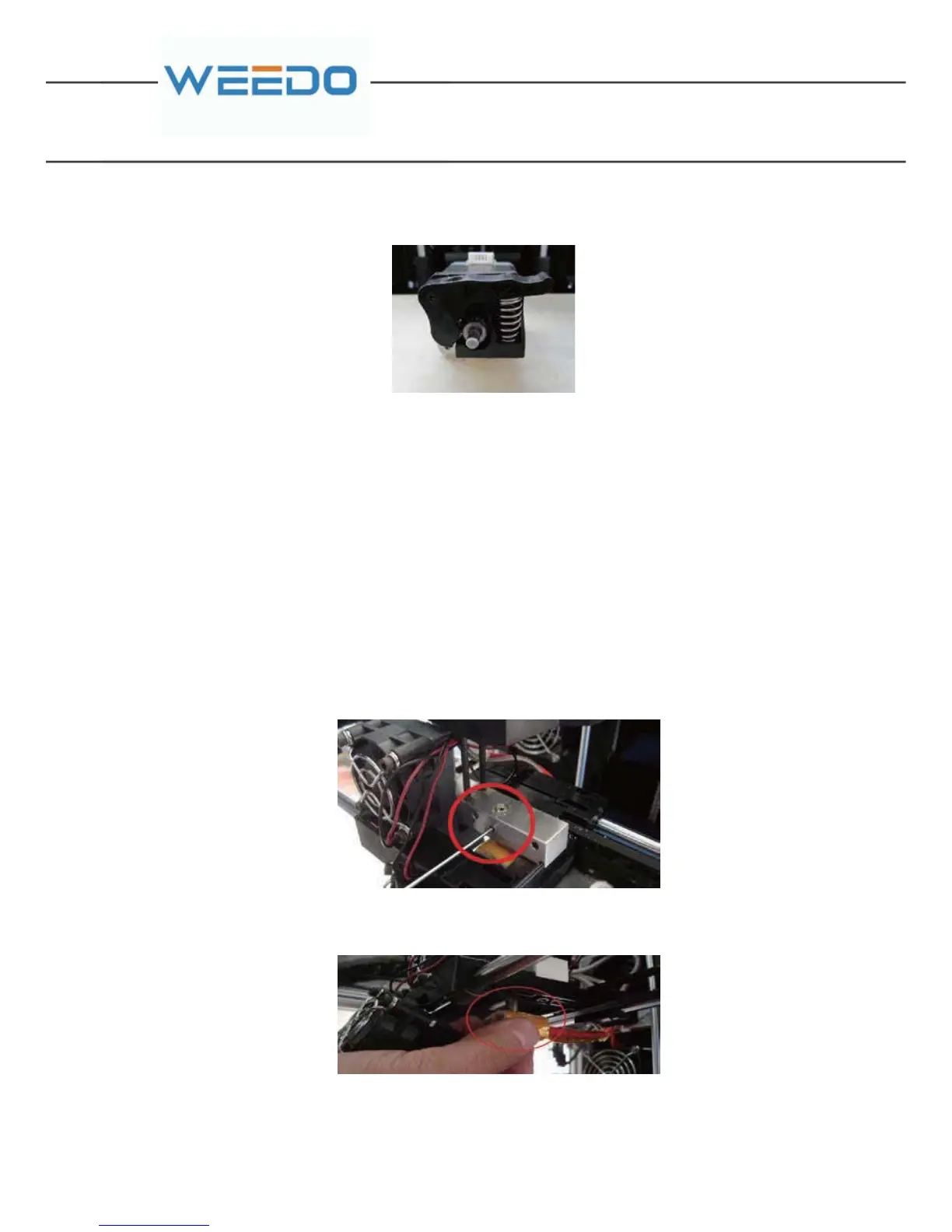
Then, take out the whole motor and feed gear from right back side
The filament debris on the motor gear is performed with cleaning by tweezers (8) ,
and installed is performed according reverse procedures after cleaning.
Note: Finally plug in the motor connection line.
7.2.2. Replacing Printing Nozzle
When the operation is inappropriate or the filament materials is not selected
properly, they would cause nozzle blockage. In the necessary cases, it needs to
perform the nozzle replacement.
Dis-assembly Procedure:
Firstly, take out the motor gear components, the specific procedure can be referred
to chapter 7.2.1 of “Cleaning Nozzle and Motor Gear”.
Use Hex wrench 2mm (11) to tighten the screw fixed nozzle throat.
Take out the whole component of nozzle from the bottom and pull out the
connecting line plug of nozzle.
The process of nozzle dis-assembly is over.
The Installation Process of New Nozzle Components:
Firstly, place the motor gear a component at the original position, which is used to
determine the length that nozzle throat stretches out above the aluminum block.
Then



 To Next Page