CMP201D User Guide
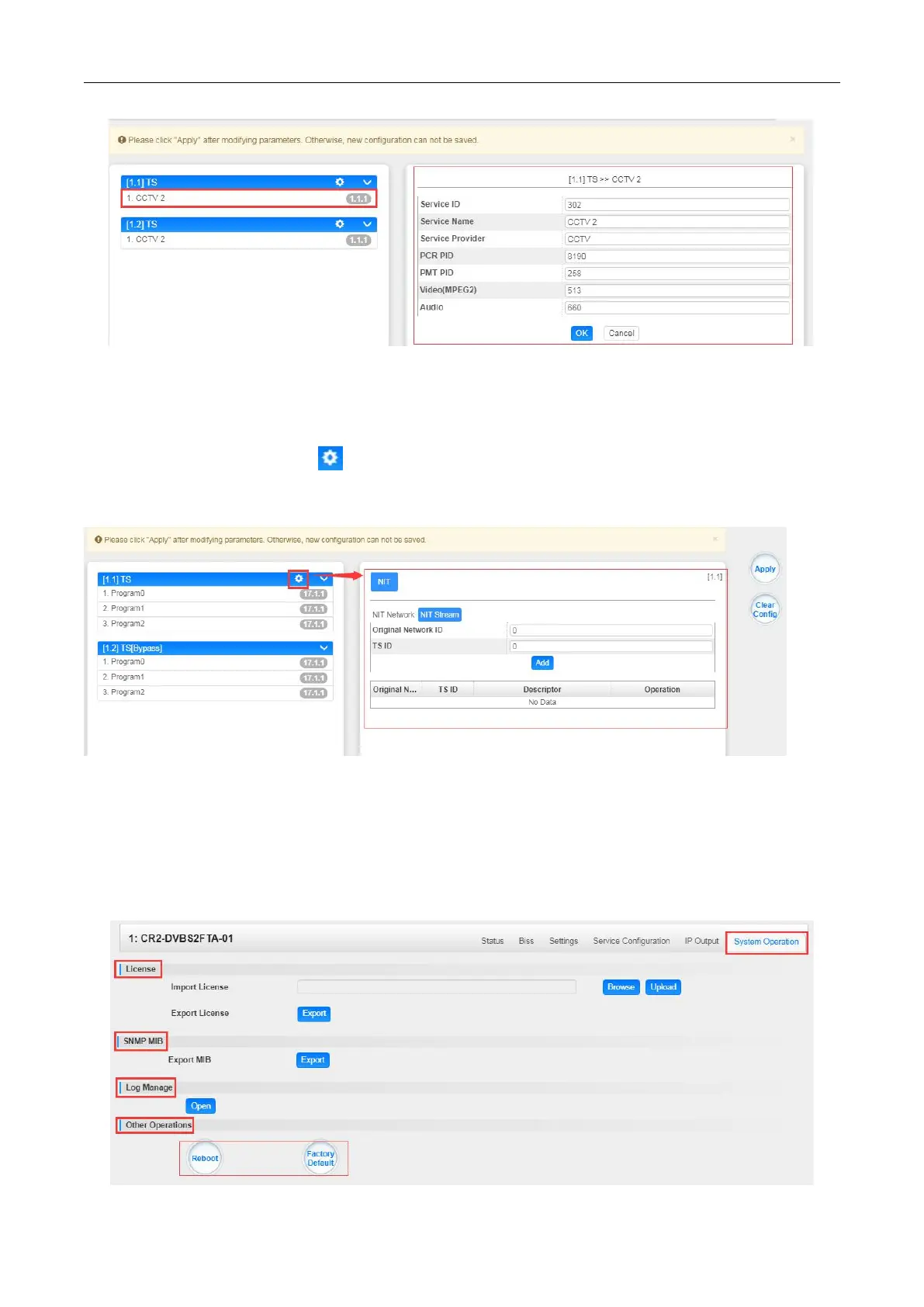
TS setting: Click TS line (the blue area) to configure Original Network ID, TS ID and each
Service ID, Service Name, and Service Provider, etc.
NIT setting: Click the icon to modiify NIT Network and NIT Stream.
CR2-DVS2FTA-01 > System Operation
On System Operation page you can import/export License, export SNMP MIB files, Reboot
module, restore factory default settings and manage logs.


 To Next Page