12
Di
ital Indicato
COMMUNICATIONS
Scale communications with peripheral devices such as serial printers, remote
displays and/or Personal Computers are configured by qualified Scale Service
Technicians during scale set-up and calibration.
Default Communications Settings:
• 9600 Baud • 1 Stop Bit
• No Parity • No Hardware Handshaking
• 8 Data Bits • Continuous Transmit
Default Communications Format:
Western Data String (DF1500)
<STX><P><W><W><W><W><W><W><W><S><U><U><S><M><M><S><ST><CR><LF>
STX: Start of Text (ASCII 02) M: Mode Character (GR or NT)
P: Polarity (- or Spc) ST: Status Character (Spc, O, M, or -)
W: Weight Character (# or Spc) CR: Carriage Return (ASCII 13)
S: Space (ASCII 32) LF: Line Feed (ASCII 10)
U: Units Characters (KG or LB)
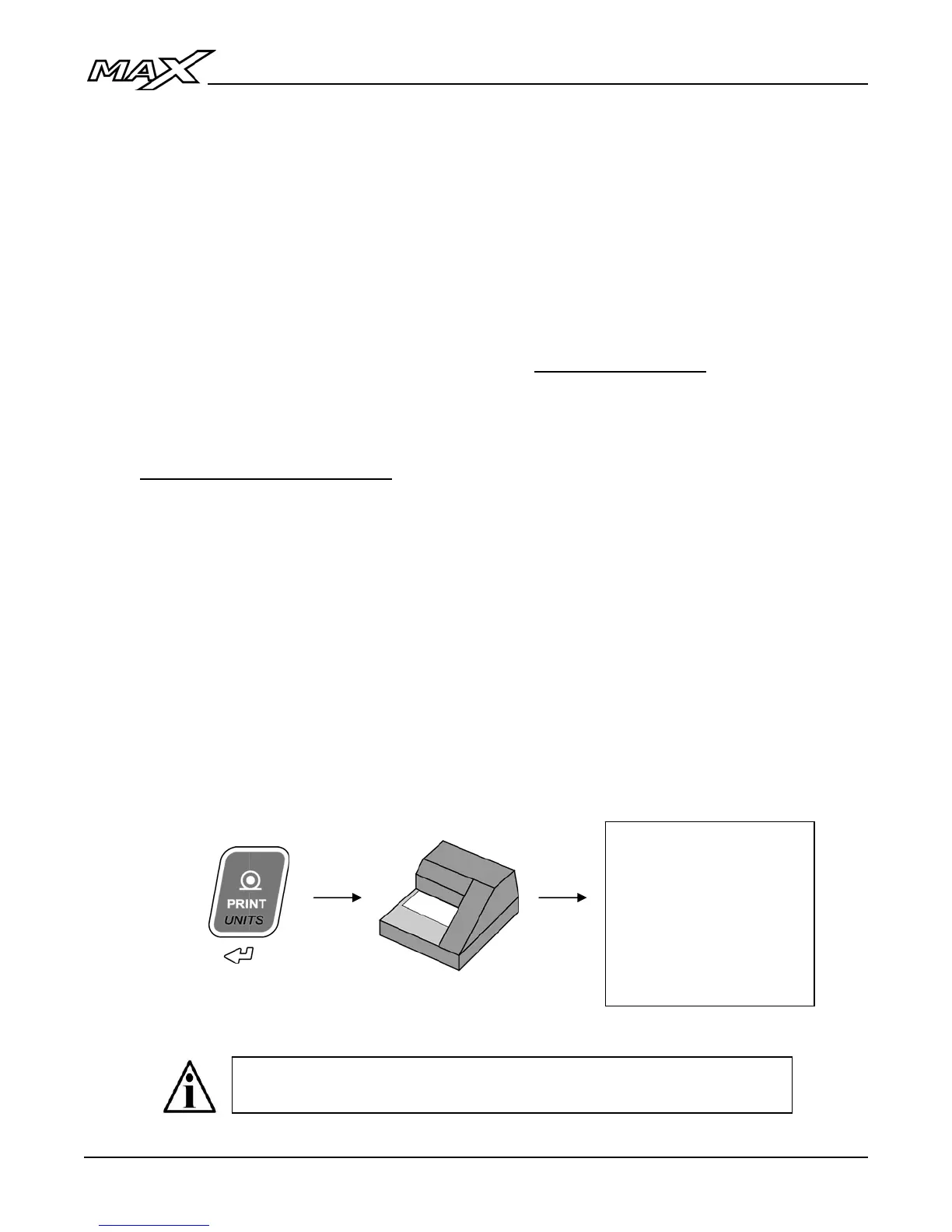
Print a Ticket
1. Ensure the scale weight is stable.
2. Press the PRINT key to transmit a scale ticket to the printer.
If multiple tickets are programmed, press the MENU key to enter
the User Menu to access these tickets and/or functions.
10:36:10AM 04/22/11
Gross: 3200 lb
Tare: 200 lb
Net: 3000 lb
(If enabled)



 To Next Page