EasyManua.ls Logo

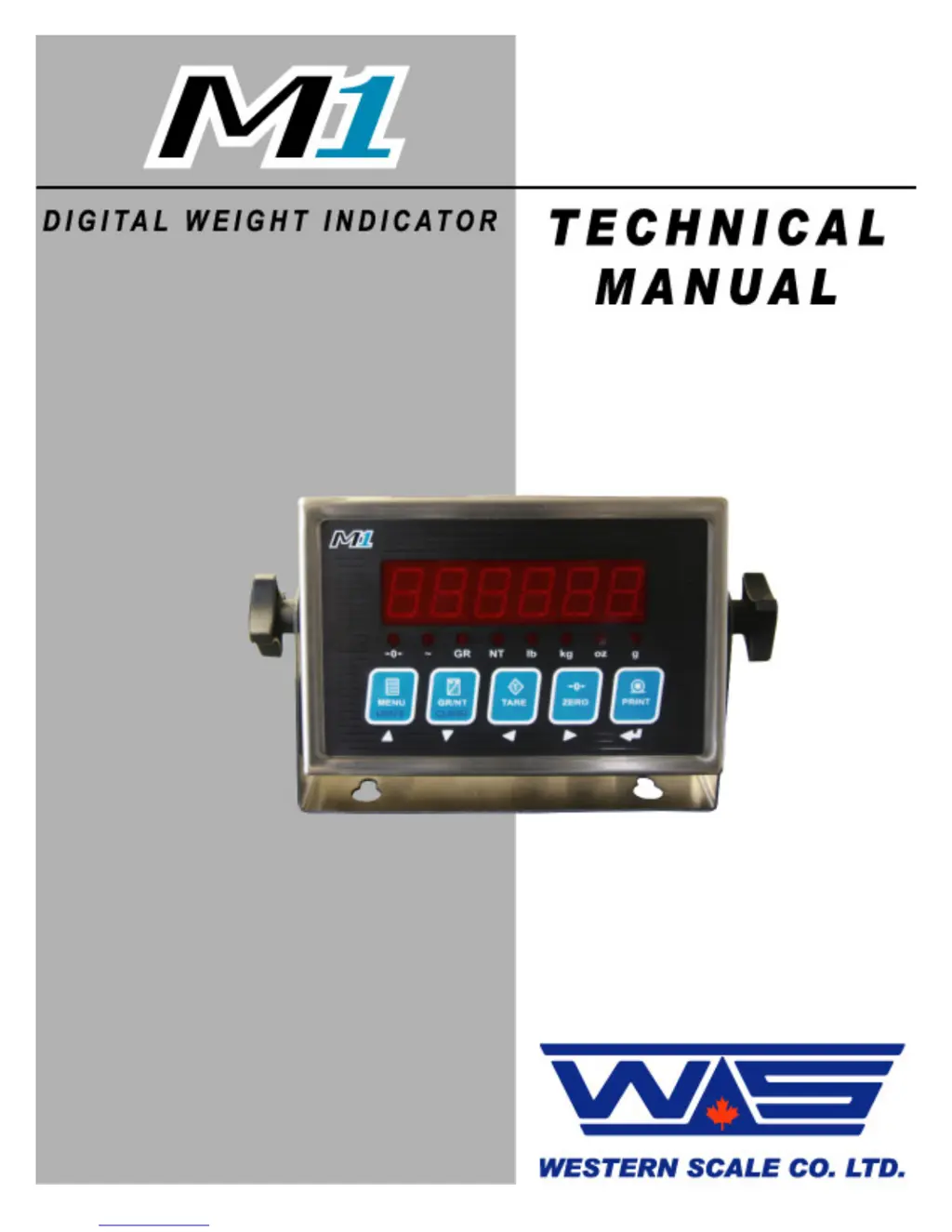
Western Scale M1 - User Manual

Western Scale M1
32 pages
Print Icon
To Next Page IconTo Next Page
Loading...

Questions and Answers

Summary

Introduction and Safety

Safety Precautions

Installation, configuration, and servicing must be done by qualified Scale Service Technicians.

Product Features

Simple Interface Design

Features a large display, oversize keys, and 8 annunciators for clear operation.

Durability and Serviceability

Compact stainless steel enclosure, swivel bracket, and easy navigation for maintenance.

Advanced Capabilities

Includes MACRO II Ticket System, Time & Date, and a 2 Year Warranty.

Product Specifications

Technical Specifications

Details excitation, input range, resolution, speed, power, display, and communications.

Display and Annunciators

Weight Display Details

Describes the 6-digit LED display, decimal points, and negative weight indication.

Annunciator Symbols and Meanings

Explains the meaning of annunciator lamps like Centre Zero, Motion, Gross, and Net.

Keypad and Scale Functions

MENU and UNITS Key Functions

MENU accesses User Menu; UNITS toggles weighing units.

GR;NT and CLEAR Key Functions

GR/NT toggles Gross/Net; CLEAR clears tare or Peak Hold values.

TARE, ZERO, and PRINT Key Operations

Describes the functionality of TARE, ZERO, and PRINT keys for scale operations.

Installation Procedures

Pre-Installation and Enclosure Opening

Verifying contents, checking for damage, and safely opening the unit.

Load Cell Wiring and Jumpers

Details load cell connections and jumper settings for 4 or 6 wire configurations.

Communications Wiring and Settings

Connecting devices via RS-232 ports and default communication settings.

Remote Switch and Battery Installation

Wiring for remote control and guidelines for battery replacement.

Enclosure Closing and Mounting

Re-installing the back cover, ensuring seals, and mounting the indicator securely.

Start-Up and Time;Date Configuration

Initial Start-Up Sequence

Connecting power and understanding the indicator's boot-up process.

Setting Time and Date

Procedure to configure the indicator's current time and date.

Calibration Mode Operations

Calibration Mode Access

Steps to enter Calibration Mode, including password entry.

Navigating and Editing Parameters

How to move through parameters and change their values.

Exiting and Saving Calibration

Procedure to exit Calibration Mode and ensure data is saved.

Calibration Parameters Overview

Scale Calibration Sub-block 1.x

Parameters for graduations, decimals, deadload, capacity, overload, and units.

Zero and Motion Settings Sub-block 2.x

Parameters for zero tracking, power-up zero, and motion detection settings.

Tare Settings Sub-block 3.x

Parameters for regulatory compliance, tare lockout, and auto tare/clear.

Scale Filtering Settings Sub-block 4.x

Parameters for filter presets, frequency, A/D averaging, and display updates.

Serial Communications Settings Sub-block 5.x

Configuration for COM1 and COM2 baud rates, data formats, and output modes.

Ticket Formatting Sub-block 7.x

Parameters for enabling the ticket editor and managing tickets.

Additional Scale Functions Sub-block 8.x

Configuration for Peak Hold function, including threshold, auto-clear, and timer.

Scale Diagnostics Sub-block 9.x

Parameters for diagnostics, SPAN edit, password, factory reset, and data transfer.

Quick Scale Calibration Example

Remote Display Mode Operation

Remote Display Mode Setup

Requirements and steps to set up the indicator for remote display functionality.

Remote Keypad Commands

How keypad functions send serial commands for remote control in this mode.

User Menu Functions

Legal for Trade: Sealing and Audit Trail

Electronic Sealing Mechanism

Password protection for calibration and configuration settings to prevent unauthorized changes.

Audit Trail System Features

Details the Calibration and Configuration Counters for tracking changes.

Troubleshooting and Error Resolution

Power-Up Troubleshooting

Steps to diagnose issues when the unit fails to power up.

Error Message Guide

Explains common error codes, their conditions, and suggested solutions.

Western Scale M1 Specifications

General IconGeneral
BrandWestern Scale
ModelM1
CategoryAccessories
LanguageEnglish

Related product manuals