26
Indicator Technical Manua
REMOTE DISPLAY MODE
Remote Display Mode uses a connected indicator’s Data String to display weight and
scale status information to the user. Remote Display Mode is only tested for
compatibility with Western Indicators (Models M2000, MAX, Lightspeed & M1).
• Wire other indicator to M1 COM1 terminal only!
• Set M1 to Remote Display Mode (P5.3 to 5).
• Exit Calibration Mode and restart M1.
Indicator Requirements
• Indicator Output Mode must be Continuous stream or Poll Mode.
• Indicator Data Format must be 9600-N-8-1.
• M2000 Indicators must be set to Poll Mode & DF2000 output string to receive
remote keypad commands.
o M2000 Parameter 34 / 35 set to 3
o M2000 Parameter 38 / 39 set to 4
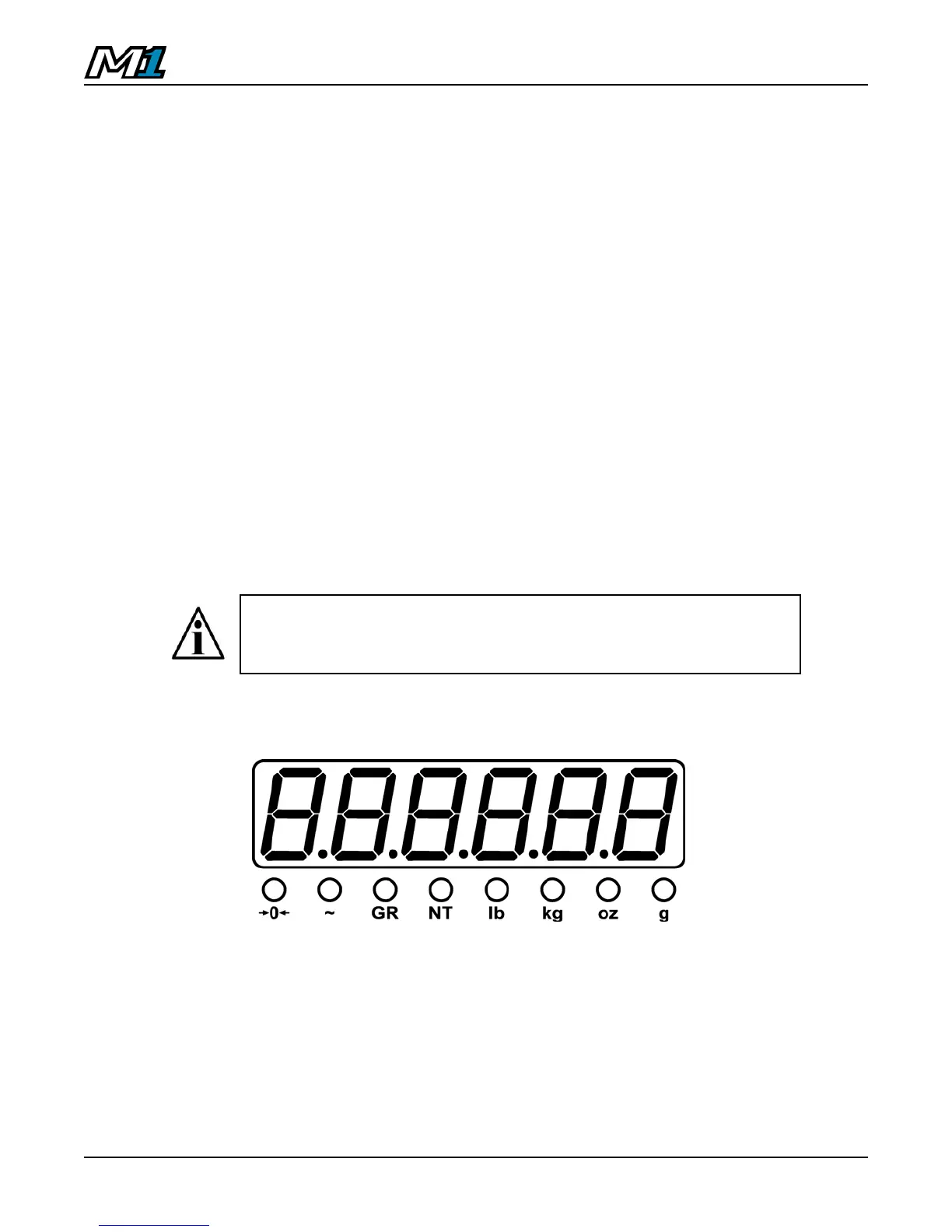
Display & Annunciators
• The weight display should show the same weight numbers as the
connected indicator (complete with minus signs and decimals).
• All annunciators should work with the exception of Centre of Zero.
• Gram and Ounce annunciators will only work with M1, MAX or Lightspeed
indicators.
Important Note: A ‘?’ character is transmitted continuously to
poll the indicator. Do not terminate the Remote Display TX to
the Indicator RX if the remote keypad function is not being used.



 To Next Page