EasyManua.ls Logo

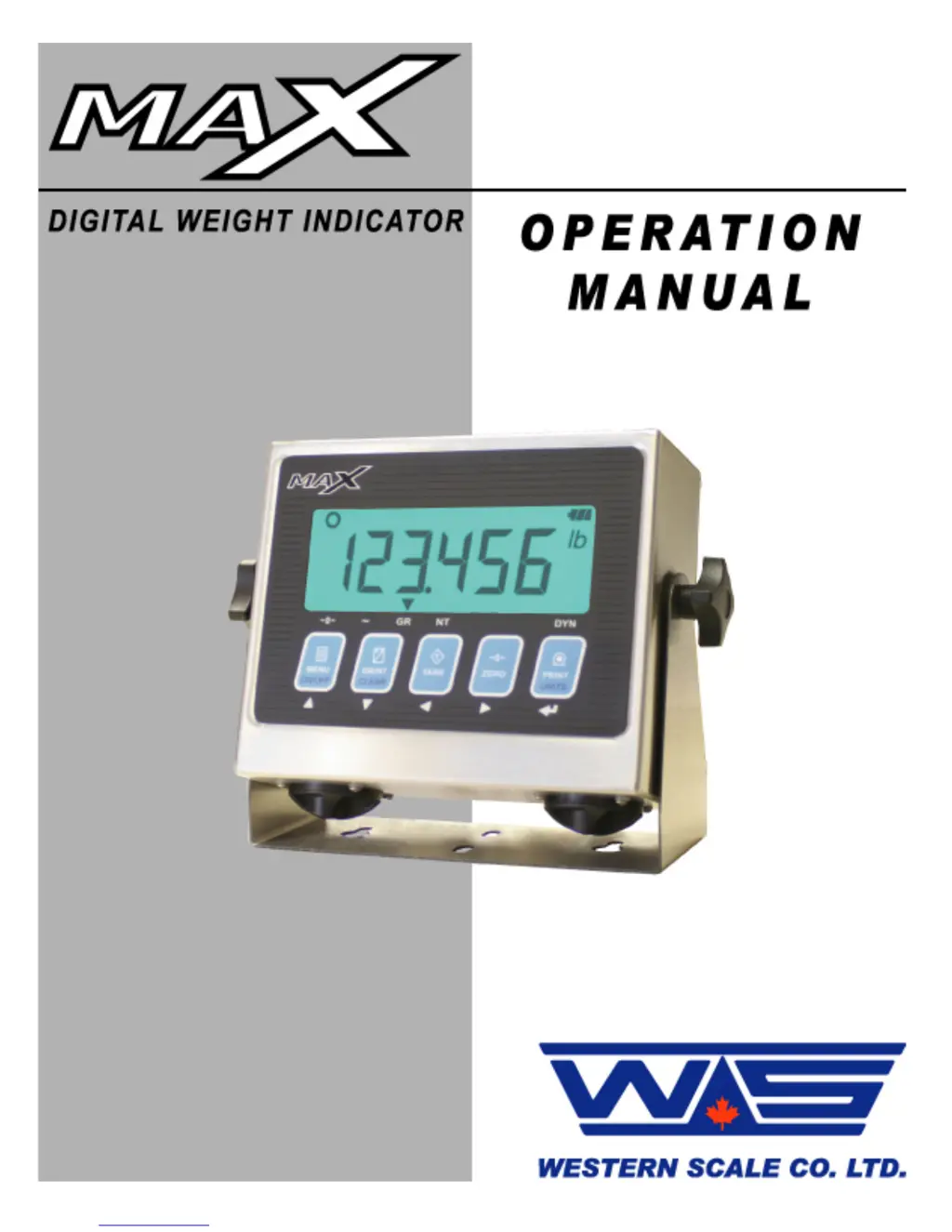
Western Scale MAX - User Manual

Western Scale MAX
20 pages
Print Icon
To Next Page IconTo Next Page
Loading...

Questions and Answers

Summary

Introduction to MAX Indicator

Introduction to Safety Precautions

Essential safety guidelines for installation, configuration, and servicing of the MAX indicator.

MAX Indicator Key Features

Overview of the MAX indicator's mobile and versatile design, power inputs, and ease of use.

MAX Indicator Technical Specifications

Detailed technical parameters including excitation, input range, resolution, and power requirements.

MAX Display and Annunciators

MAX Display and Annunciator Overview

Description of the MAX indicator's LCD display, backlight, and annunciator symbols for status.

MAX Arrow Annunciator Meanings

Explanation of the meaning of arrow annunciators like CENTRE ZERO, MOTION, GROSS, NET, and DYNAMIC.

MAX Specific Display Annunciators

Explanation of display annunciators for weight units, STABLE, LOCKED, PIECE COUNT, SHRINKAGE, and battery life.

MAX Keypad and Scale Functions

MAX Keypad Functions - MENU, ON;OFF, GR;NT, CLEAR

Description of the MENU/ON/OFF and GR/NT/CLEAR key functions.

MAX Keypad Functions - TARE, ZERO, PRINT;UNITS

Description of the TARE, ZERO, and PRINT/UNITS key functions.

MAX Installation Procedures

MAX Installation: Pre-Installation and Packaging Check

Steps to verify the MAX indicator is complete and undamaged upon receipt.

MAX Installation: Mounting and Power Connection

Instructions for mounting the indicator and connecting the AC power cord safely.

MAX Installation: Battery Installation and Power Management

Guide to loading D-cell batteries and understanding the PowerMAX power management system.

MAX Operation (Weighing Mode)

MAX Weighing Mode: Start-Up Procedure

Procedure for starting the MAX indicator and entering Weighing Mode.

MAX Weighing Mode: Basic Weighing Process

Steps for performing basic weighing operations, including zeroing the scale.

MAX Weighing Mode: Weighing with Tare Function

Instructions for using the TARE function for containers and pallets.

MAX Communications and User Menu

MAX Communications: Data and Ticket Printing

Overview of communication settings and how to print a scale ticket.

MAX User Menu Navigation and Use

How to access and navigate the User Menu for additional tickets and functions.

MAX Specific Applications and Settings

MAX Specific Application: Livestock Shrinkage Program

Using the MAX indicator for livestock shrinkage compensation.

MAX Settings: Time and Date Configuration

Procedure for setting the time and date on the MAX indicator.

MAX Remote Display Operation

MAX Remote Display Mode: Functionality

How the MAX indicator functions as a remote display for other Western indicators.

MAX Remote Display Mode: Keypad Commands

Serial commands sent by the keypad in Remote Display Mode.

MAX Troubleshooting and Error Messages

MAX Troubleshooting: Unit Power-Up Issues

Troubleshooting steps for units that do not power up or have a blank display.

MAX Troubleshooting: Error Message Resolution

Solutions for common error messages like Err 1, Err 2, Err 4, and overload conditions.

Western Scale MAX Specifications

General IconGeneral
BrandWestern Scale
ModelMAX
CategoryAccessories
LanguageEnglish

Related product manuals