7
O
eration Manua
The TARE button may be disabled in Calibration Mode by
Qualified Technicians.
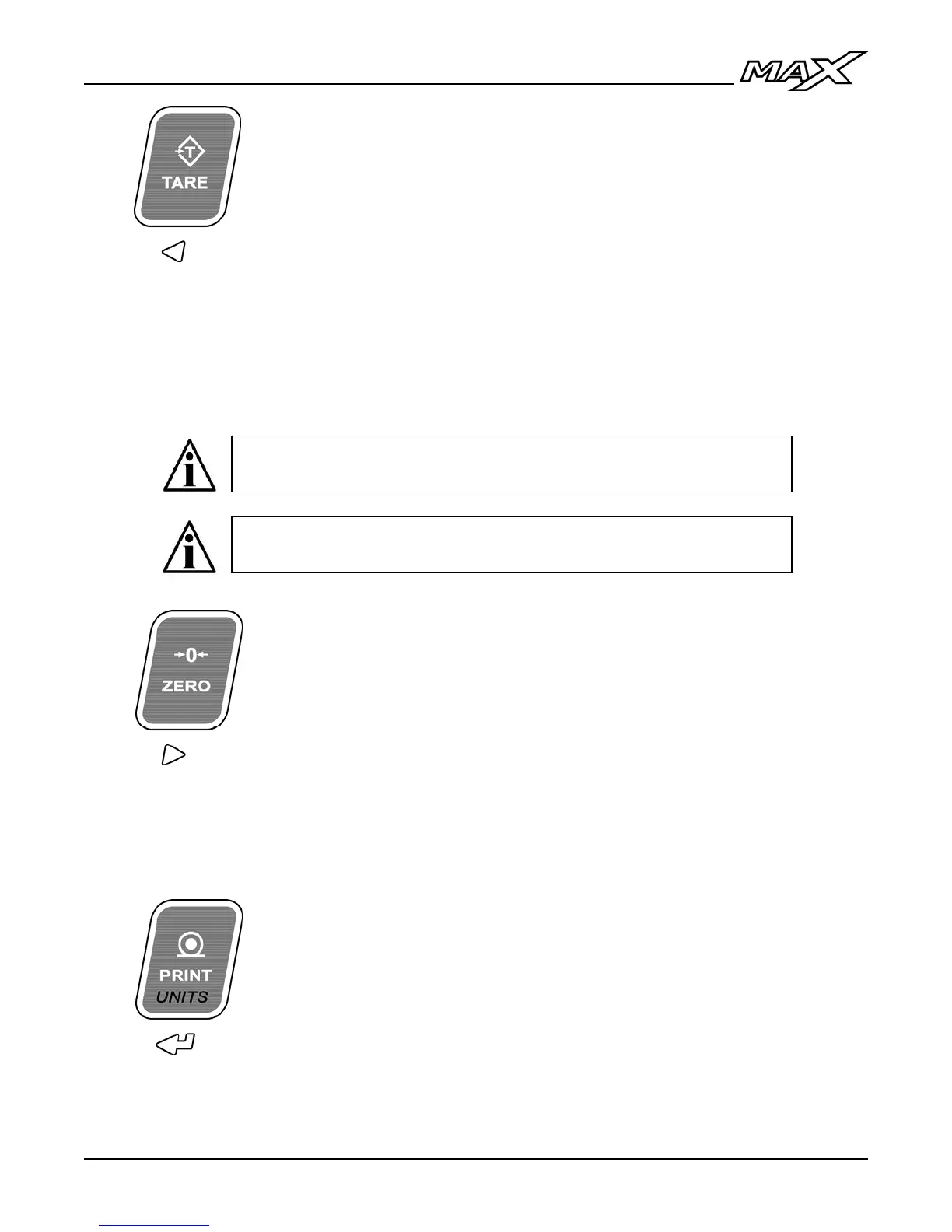
Press the key:
TARE - Acquires a tare value from weight on the
scale (Container, Box, etc.).
The indicator will not tare if:
• Scale weight is in MOTION;
• Scale weight is zero, negative or over capacity;
“Err 2” is briefly displayed when one of these
tare errors occurs.
Press & hold
the key (2 sec):
CLOCK – Display / Set the time and date. For
more information, see Time & Date (page 15).
ZERO:
Sets the weight display to ZERO.
The indicator will not zero if:
• Scale weight exceeds the allowed ZERO RANGE;
• Scale weight is in MOTION or over capacity;
“Err 4” is briefly displayed when one of these zero
errors occurs.
Press the key:
PRINT - Transmits a scale ticket or data string.
NOTE: If multiple tickets are programmed, Ticket 1 is
always assigned to the PRINT key.
Press & hold
the key (2 sec):
UNITS - Toggles between Primary, Secondary and
Tertiary Weighing Units (if enabled).
Alternate Units may be selected or disabled in
Calibration Mode by Qualified Technicians.
In Canadian Legal for Trade applications, previous tare weights
must be cleared before a new tare weight can be acquired.



 To Next Page