16
Di
ital Indicato
OPERATION (REMOTE DISPLAY MODE)
The MAX may function as a Remote Display when connected to other Western
indicators (Models M2000, MAX, Lightspeed & M1) by qualified Technicians. In
Remote Display Mode, the MAX displays the connected indicator’s weight and
scale status information.
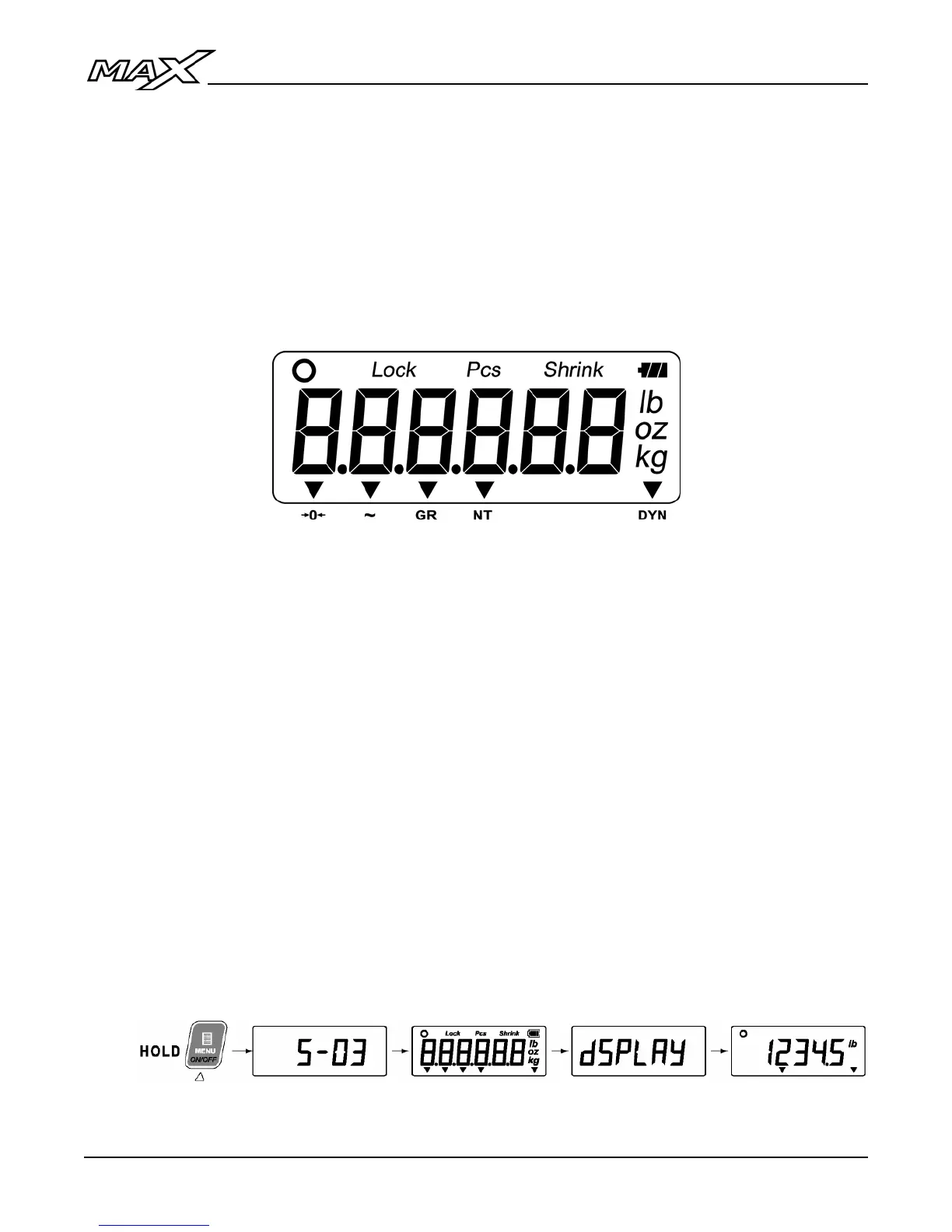
Display & Annunciators
• The weight display should show the same weight numbers as the
connected indicator (complete with minus signs and decimals).
• Units and Mode annunciators will work. DYN, Centre of Zero, Pieces,
Shrinkage, Lock and battery level annunciators are not supported in
Remote Display Mode.
• Gram and Ounce annunciators will only work with M1, MAX or Lightspeed
indicators.
Start-Up
1. Ensure the AC power cord is plugged into a power outlet or that external
12 volt or battery power is being applied, then press and hold the ON/OFF
key.
2. The start-up sequence displays the software version then the word
‘dSPLAY’ on the screen to indicate Remote Display Mode. The scale
weight from the connected indicator is then displayed.



 To Next Page