13
O
eration Manua
User Menu
The User Menu gives the Operator access to additional scale tickets and/or
indicator functions.
1. In Weighing Mode, press the MENU key to enter the User Menu.
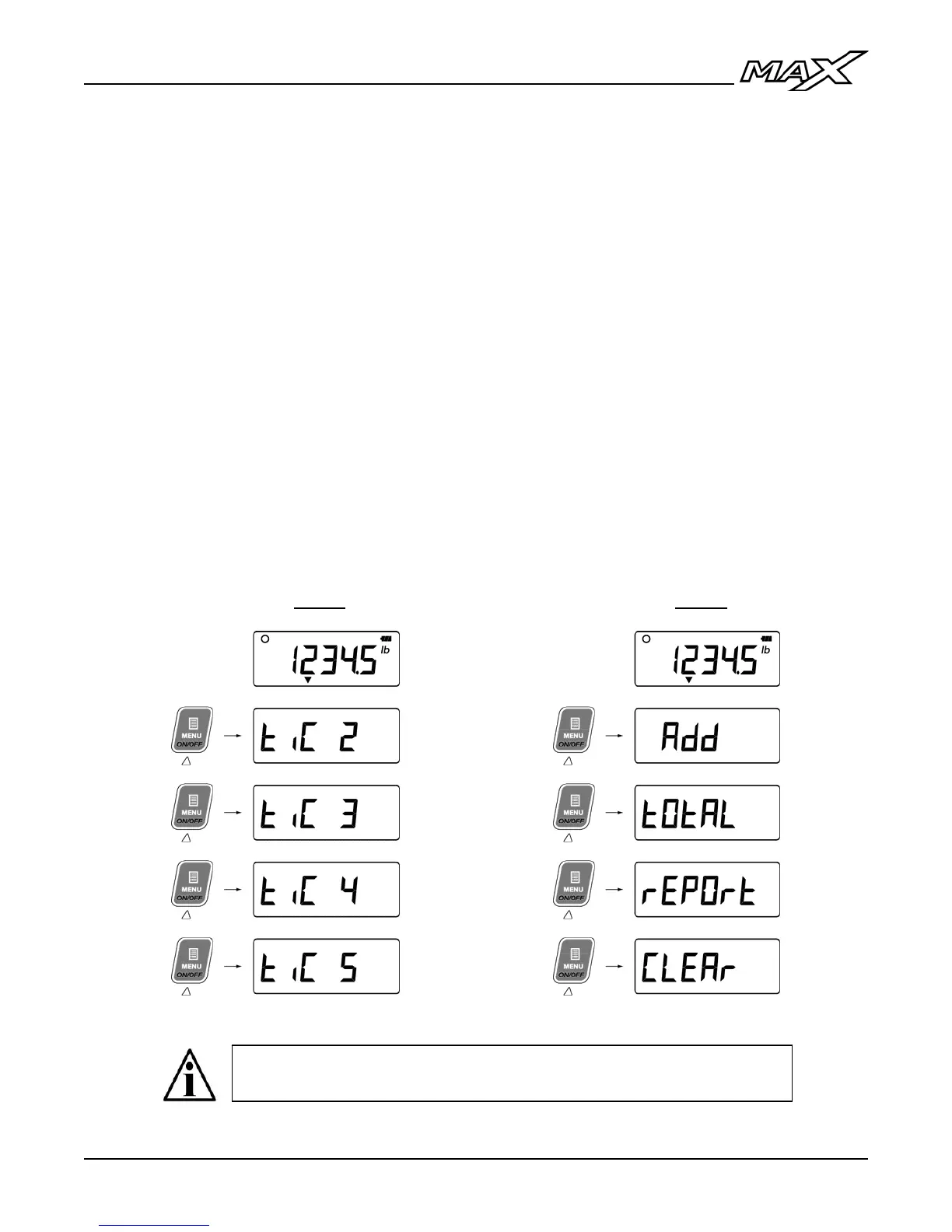
• User Menu options (tickets) are numbered by default as in Fig. A.
• Tickets may be named to describe functions as in Fig. B.
• If there are no active tickets or functions, the User Menu will be
empty and the display will remain in Weighing Mode.
2. Use the UP & DOWN ARROW keys to cycle through the User Menu
functions.
3. When the desired menu item is displayed, press ENTER to activate it.
Once the function is complete, the display returns to Weighing Mode.
To return to Weighing Mode without activating a ticket or function, press
the LEFT ARROW key or wait 8 seconds for the User Menu to time out.
Fig. A Fig. B
User Menu options (tickets, functions, etc.) must be programmed
in Calibration Mode by qualified Technicians.



 To Next Page