7
Indicator Technical Manua
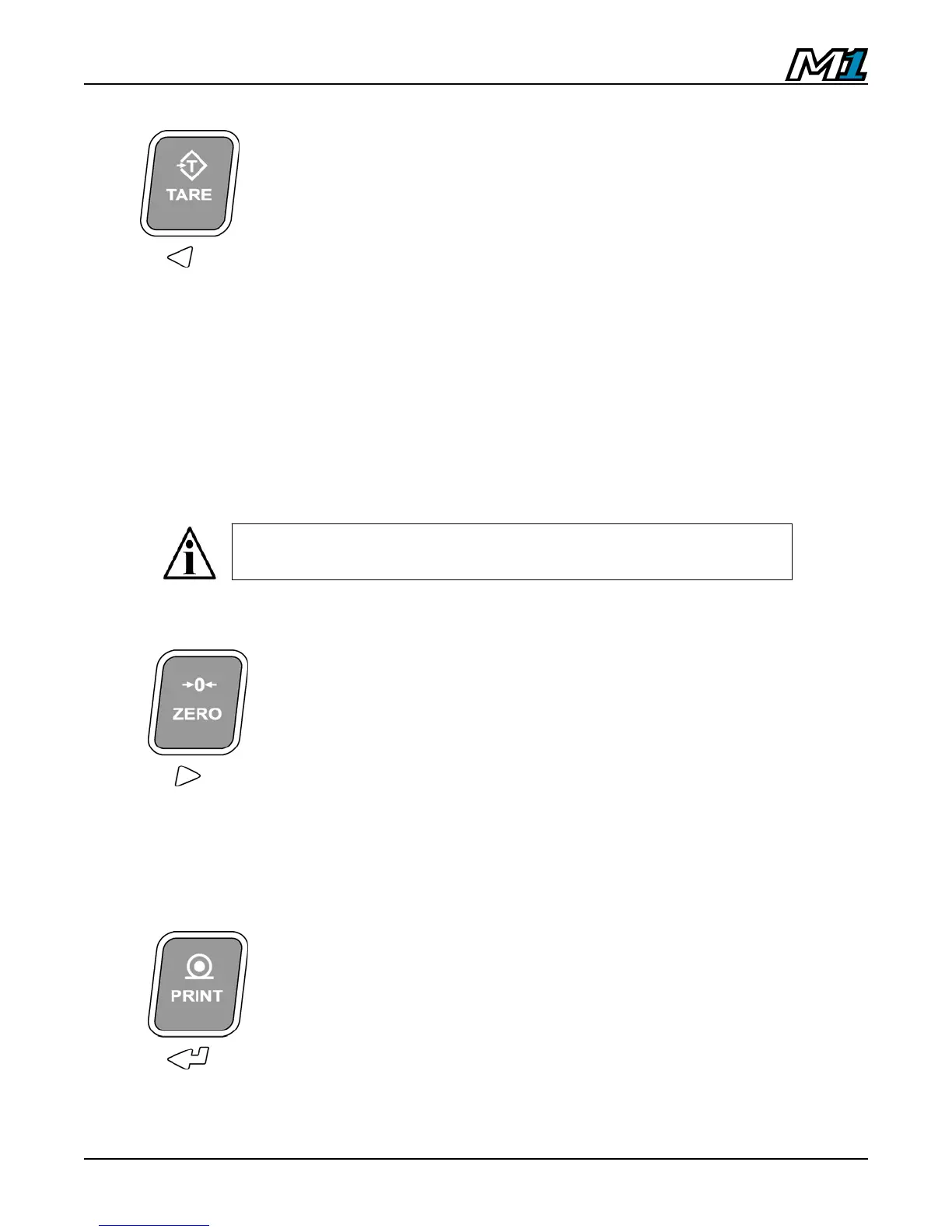
TARE:
Acquires a tare value from weight on the scale
(Container, Box, etc.).
The indicator will not tare if:
• Weight on the scale is in MOTION;
• The scale weight is zero or negative;
When one of these situations occurs, the display
will briefly read “Err 2”.
The TARE button may be disabled in Calibration Mode
by Qualified Technicians.
ZERO:
Sets the weight display to ZERO.
The indicator will not zero if:
• Weight on the scale is in MOTION;
• The weight on the scale exceeds the allowed
ZERO RANGE (Display reads “Err 4”).
PRINT:
Transmits data string or scale ticket through COM1.
NOTE: If multiple tickets are programmed, Ticket 1 is
always assigned to the PRINT key.
In Canadian Legal for Trade applications, previous tare weights
must be cleared before a new tare weight can be acquired.



 To Next Page