19
WHILL Model C2/Ci2 User Manual
2
2. About the device
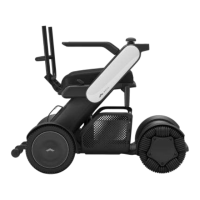
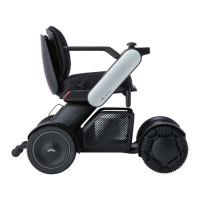
Back support
Arm rest
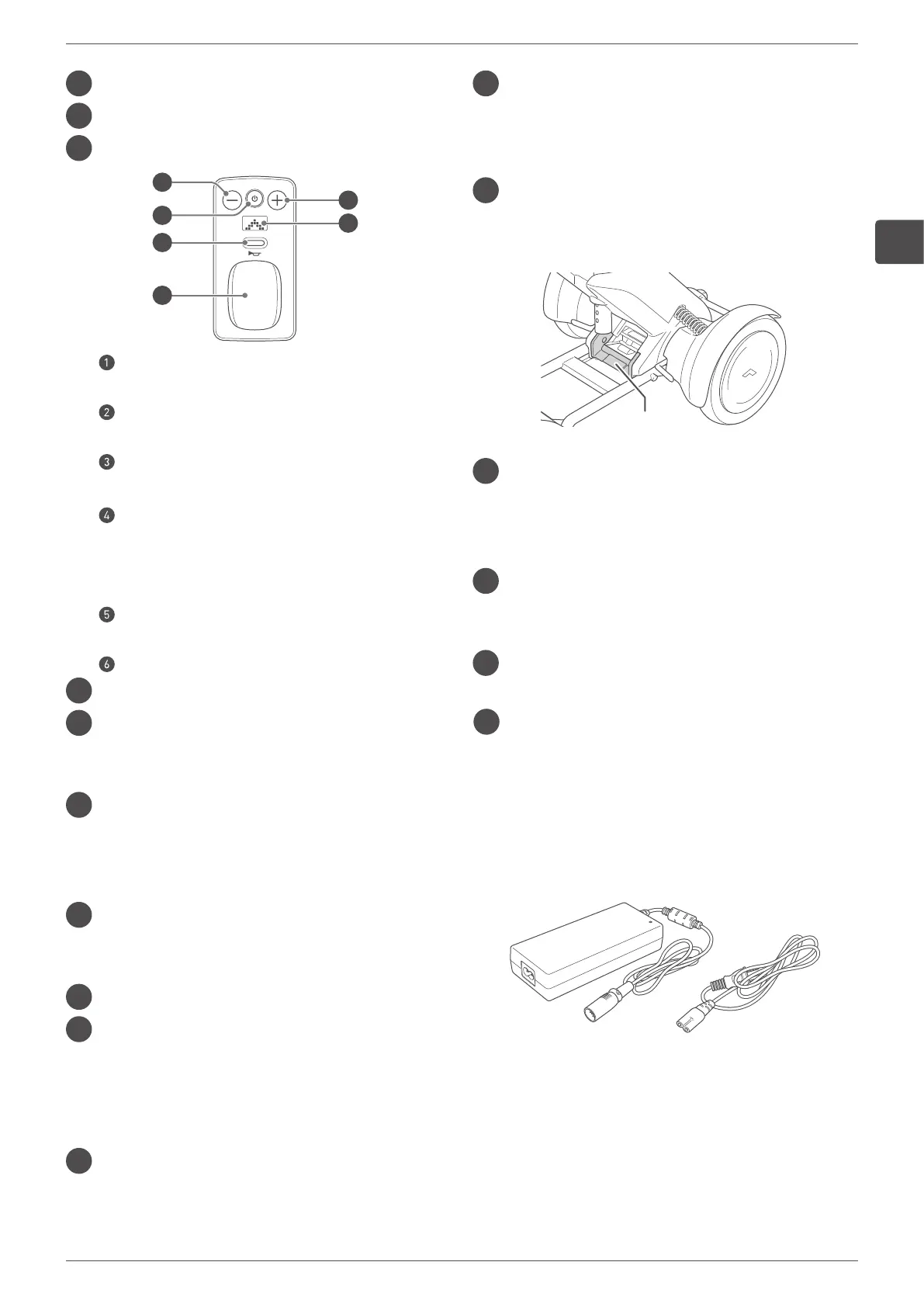
Control pad
3
4
2
5
6
1
Speed select button “–”
Decreases the maximum speed.
Power button
Turns on/off the device.
Sound button
Turns on/off the sound.
Joystick
Controls the forward, backward, left, and right
movements. The degree of joystick inclination
can also control acceleration and deceleration.
Speed select button “+”
Increases the maximum speed.
Display
Speaker
Seat release lever
Used to separate the seat assembly from the rear
drive base.
Storage basket (Sold separately. Equipped with
standard items depending on the area/countries.)
Used to carry storage items.
It is installed onto the front drive base.
Foot rest
Supports the user’s feet when the user is seated in
the device.
Front wheel (Omni-wheel)
Arm
The diagonal part located on the left and right sides
of the device.
The control pad can be installed on the end of the
left or right arm.
Accessory bar
Use to attach accessories.
Brake release lever
Used to lock/unlock the brakes for the rear wheels.
This lever is located under the seat assembly.
There are two levers in total.
Base release handle
This is the connection part of the rear drive base
and the front drive base.
Base release handle
Tail light (Sold separately. Equipped with
standard items depending on the area/countries.)
The red LED light located on the rear sides of the
arms.
Battery
For details, refer to “3.1. Battery and charger
components” on page 24.
Anti-tip bar
Prevents the device from tipping over backwards.
Rear wheel
¢
Charger
Used to charge the battery.
For details, refer to “3.1. Battery and charger
components” on page 24.


 To Next Page