2-2
n
Whirlpool Smart All-In-One Washer & Dryer
DIAGNOSTICS & TROUBLESHOOTING
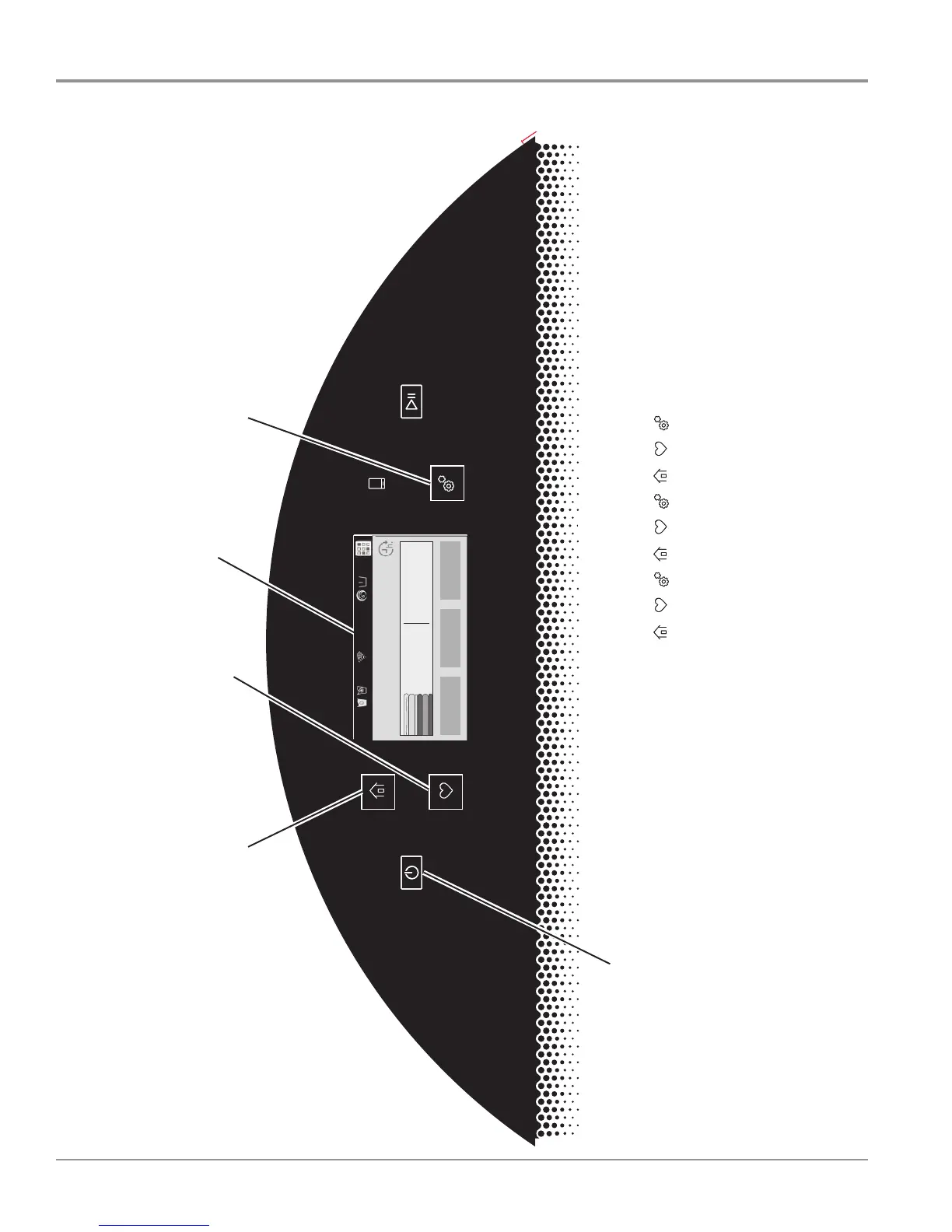
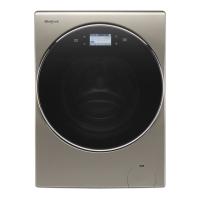
Figure 1 - Human Machine Interface (HMI)
For Service Technician Use Only
3$*(
FOR SERVICE TECHNICIAN’S USE ONLY
DO NOT REMOVE OR DESTROY
CONTROL PANEL (buttons to use when entering Service Diagnostic Mode and Tests)
1. P
ress and hold the POWER button until the display
tur
ns on. After approximately 1 minute, the display
will show the Home screen, as indicated above.
Figure 1 - User Interface
2. Press the HOME button, the FAVORITES button,
and the TOOLS button three times within 8 seconds
( ).
Make sure a tone sounds for each button press.
The WARNING DIAGNOSTIC MODE screen will
display. Touch ENTER to enter diagnostic mode.
Temperature
WARM
Spin Speed
EXTRA FAST
Auto Dry
Dry
What to Wash
REGULAR
How to Wash
NORMAL
4:28
3:15
Home screen
Home button Tools button
Favorites button
/// /// //




 To Next Page