EasyManua.ls Logo

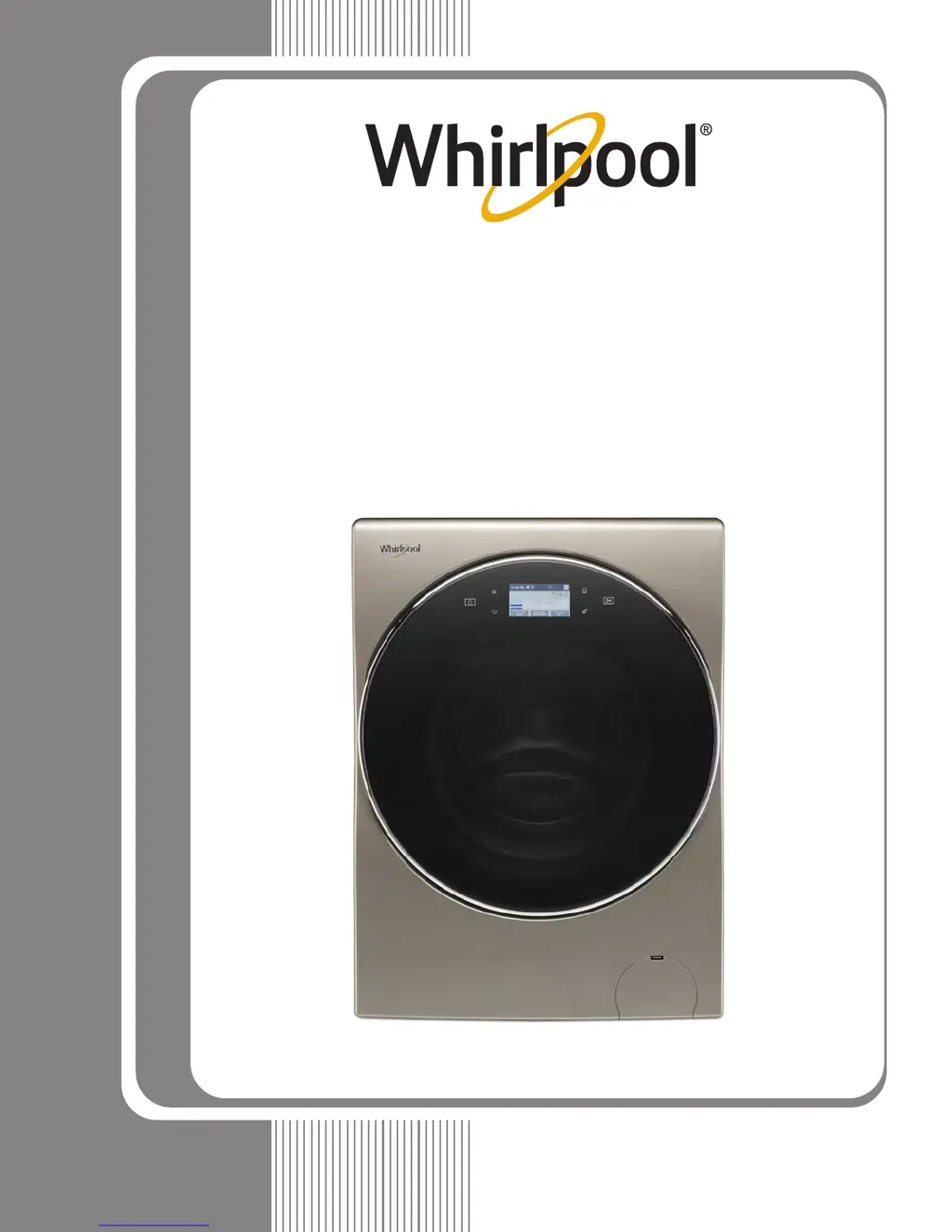
Whirlpool WFC8090GX - User Manual

Whirlpool WFC8090GX
82 pages
Print Icon
To Next Page IconTo Next Page
Loading...
TECHNICAL EDUCATION
JOB AID W10329932
L-84
Vertical Modular
Washer
L-96
SERVICE MANUAL
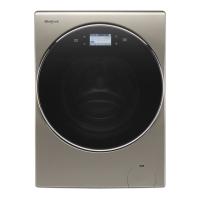
WHIRLPOOL 2.8 CU FT SMART
ALL-IN-ONE WASHER & DRYER
W11243198
WFC8090GX

Table of Contents

Other manuals for Whirlpool WFC8090GX

Questions and Answers

Summary

General Information

Washer & Dryer Safety

Essential safety guidelines for operating and servicing the appliance to prevent injury or damage.

Introduction to the Smart Washer;Dryer

Overview of the smart all-in-one washer and dryer features, benefits, and innovative capabilities.

Control Panel and Features

Detailed explanation of the washer/dryer control panel buttons, display functions, and features.

Theory of Operation

Explanation of how the dry cycle components function within the all-in-one appliance.

Product Specifications

Technical details including voltage, capacity, dimensions, and features of the Whirlpool washer/dryer.

All-In-One Washer;Dryer Maintenance

Recommendations and procedures for cleaning and maintaining the appliance for optimal performance.

Cleaning the Drain Pump Filter

Step-by-step guide for cleaning the drain pump filter and draining residual water from the appliance.

How to Manually Open a Locked Door

Instructions for manually unlocking the appliance door in case of an emergency or power failure.

Diagnostics and Troubleshooting

Diagnostic Guide

Checklist and procedures for diagnosing appliance issues before performing component tests.

Service Diagnostic Mode

How to access and use the appliance's service diagnostic mode for testing components.

Fault;Error Codes

List and explanation of error codes displayed by the appliance for troubleshooting.

Troubleshooting Guide

Common problems and their potential causes and solutions for the washer/dryer.

Component Testing

Wiring Diagram

Schematic illustrating electrical connections between appliance components for service.

ACU Power Check

Test procedure to verify incoming and outgoing power to the Appliance Control Unit (ACU).

Human-Machine Interface (HMI) Test

Procedure to test the HMI for display or sound issues and verify ACU communication.

Motor Circuit Test

Checks the motor, ACU, and wiring for proper function, resistance, and continuity.

Door Lock System Test

Verifies the function of the door lock mechanism, switch, and solenoid.

Inlet Valve Test

Checks the electrical connections and resistance of the main fill and condenser inlet valves.

Dry Heating Element Test

Procedure to test the dry heating element, thermal cutoffs, and associated wiring.

Dry Fan Motor Test

Test procedure for the dry fan motor, its resistance, and electrical connections.

Component Access

Removing the Door Assembly

Step-by-step instructions for safely removing the appliance's door and HMI connector.

Removing the Top Panel

Procedure for safely removing the top panel to access internal components.

Replacing the Human-Machine Interface (HMI)

Guide for replacing the HMI unit, including WiFi provisioning notes.

Removing the Appliance Control Unit (ACU)

Detailed steps for removing the ACU, including important connector handling advice.

Removing the Heater & Thermistor

Instructions for accessing and removing the wash heater and thermistor components.

Removing the Direct Drive Motor

Steps for removing the motor assembly, including rotor and stator procedures.

Connectivity

Smart Features Overview

Description of various smart features available via the Whirlpool app for convenience.

Internet Connectivity Guide

Instructions for downloading the Whirlpool app and connecting the appliance to WiFi.

WPS Connectivity Instructions

Guide for setting up WiFi connection using the Wireless Protected Setup (WPS) method.

Smart Operation

Explanation of how to use smart features like Remote Start and Specialty Cycles.

Connectivity Troubleshooting

Guide to resolve common issues with WiFi connection and smart features.

Summary

General Information

Washer & Dryer Safety

Essential safety guidelines for operating and servicing the appliance to prevent injury or damage.

Introduction to the Smart Washer;Dryer

Overview of the smart all-in-one washer and dryer features, benefits, and innovative capabilities.

Control Panel and Features

Detailed explanation of the washer/dryer control panel buttons, display functions, and features.

Theory of Operation

Explanation of how the dry cycle components function within the all-in-one appliance.

Product Specifications

Technical details including voltage, capacity, dimensions, and features of the Whirlpool washer/dryer.

All-In-One Washer;Dryer Maintenance

Recommendations and procedures for cleaning and maintaining the appliance for optimal performance.

Cleaning the Drain Pump Filter

Step-by-step guide for cleaning the drain pump filter and draining residual water from the appliance.

How to Manually Open a Locked Door

Instructions for manually unlocking the appliance door in case of an emergency or power failure.

Diagnostics and Troubleshooting

Diagnostic Guide

Checklist and procedures for diagnosing appliance issues before performing component tests.

Service Diagnostic Mode

How to access and use the appliance's service diagnostic mode for testing components.

Fault;Error Codes

List and explanation of error codes displayed by the appliance for troubleshooting.

Troubleshooting Guide

Common problems and their potential causes and solutions for the washer/dryer.

Component Testing

Wiring Diagram

Schematic illustrating electrical connections between appliance components for service.

ACU Power Check

Test procedure to verify incoming and outgoing power to the Appliance Control Unit (ACU).

Human-Machine Interface (HMI) Test

Procedure to test the HMI for display or sound issues and verify ACU communication.

Motor Circuit Test

Checks the motor, ACU, and wiring for proper function, resistance, and continuity.

Door Lock System Test

Verifies the function of the door lock mechanism, switch, and solenoid.

Inlet Valve Test

Checks the electrical connections and resistance of the main fill and condenser inlet valves.

Dry Heating Element Test

Procedure to test the dry heating element, thermal cutoffs, and associated wiring.

Dry Fan Motor Test

Test procedure for the dry fan motor, its resistance, and electrical connections.

Component Access

Removing the Door Assembly

Step-by-step instructions for safely removing the appliance's door and HMI connector.

Removing the Top Panel

Procedure for safely removing the top panel to access internal components.

Replacing the Human-Machine Interface (HMI)

Guide for replacing the HMI unit, including WiFi provisioning notes.

Removing the Appliance Control Unit (ACU)

Detailed steps for removing the ACU, including important connector handling advice.

Removing the Heater & Thermistor

Instructions for accessing and removing the wash heater and thermistor components.

Removing the Direct Drive Motor

Steps for removing the motor assembly, including rotor and stator procedures.

Connectivity

Smart Features Overview

Description of various smart features available via the Whirlpool app for convenience.

Internet Connectivity Guide

Instructions for downloading the Whirlpool app and connecting the appliance to WiFi.

WPS Connectivity Instructions

Guide for setting up WiFi connection using the Wireless Protected Setup (WPS) method.

Smart Operation

Explanation of how to use smart features like Remote Start and Specialty Cycles.

Connectivity Troubleshooting

Guide to resolve common issues with WiFi connection and smart features.

Whirlpool WFC8090GX Specifications

General IconGeneral
Door colorBlack
Door hingeLeft
Display typeLCD
Loading typeFront-load
Product colorGold
Built-in displayYes
Appliance placementFreestanding
Inverter technology-
Drying capacity12 kg
Washing capacity- kg
Maximum spin speed- RPM
Noise level (wash)- dB
Water consumption washing per cycle- L
Weight and Dimensions IconWeight and Dimensions
Depth- mm

Related product manuals