DIAGNOSTICS & TROUBLESHOOTING
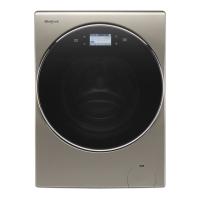
Whirlpool Smart All-In-One Washer & Dryer
n
2-5
Connued on following page . . .
For Service Technician Use Only
SERVICE DIAGNOSTIC MODE TESTS (Connued)
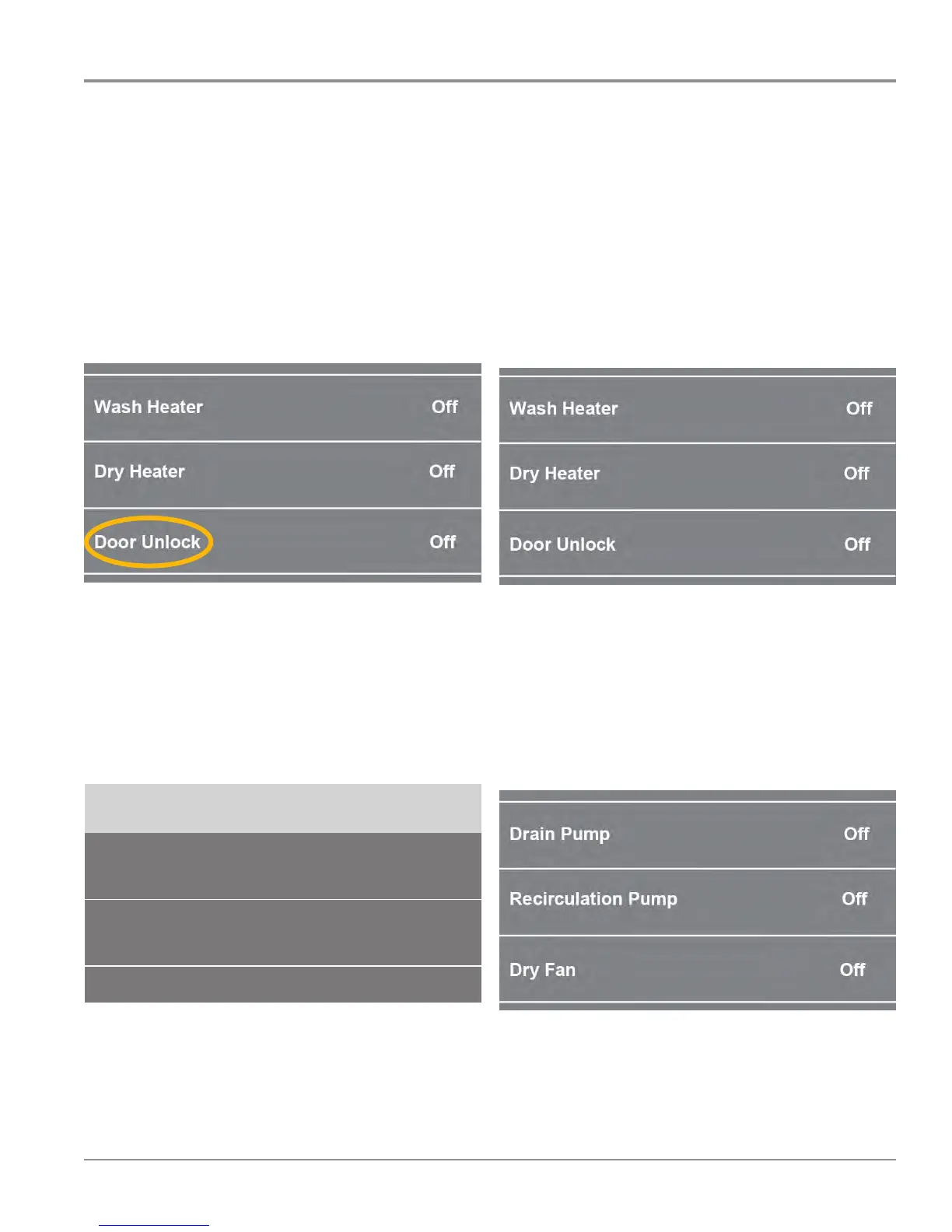
Scroll down and select “Door Unlock” and verify the door is
“Locked” (see NOTE below).
NOTE:
The “state” of the door lock reverses when you select “On”
and “O”.
For example:
• if the door is unlocked, selecng “Door Unlock” will lock
the door
• if the door is locked, selecng “Door Unlock” will unlock
the door
Figure 3
Scroll back up and tun on loads as follows:
• Turn “Motor Turn Le/CCW” On – conrm CCW drum
rotaon
• Turn “Motor Turn Le/CCW” O
• Turn “Motor Turn Le and Right” On – conrm le and
right drum rotaon
• Turn “Motor Turn Le and Right” O
3$*(
FOR SERVICE TECHNICIAN’S USE ONLY
DO NOT REMOVE OR DESTROY
SERVICE DIAGNOSTIC MODE TESTS
NOTE: The Service Diagnostic Mode must be activated before performing the tests;
see procedure on page 3.
< DIAGNOSTICS HOME
Error Diagnostic
Clear Error History
Clear Error History
System Info
Component Activation
WiFi
From the DIAGNOSTICS HOME SCREEN:
Scroll down and select
“Component Activation”
Motor Turn Left and Right
Wash Heater
Door Unlock
Drain Pump
Off
Off
Off
Off
Scroll down and select
“Door Unlock”
Scroll back up and turn on loads
as follows:
Turn “Motor Turn Left/CCW” On –
confirm wattage measurement
Turn “Motor Turn Left/CCW” Off –
confirm wattage measurement
Turn “Motor Turn Left and Right” On –
confirm wattage measurement
Turn “Motor Turn Left and Right” Off –
confirm wattage measurement
< Component Activation
Motor Turn Left /CCW
Motor Turn Left and Right
Off
Off
Figure 4
• Turn “Wash Heater” On – conrm voltage measurement.
IMPORTANT: Turn “Wash Heater” On only long enough to
test voltage, otherwise damage to component may result.
• Turn “Wash Heater” O
• Turn “Dry Heater” On – conrm voltage measurement.
IMPORTANT: Turn “Dry Heater” On only long enough to
test voltage, otherwise damage to TCO’s may result.
• Turn “Dry Heater” O
• Skip “Door Unlock”
Figure 5
• Turn “Drain Pump” On – conrm voltage measurement
• Turn “Drain Pump” O
• Turn “Recirculaon Pump” On – conrm voltage measurement
• Turn “Recirculaon Pump” O
• Turn “Dry Fan” On – conrm voltage measurement
• Turn “Dry Fan” O
Figure 6
“Skip”




 To Next Page