11 / 65
www.wireless-tek.com
二、WEB PAGE INTRODUCTION
The WEB pages of the switch are organized into groups, each consisting of one or more
Web pages. The following is an introduction to each page.
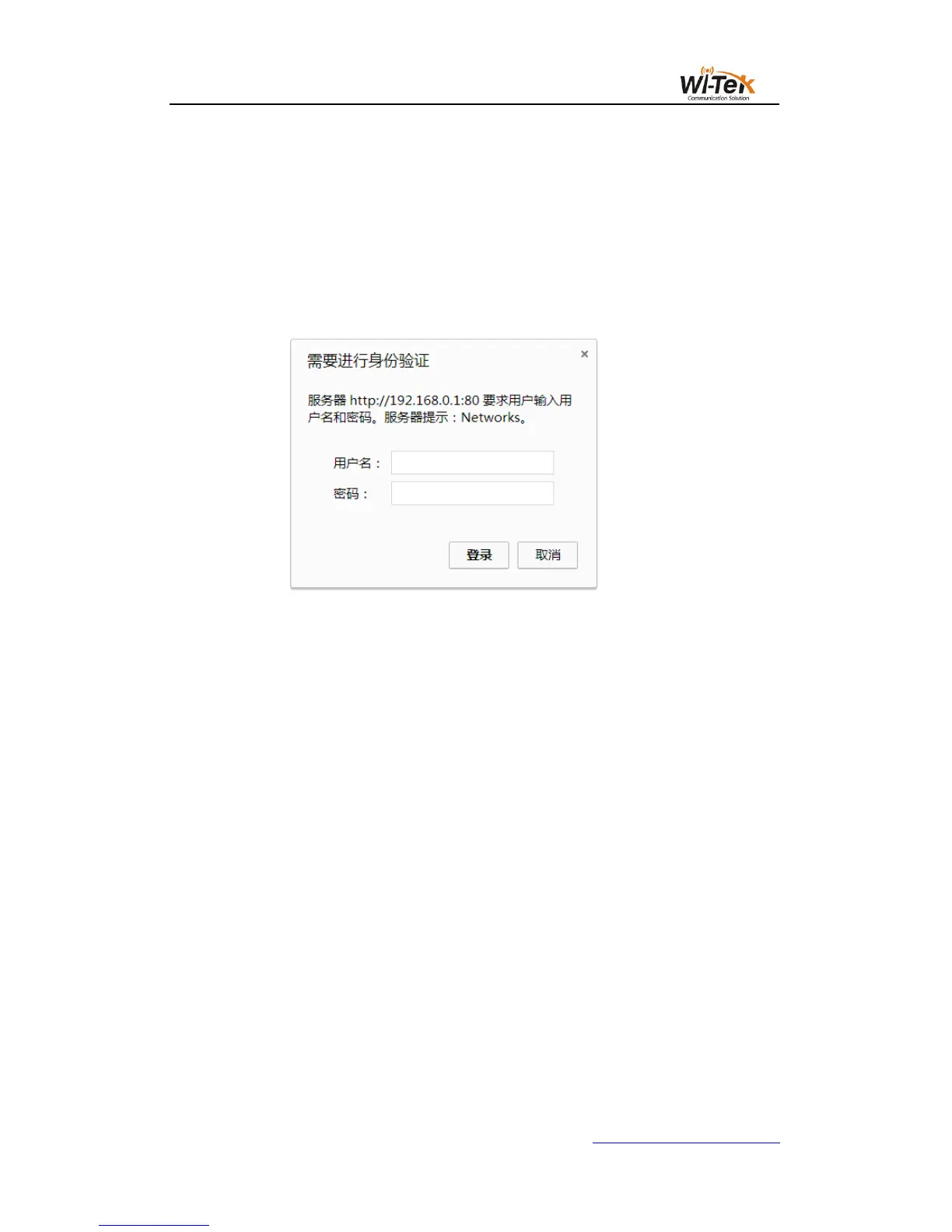
1、Login dialog box
Pic 7 WEB Browse the session's login page
Figure 7 shows the login dialog box, which is displayed when the user first logs in to the
web page.The user enters the user name and password in the corresponding field, and then
clicks the OK key to log in to the Web server of the switch.Password is case-sensitive,
anonymous user password can be set up to 16 characters, and multi-user name and password
are up to 16 characters can be set.
The default user name for the switch is anonymous user name admin. The default password
is anonymous user password. Anonymous user password is empty by default.
2、Main page
Figure 8 shows the WEB main page of the switch. The page will be displayed after the
user logs in to the page.



 To Next Page