20 / 65
www.wireless-tek.com
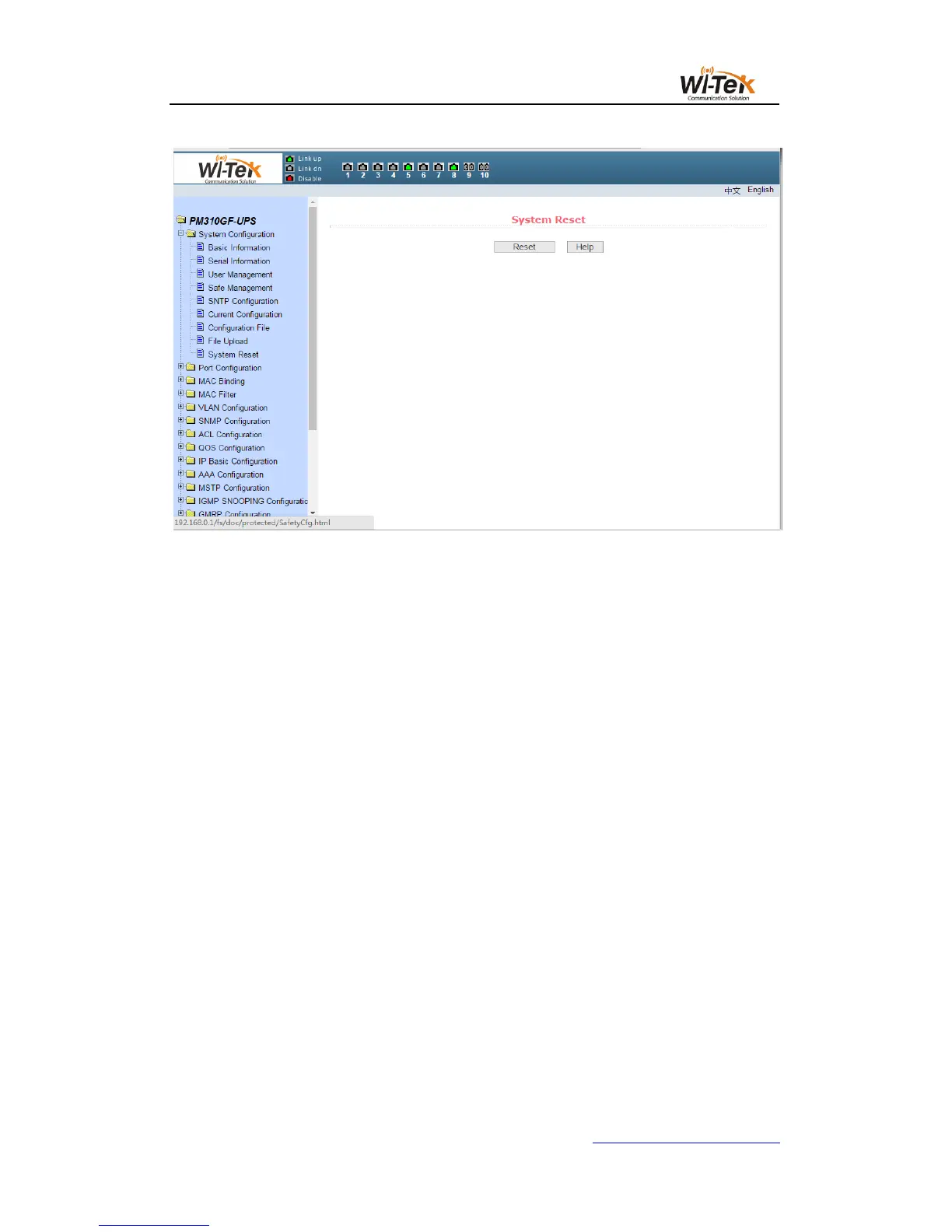
Pic 17 System reset page
4、Port configuration
(1)Port configuration/show page
Figure 18 shows the port configuration/show page.The user can enable or disable the port
through this page, set the port speed, or view the basic information of all ports.
To set a specific port, select the appropriate port name in the drop-down menu for the
user's port.Port status defaults to up, and you can select the down in the drop-down menu to
disable the port.The user can also choose to set the speed drop-down menu to set the speed
of the port, such as the mandatory semi-duplex for the port, 10M (half - 10), etc. Users can
view other basic information for all ports from this page.



 To Next Page