33 / 65
www.wireless-tek.com
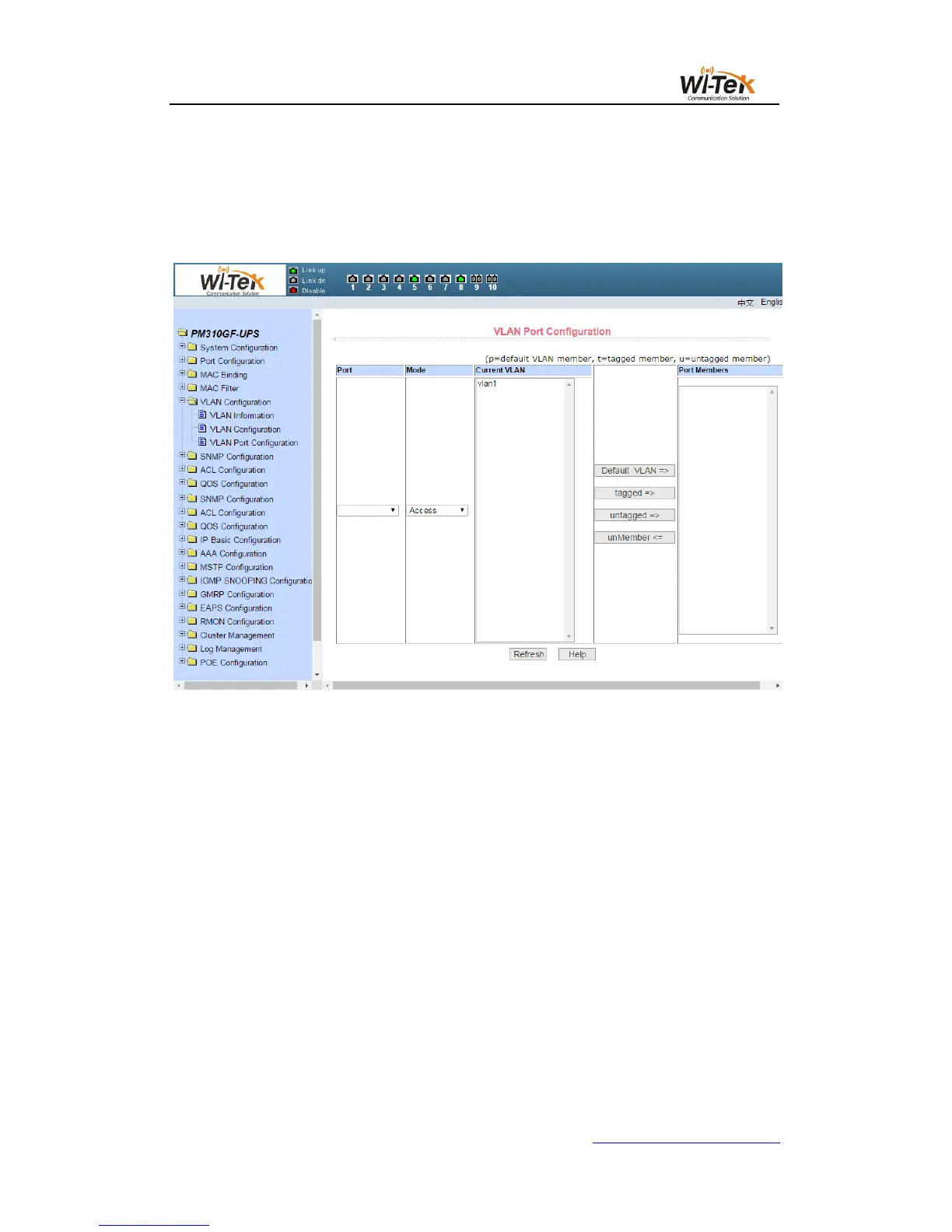
Press "untagged =>" to configure the port as an untagged member of the specified VLAN,
and select one or more VLAN from all the current VLAN.
The key "Non-member <=" removes the port from the specified one or more VLAN, is
no longer a member of these VLAN, and selects one or more VLAN from the VLAN to
which the port belongs.
Pic 33 VLAN port configuration page
8、SNMP configuration
(1)SNMP community configuration page
Figure 34 shows the SNMP Community Configuration page, which allows the user to
configure the name of the switch and the read and write permissions, and a total of eight
entries can be configured.
By default, the switch has a public name of the common body, the common body is
read-only permissions. Corresponding to this, there is only one active entry on the page, the
common name is public, and the permissions are read-only. When the switch needs to be
networked through SNMP, you need to configure a readable and writable community.



 To Next Page