64 / 65
www.wireless-tek.com
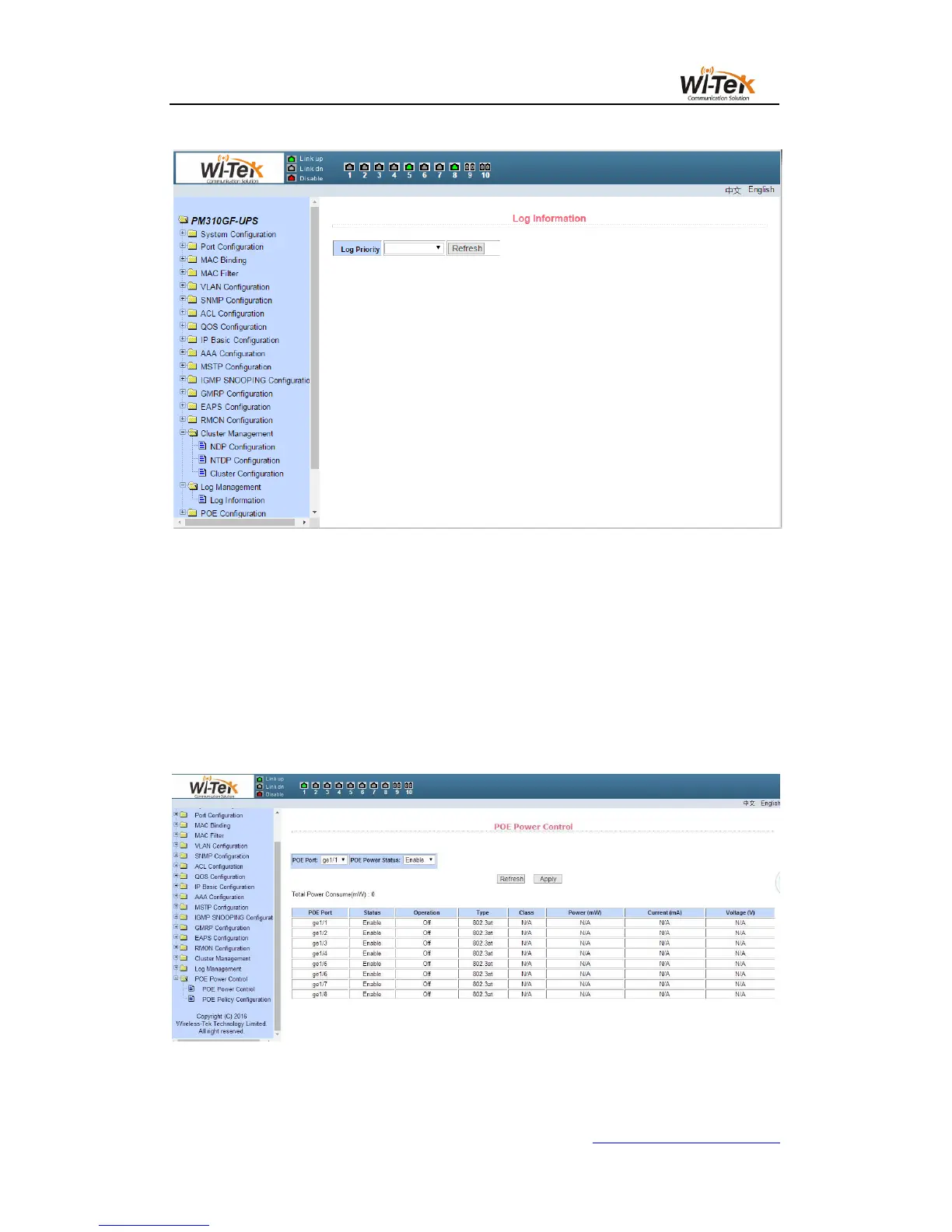
Pic 71 Log information page
21、POE port configuration
(1)POE port configuration
Figure 72 shows the 48V 802.3af/at POE product configuration page. You can configure
POE device total power (to be updated), POE single port power (to be updated), POE on or
off;This page allows you to view information about the current POE device
POE port:Select the power supply port number (1-24)
POE commodity status:enable or disable
Pic 72 48V 802.3af/at POE product configuration page
(2)POE schedule configuration



 To Next Page