65 / 65
www.wireless-tek.com
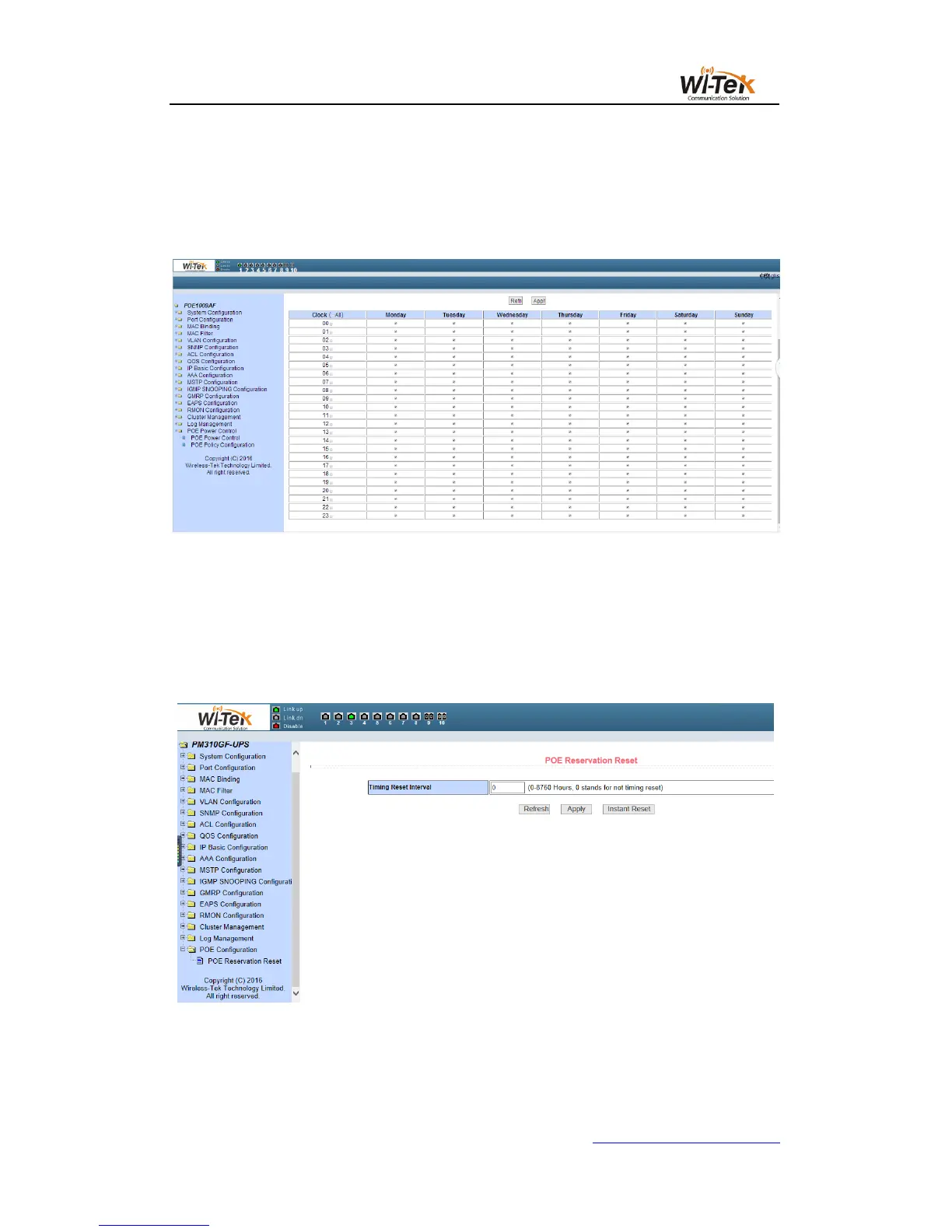
Figure 73 shows the POE schedule configuration page. Through scheduling management,
you can enable or disable POE power supply according to actual requirements. The control
mode is hour + week mode.
Control port:Used to select the ports that need scheduled management (1-24)
control function:enable or disable
Pic 73 48V 802.3af/at POE schedule configuration page
(3)POE Online detection (system to be updated)
Used to turn on or off the online detection device status detection, when the device when
the machine is re-starting the device power supply.
(4)24V Passive POE Reset
For 24V Passive PoE model, you can reset all PoE Port at page, to finish restart your PD
device like Wireless AP.
Pic 74 24V Passive POE product PoE Port Reset



 To Previous Page