7、Error message
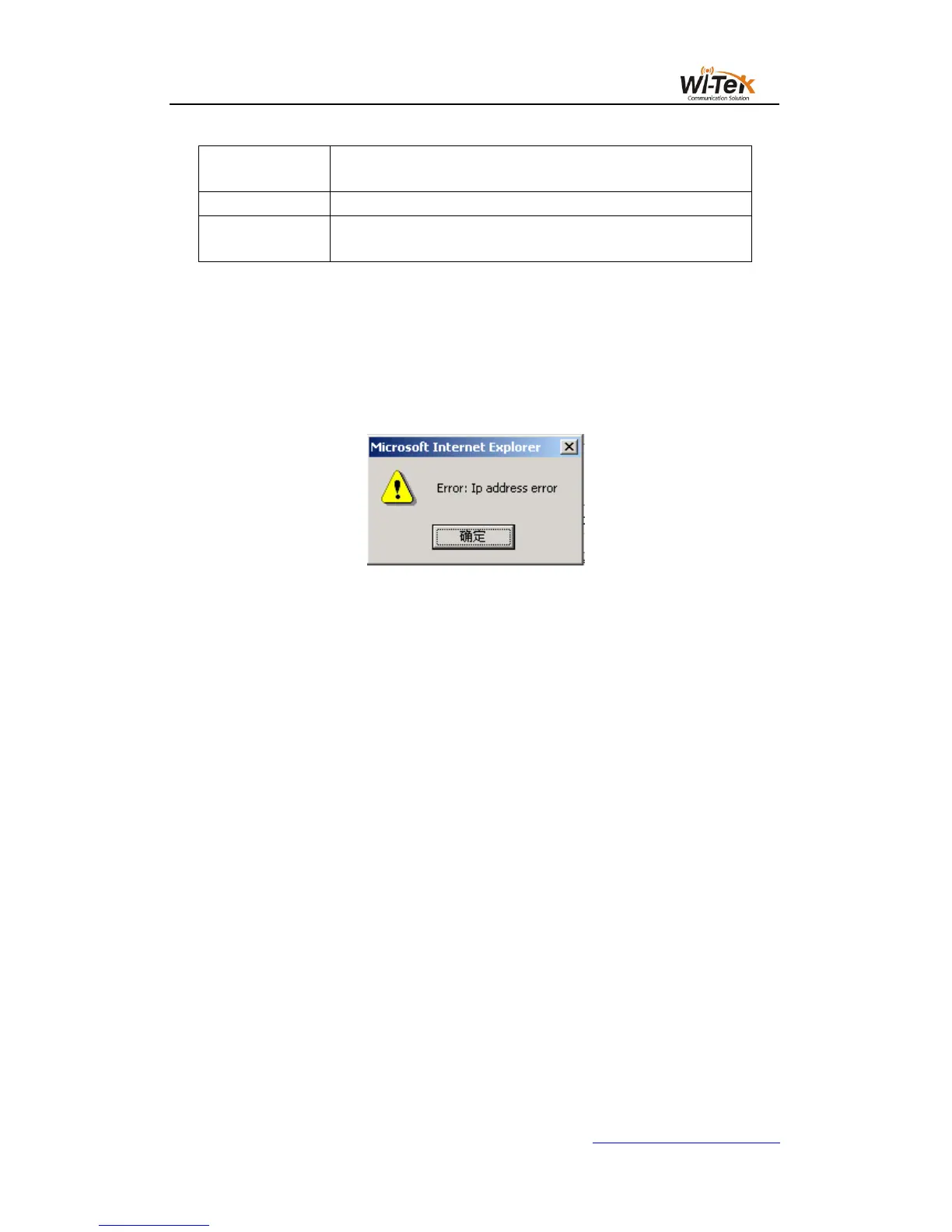
If the switch's WEB server is in error when processing user requests, the corresponding
error message is displayed in a dialog box.For example, Figure 4 shows an error message
dialog box.
Pic 4 Error message's page
8、Entry field
There are some pages in the leftmost column of the table that have an entry field, as
shown in Figure 5, through which you can access different rows in the table.When you select a
value in the entry field, the corresponding information for that row is displayed on the first row,
and only the row can be edited, which is also called the active row.When the first page is
loaded, the entry field displays new, the active row is empty.
If you want to add a new row, select new from the drop-down menu of the entry field, enter
the new row information, and press the Apply key.
If you want to edit an existing row, select the appropriate row number from the drop field
menu of the entry field, edit the row as needed, and press the Apply key. You will see the
corresponding change displayed in the table.
If you want to delete a row, select the corresponding row number from the drop-down
menu in the entry field and press the Delete key. The row will disappear from the table.



 To Next Page