12 / 65
www.wireless-tek.com
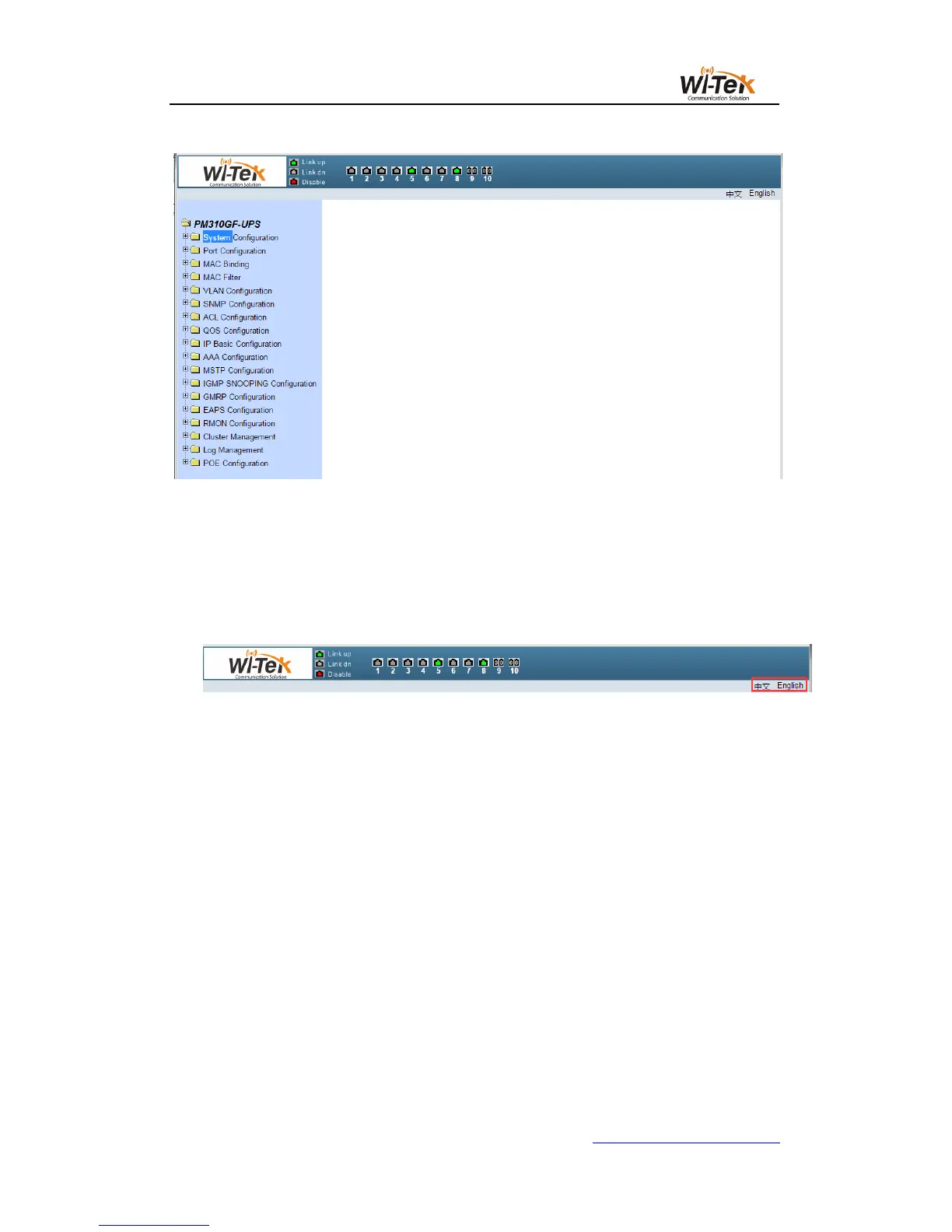
Pic 8 Switch the main page
3、System Configuration
Language switching: switch buttons in the upper right corner and easily switch between
Chinese and English system interfaces.
(1)Basic information page
Figure 9 shows the basic information configuration page where the user can configure the
basic information for the switch.
System Description Displays a description of the system-related parameters.
The system descriptor identification number indicates the identity of the system in network
management.
The system version number shows the version number of the current software used by
the switch.
The number of network interfaces displays the current number of network interfaces in the
switch.
System Startup Time Displays the time the switch was started to the present time.
The system clock displays the current clock of the system. The user can modify the
system's current clock and need to enter the year, month, day, hour, minute, and seconds
parameters.
The system name displays the system name of the switch in the network. The user can
modify the system name.



 To Next Page