30 / 65
www.wireless-tek.com
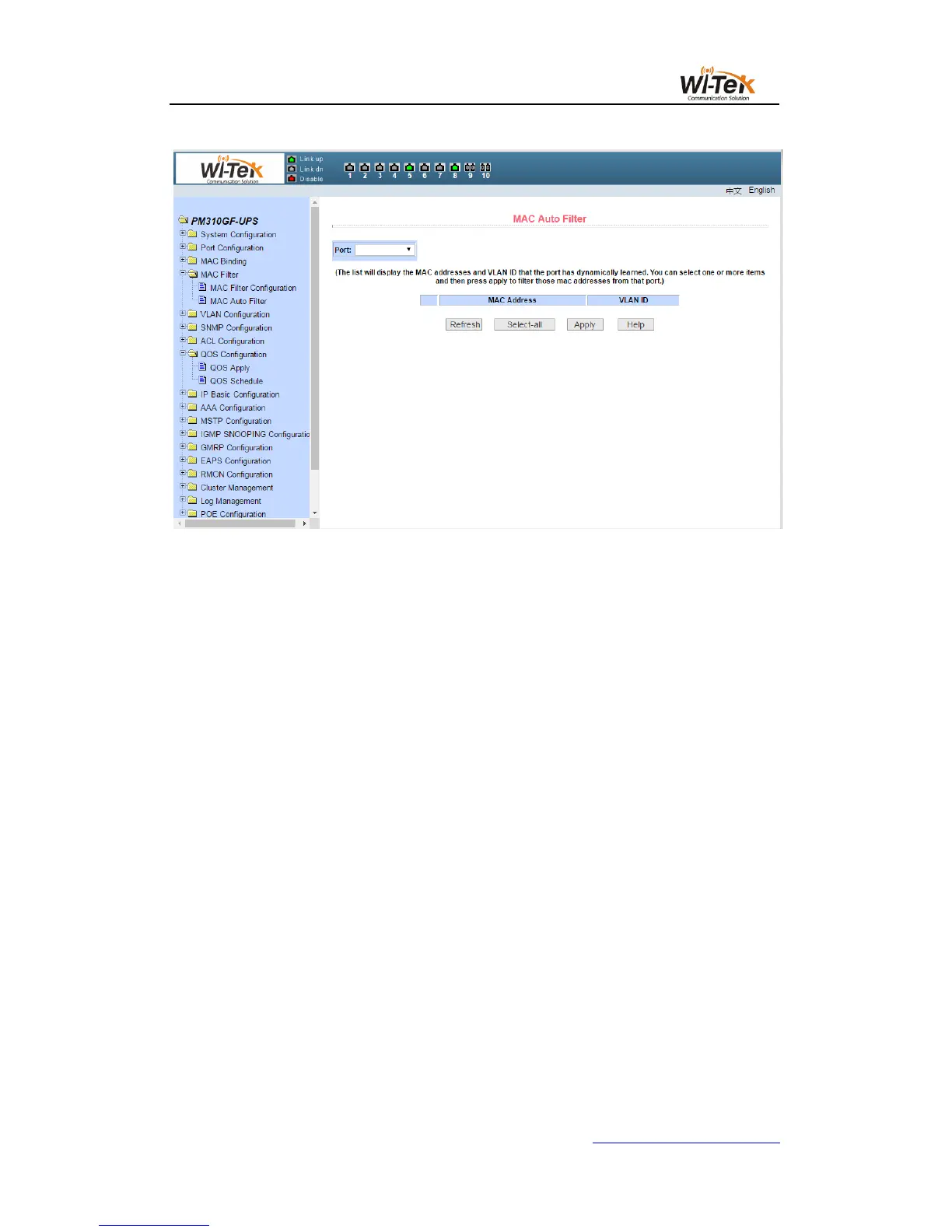
Pic 30 MAC auto filter page
7、VLAN configuration
(1)VLAN information page
Figure 31 shows the current VLAN information page. The page is a read-only page that
shows the current VLAN, VLAN status, and VLAN port members. Drop-down box will show all
the current vlan, the list shows up to 30 vlan VID, state and port members.Select a vlan from
the drop-down box, and the list will display information with a VID greater than 30 vlan for that
vlan. But if all the vlan no more than 30, regardless of the drop-down box to choose which vlan,
the list will show all the vlan information.
A port can not be a member of a VLAN, either a tagged member or a untagged member of
a VLAN. The characters in the front of the page are as follows:
t tagged The port is a tagged member of this VLAN
u untagged The port is a untagged member of this VLAN



 To Next Page