31 / 65
www.wireless-tek.com
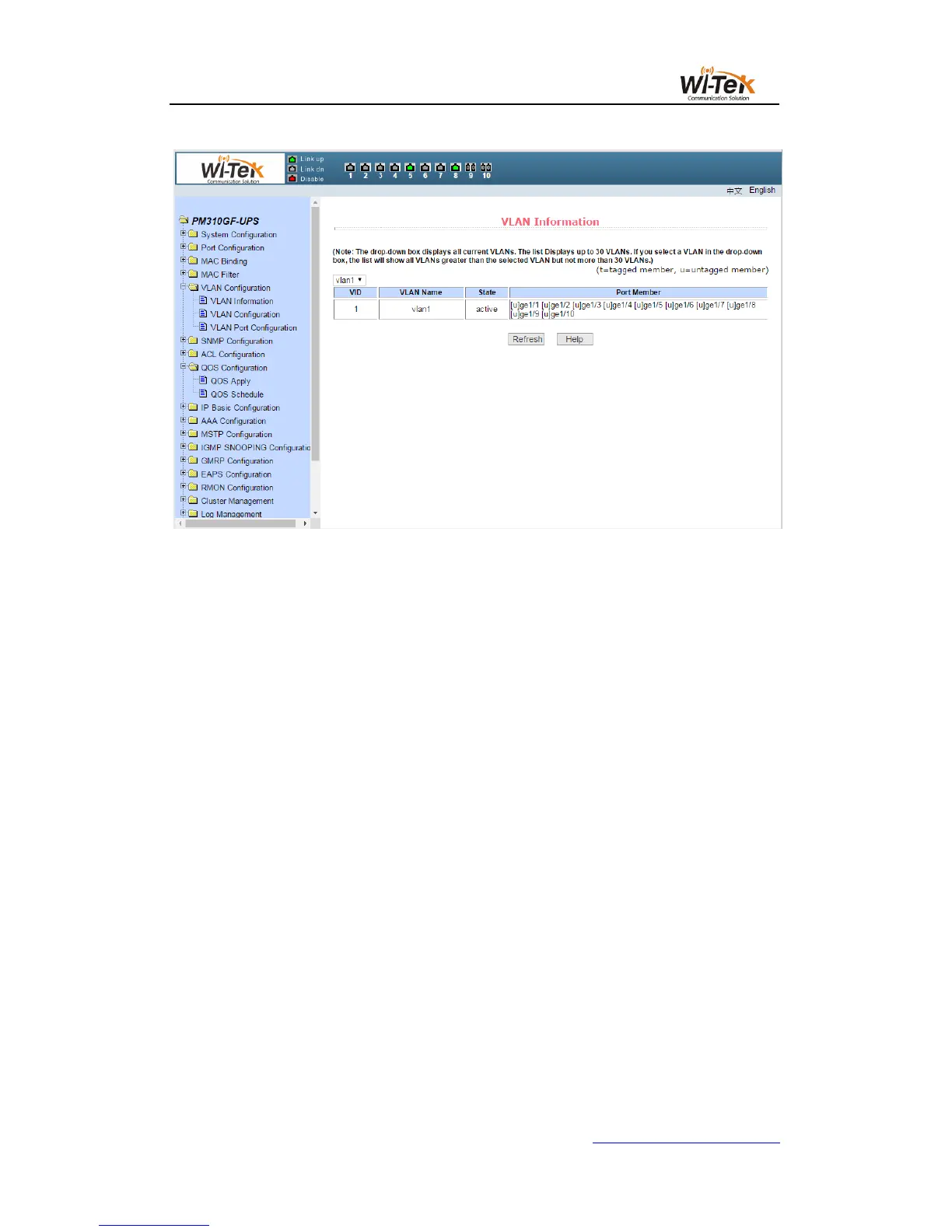
Pic32 VLAN information page
(2)Static VLAN conformation page
Figure 32 shows a static VLAN configuration page, which allows users to create VLAN.
If you want to create a new VLAN, the user enters a VID in the active line, ranging from 2
to 4094. The VLAN name is generated by the system according to the VLAN ID and can not be
modified. Click the Apply key, and the list box displays the VID and VLAN name of the VLAN
created by the user. The switch creates VLAN 1 by default, and VLAN 1 can not be deleted.
If you want to delete a VLAN, the user needs to click the corresponding VLAN in the list
box. The VLAN will be displayed in the active line, click the Delete button to delete the VLAN,
and the VLAN information will be removed from the list box.。



 To Next Page