34 / 65
www.wireless-tek.com
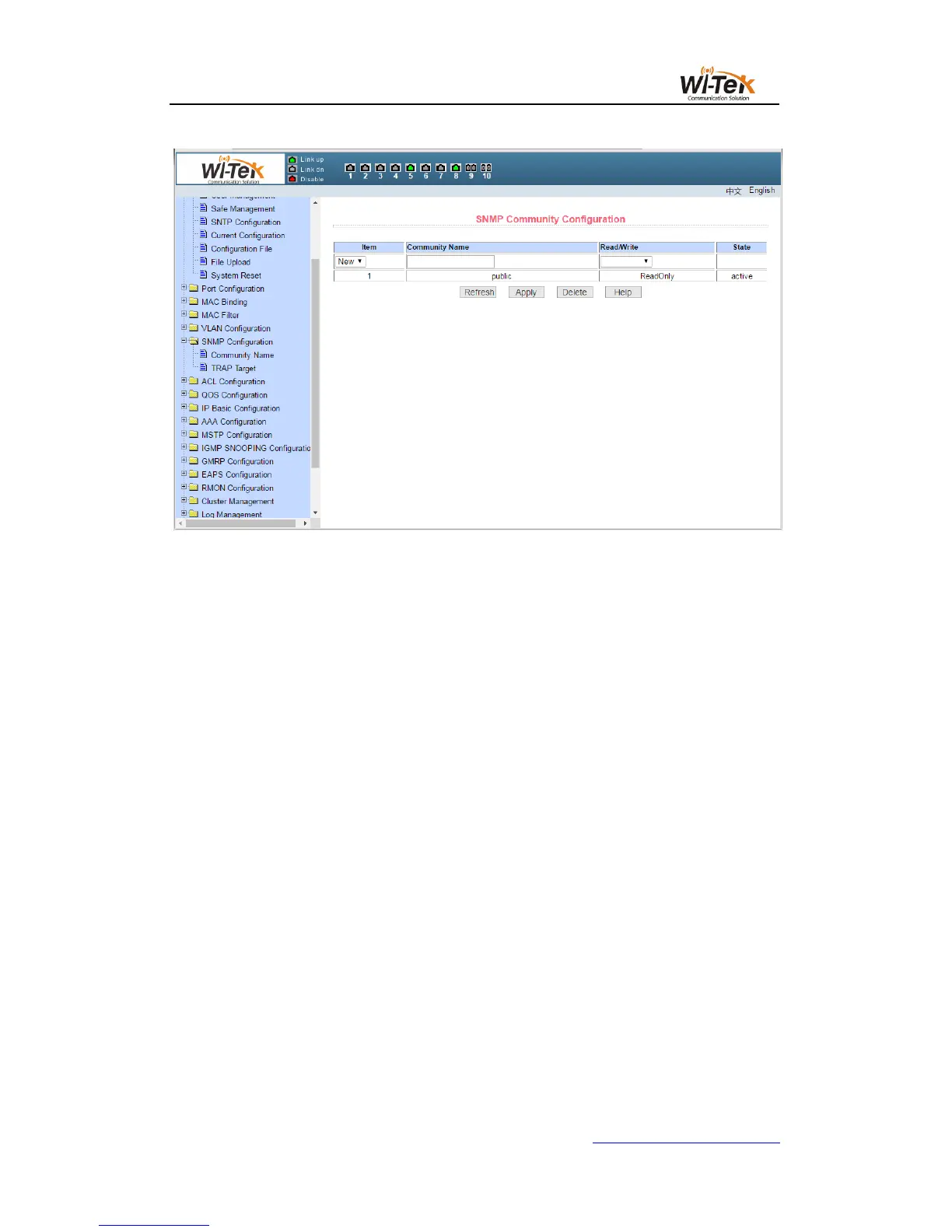
Pic 34 SNMP community configuration page
(2)TRAP target configuration page
Figure 35 shows the TRAP target configuration page, which allows the user to configure
the IP address of the workstation that received the TRAP message and
Some parameters of the TRAP protocol package.
When configuring an entry, the name is used to enter the TRAP name. The IP address is
used to enter the destination address. The SNMP version is used to select the version of the
TRAP packet. If the setting is successful, the status in the entry will be displayed as active. If
the configuration succeeds, the SNMP TRAP function will take effect. In the event of link up or
link down, the switch will automatically send the TRAP packet to the destination address.



 To Next Page