19 / 65
www.wireless-tek.com
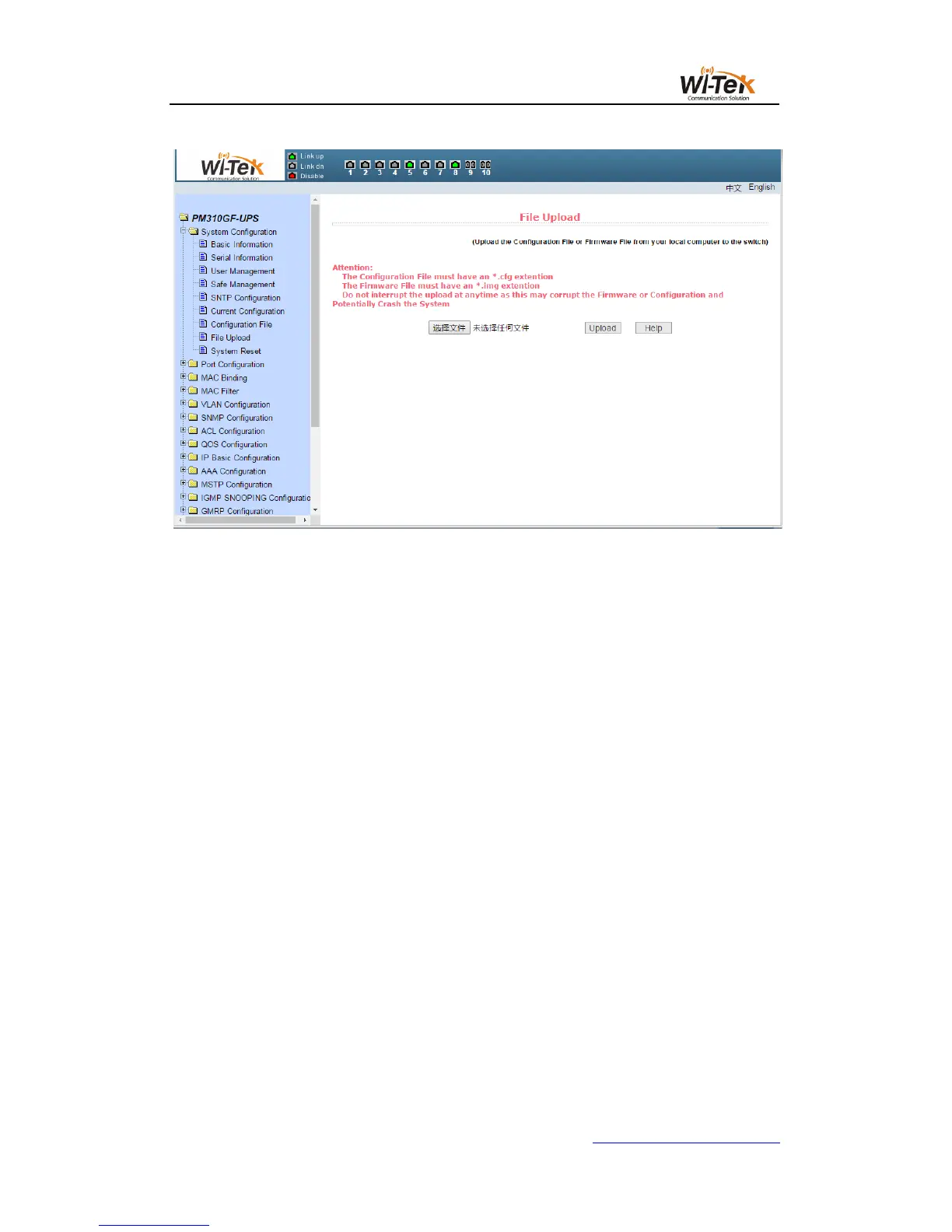
Pic 16 File upload page
(9)System reset page
Figure 17 shows the system reset page, through this page users to restart the
switch.When you click the restart button, a dialog box will pop up prompting you if the user is
sure to restart the switch. If OK, press the OK key. Otherwise, press the Cancel key.The Web
page will no longer be opened when it is restarted.



 To Next Page