18 / 65
www.wireless-tek.com
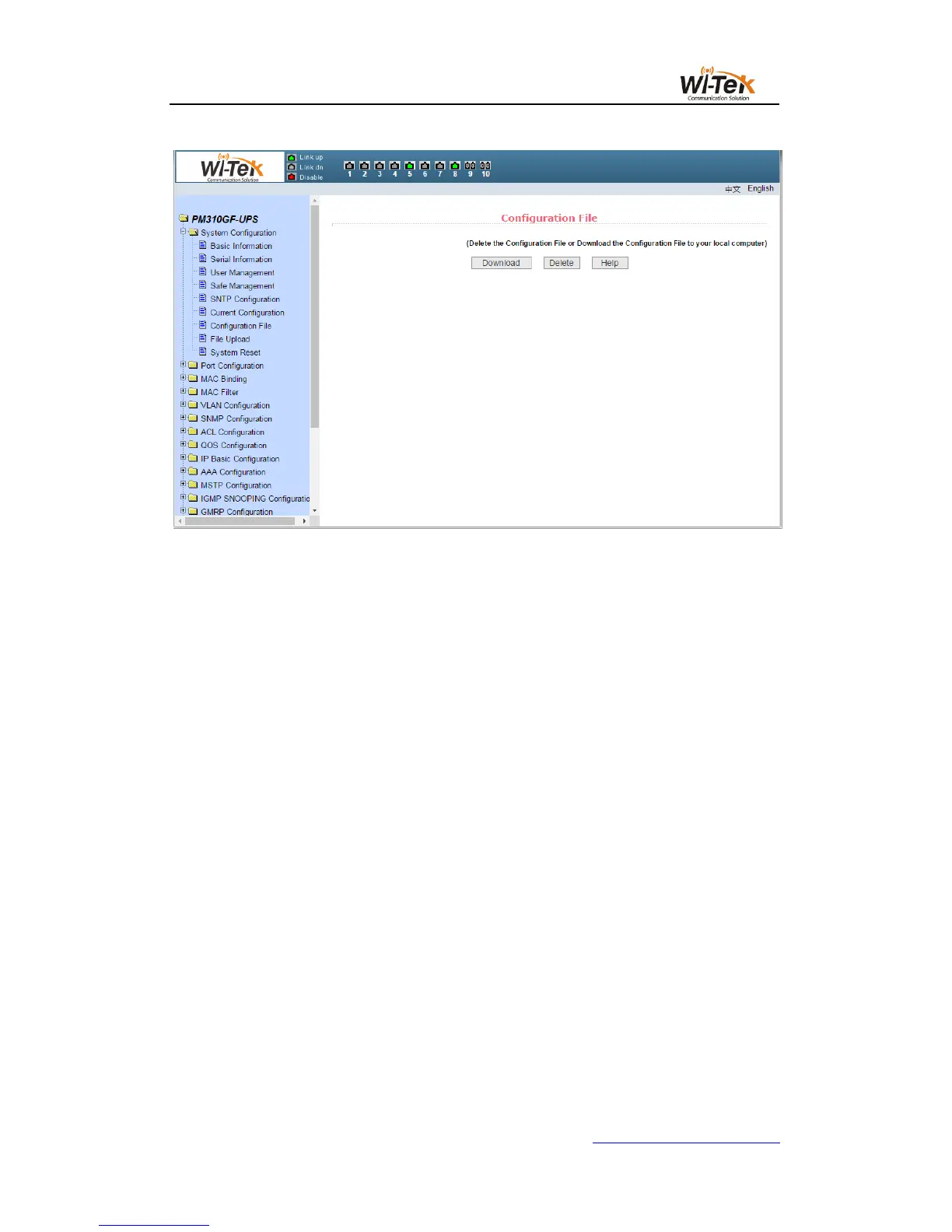
Pic 15 Configuration file page
(8)File upload page
Figure 16 shows the file upload page, through which users can upload configuration files
and image files to the switch.Click the Browse button to select the directory path of the
uploaded profile or image file on the PC.Click the upload key to upload the configuration file or
image file. The configuration file suffix must be * .cfg. The image file must be provided by the
manufacturer and the file name suffix must be * .img. Do not click on other pages or reboot the
switch before the transfer results page returns. Otherwise, the file transfer failure causes the
system to crash.



 To Next Page